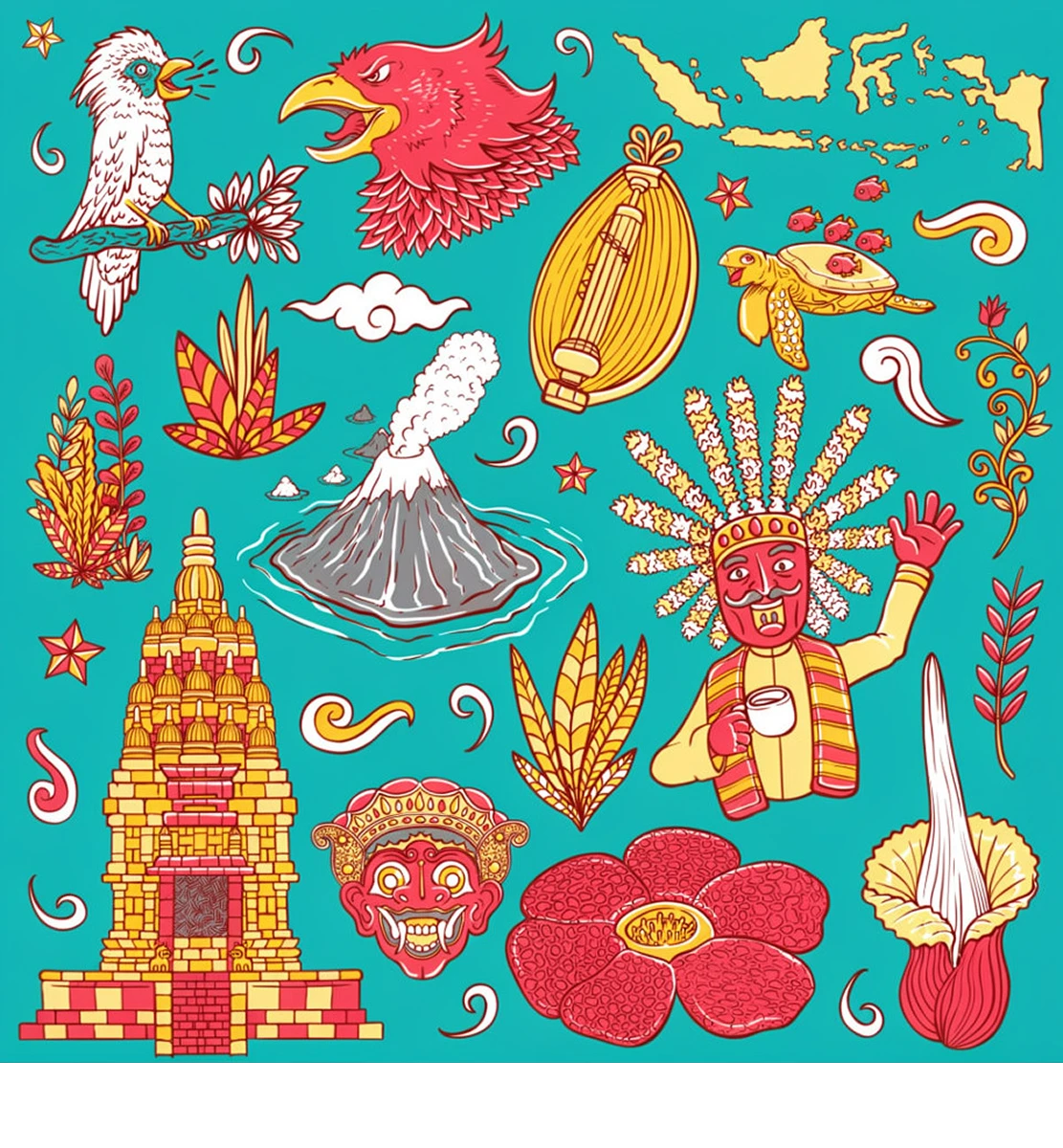

Flat Illustrations
Clean visible marks from character illustrations, decorative artwork, and other flat graphics. Review the result before placing the image into your layout.
Remove visible overlays from authorized VectorStock illustrations, icons, line art, and patterns while keeping the full image dimensions. Inspect the repaired lines, colors, and shapes before downloading.
Supports JPG, JPEG, PNG, WEBP, and BMP. Max 1 image, 20MB. Only upload images you own or are authorized to edit.
Total Estimated Cost
0 Credits
Clean visible marks from character illustrations, decorative artwork, and other flat graphics. Review the result before placing the image into your layout.
Process watermarks on raster images of icons, symbols, and outlined designs. Fine strokes and small shapes need a close check after removal.
Erase visible watermark overlays from patterned backgrounds and decorative images. Check the cleaned area against the surrounding design before reuse.
Inspect the repair
A graphic can look clean at a glance while small defects remain. Compare the original and processed image at full size, especially where the watermark crosses the artwork.
Follow each stroke through the repaired area. Look for gaps, uneven thickness, or changes to corners and curves.
Check solid fills for discolored patches and soft edges. The restored area should blend with the surrounding color.
Inspect circles, borders, and repeating elements for changes in shape, spacing, or alignment. These details matter when the graphic appears prominently in a design.
Use cleaned, authorized illustrations in presentation slides, proposals, and visual explanations without a watermark crossing the subject.
Prepare an image for a post, announcement, or campaign layout before adding your own copy in a design editor.
Clean a licensed graphic for a website banner, article illustration, or supporting visual. Use an image with enough source resolution for its intended display size.
Place the processed image into an authorized layout draft to assess its fit alongside typography, colors, and other design elements.
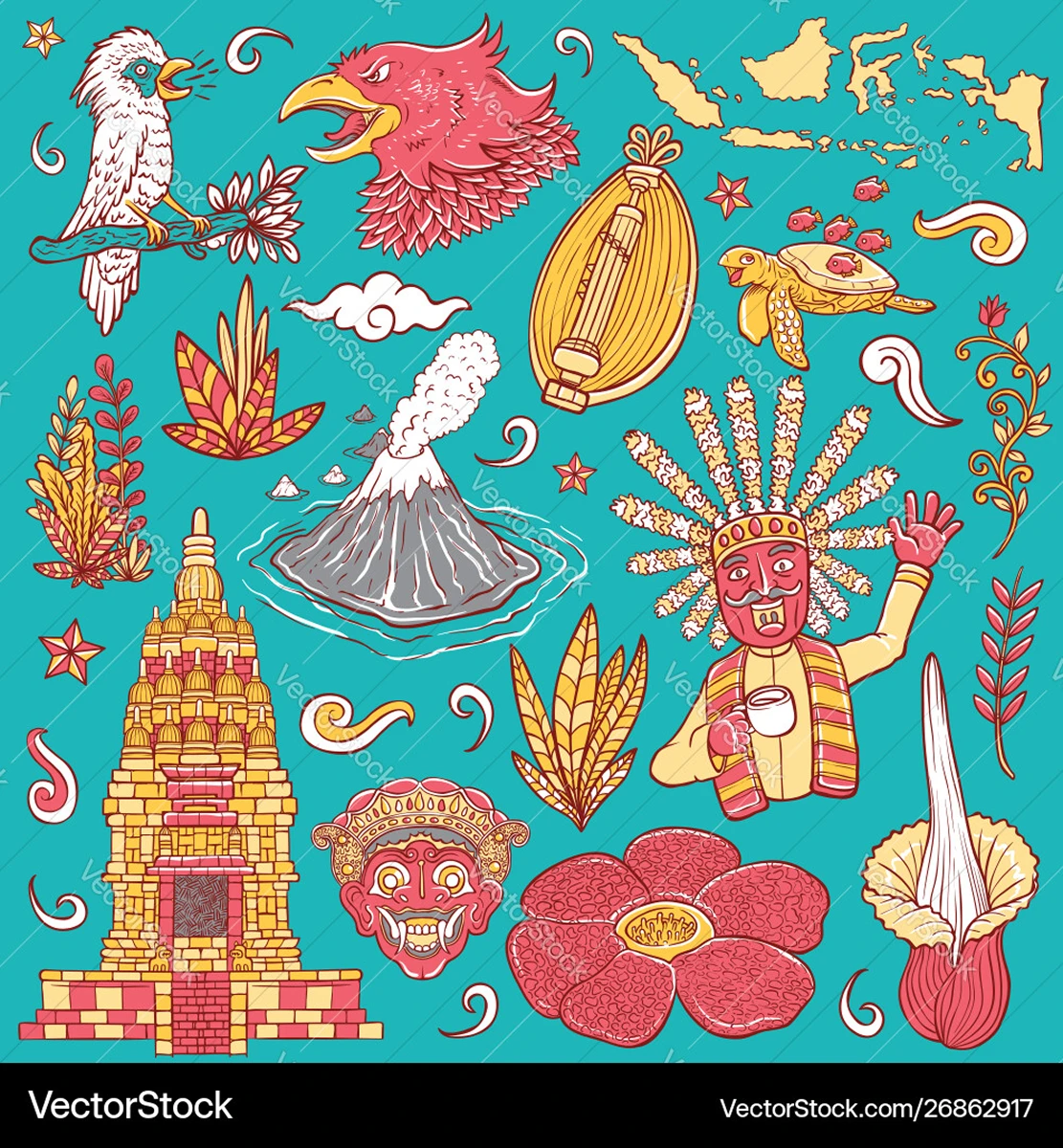
AIAI.COM processes the visible watermark and reconstructs the covered area while retaining the image's original pixel dimensions. You do not need to crop away part of the illustration to hide the mark.
The result remains a raster image. AI reconstruction does not recreate editable vector paths or recover the exact artwork hidden beneath a watermark. Dense linework, small lettering, and intricate patterns can be harder to restore accurately.
Sign in and choose a JPG, JPEG, PNG, or WEBP file up to 20MB that you own or are authorized to edit.
Start the AI watermark removal process to clean the visible mark and rebuild the area behind it. No Photoshop or manual retouching is required to begin.
Compare the result with your source image. Inspect the repaired details and download when the image meets your needs.

New users receive 20 credits to test the removal effect on their own images. Preview the processed result before deciding whether it is suitable for your project.
Downloading requires payment or a subscription. Testing is especially useful for artwork with thin lines, lettering, or repeated patterns, where small changes can affect the design.
Upload an authorized image, check the cleaned details, and prepare your graphic for its next design.