Remove Veo Watermark Instantly
Instantly remove the Veo logo and watermark from your AI-generated videos. High quality, no blurring, 100% free to use online.
Upload Video to Remove Watermark
Upload one video at a time. Supports MP4, MOV, M4V, MKV, WEBM and AVI. Video length: 1 second to 10 minutes; max size: 500MB.
Videos
0 / 1Credits
Processing Results
Free users can access a 3-second preview video. Upgrade to unlock the full watermark-free video.
Why Choose Our Veo Watermark Remover?
The most advanced AI technology for Veo video cleaning
AI-Powered Removal
Advanced algorithms detect and remove Veo watermarks and SynthID artifacts without blurring the video.
Instant & Free
No waiting time. Remove watermarks from Veo videos instantly for free. No credit card required.
Secure & Private
Your videos are processed securely and deleted automatically after processing. 100% privacy guaranteed.
Unlock the Full Potential of Google Veo Video Generation
Elevate your AI-generated cinema, ads, and digital assets. Our tool helps forward-thinking creators fully commercialize their Veo outputs.

AI Filmmakers & Digital Artists
When directing AI cinematic films, commercial trailers, or conceptual art using Google Veo, native watermarks break the fourth wall and destroy viewer immersion. Cleanly strip the AI branding to maintain full creative direction and broadcast a cohesive visual masterpiece.

Social Media Marketers & Content Creators
Repurpose your highly photorealistic Veo-generated clips into viral Instagram Reels, TikToks, or YouTube Shorts. Removing the AI tech logo prevents platform recommendation algorithms from flagging and downranking your work as branded or generic AI content.

Advertising Agencies & Web Designers
Utilize Google Veo outputs for high-converting landing pages, background b-rolls, or social media ad campaigns. Erasing the default watermark transforms raw model generations into premium, enterprise-ready brand assets.
The Challenges of Cleaning AI-Generated Video—And How We Solve It
Google Veo delivers cinematic 1080p and 4K outputs. Don't let substandard watermark removers ruin its groundbreaking visual fidelity.
❌ Pain Point 1: Ruining Ultra-Realistic Textures and Cinematic Grain
The Problem:
Google Veo is celebrated for its incredible rendering of hyper-realistic skin textures, moving water, or complex cloud formations. Standard watermark removers use basic cloning algorithms that create a blurry, smudged patch, completely giving away that the video was edited.
⚡ Our AI Solution:
Context-Aware Micro-Texture Filling.
Our advanced model is trained on hyper-realistic textures. When it erases the Veo watermark, it doesn't just blur the spot; it actively reconstructs the hidden high-frequency details—like individual hairs, mist, or stone grains—making the deletion 100% invisible.
❌ Pain Point 2: Disrupted Complex Lighting and Volumetric Smoke
The Problem:
Veo videos excel at simulating cinema-grade cinematic lighting, volumetric fog, and complex reflections. Traditional tools leave behind severe ghosting artifacts or flickering boxes because they cannot calculate how light and smoke dynamically shift behind a stationary logo.
⚡ Our AI Solution:
Spatial-Temporal Neural Inpainting.
By utilizing multi-frame fusion, our AI tracks the lighting vectors and fluid movements across consecutive frames. It intelligently fills the watermark zone by carrying over the real-time illumination and smoke physics, ensuring seamless temporal consistency.
❌ Pain Point 3: Heavy Compression and Severe Quality Drop
The Problem:
Many online downloaders aggressively re-encode the video file upon export. This drastically drops the high bitrate and resolution natively outputted by Google Veo, turning a stunning 4K cinematographic piece into a compressed, low-fidelity asset.
⚡ Our AI Solution:
Lossless Direct Bitrate Export.
Our technology performs localized processing strictly restricted to the watermark boundary box. The rest of the AI-generated frame is completely untouched, retaining the video's original color space, full resolution, and native bitrate.
How to Remove Veo Watermark Online
Transform your raw Google Veo generations into ready-to-publish raw footage effortlessly.
Upload Your Veo Asset
Drag and drop your generated Google Veo video file into our web interface. We support secure, uncompressed large file uploads.
Target the AI Branding
Use our smart bounding box tool to cleanly highlight the default watermark or text overlay located on the corner of your video.
Process with Advanced AI
Click "Remove Watermark." Our spatial-temporal neural network will recreate the hidden cinematic textures flawlessly. Preview the result and download your unbranded video with zero quality loss.
What Users Say
"Finally a tool that actually works on Veo videos! The watermark is completely gone and the quality is still perfect."
- Sarah J., Content Creator
"I used this to clean up some AI generated clips for my presentation. Saved me hours of editing time. Highly recommend!"
- Mike T., Marketing Manager
"Best free watermark remover I've found. It handles the new Veo watermarks perfectly."
- David L., Video Editor
Discover More Video Tools
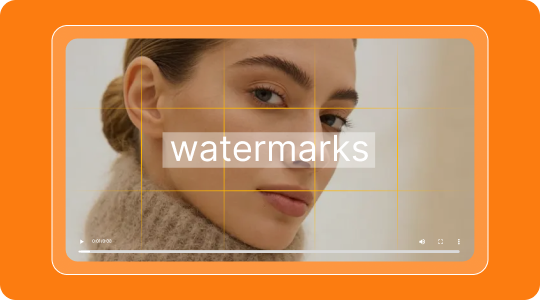
Remove Meta Watermark
Erase Meta AI, Instagram, and Facebook watermarks from your videos instantly with AI precision.

Remove Logo from Video
Erase any brand logo, TV channel bug, or watermark overlay from your videos with AI precision.

TikTok Watermark Remover
Remove TikTok watermarks and logos from your saved videos for clean repurposing across platforms.
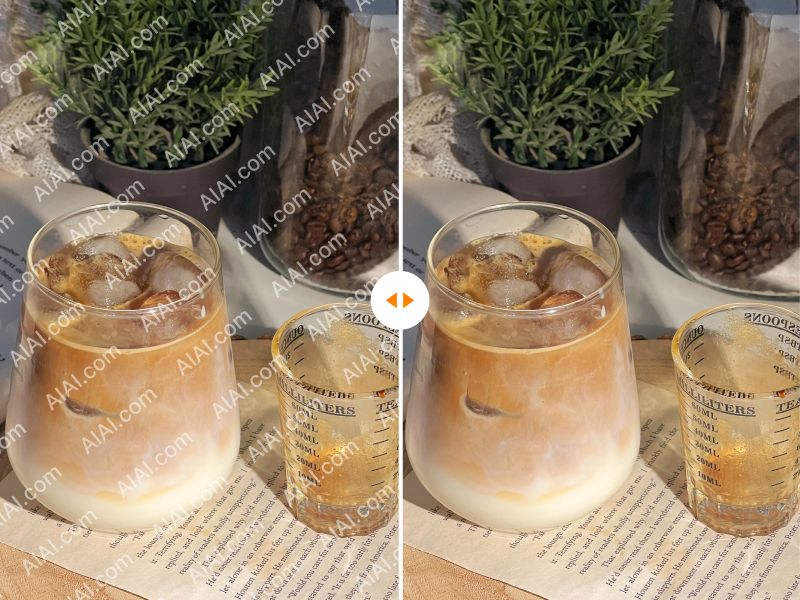
YouTube Watermark Remover
Delete YouTube channel branding and watermarks from downloaded videos for clean republishing.

iStock Watermark Remover
Remove iStock watermarks from preview images effortlessly while preserving the original quality.
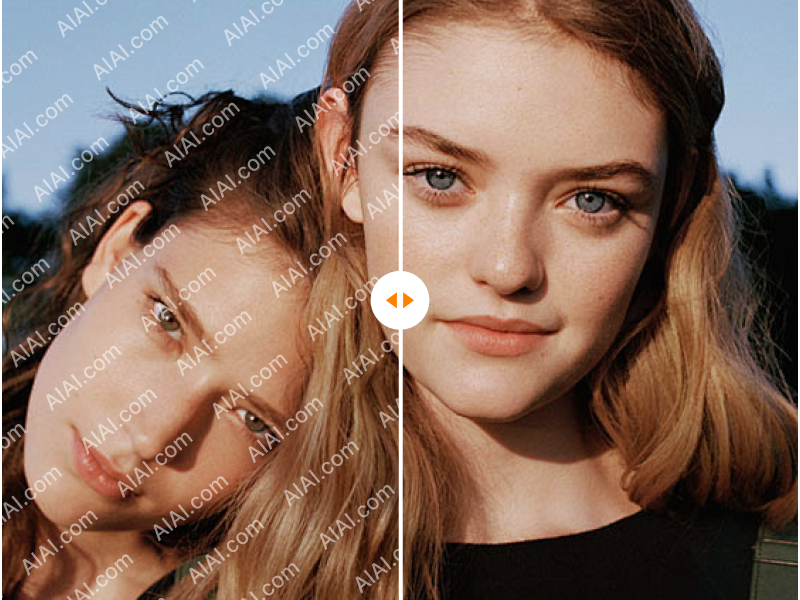
Shutterstock Watermark Remover
Erase Shutterstock watermarks from stock photos and videos with AI-powered precision.
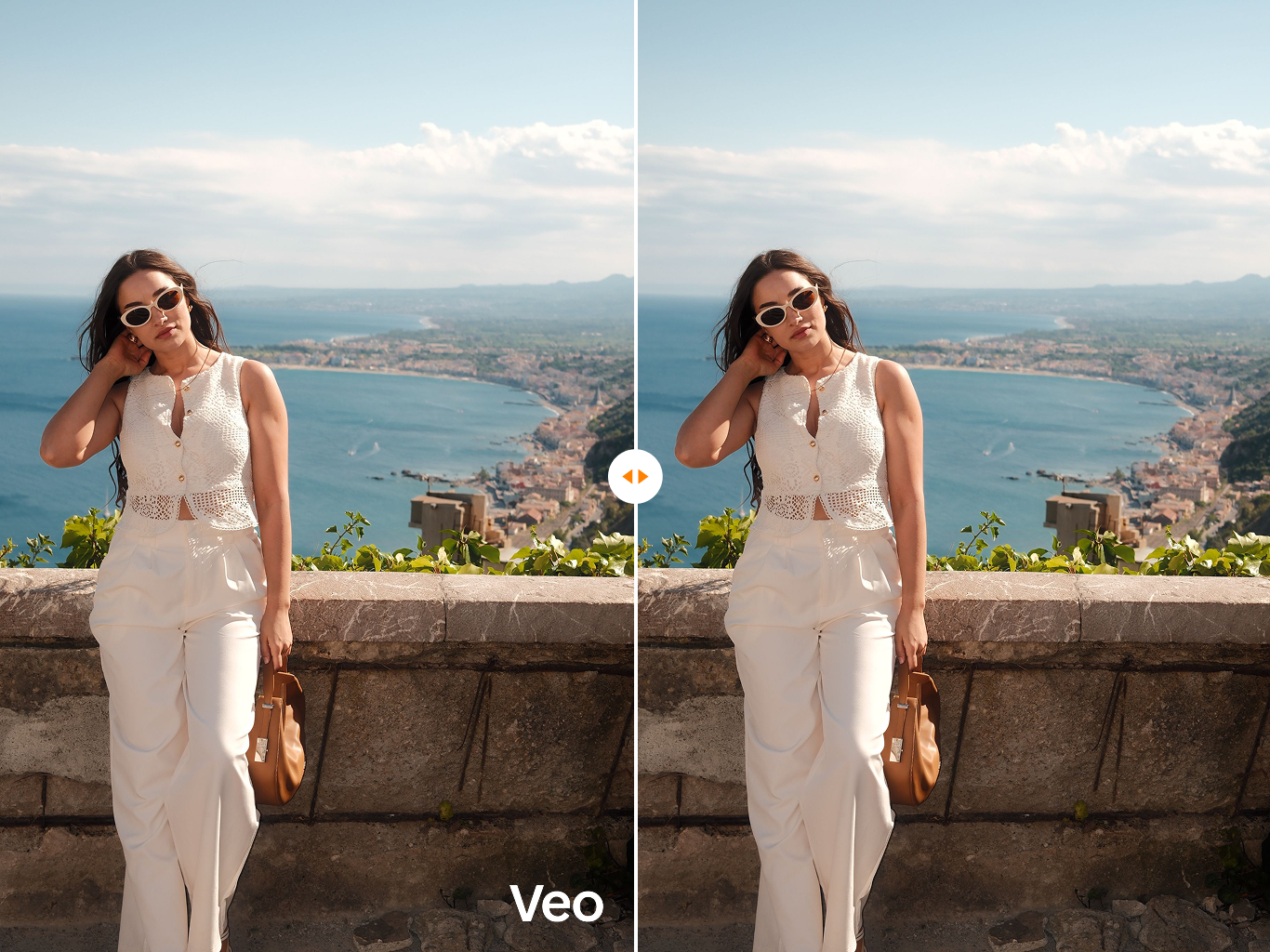
Veo 3 Watermark Remover
Specially optimized to remove the latest Veo 3 generation watermarks and SynthID artifacts.

Runway Watermark Remover
Clean Runway Gen watermarks and AI branding from your video generations instantly.
Flexible Pricing Plans
Choose the perfect credit package for your needs. No hidden fees.