A
A
Building a Website?
Prepare a logo that works in navigation bars, landing pages, footers, and dark-mode layouts without a visible box around it.
Founders, small businesses, developers, and web designers.
Turn a logo with a white, solid-color, or unwanted background into a clean, reusable brand asset. AIAI.COM uses AI to separate the logo from its background while helping preserve text, shapes, and brand colors. Preview the result and download a transparent PNG for your next project.
Keep the logo. Remove only the background.
Choose a supported logo image to begin.
Total Estimated Cost
0 Credits
See the difference
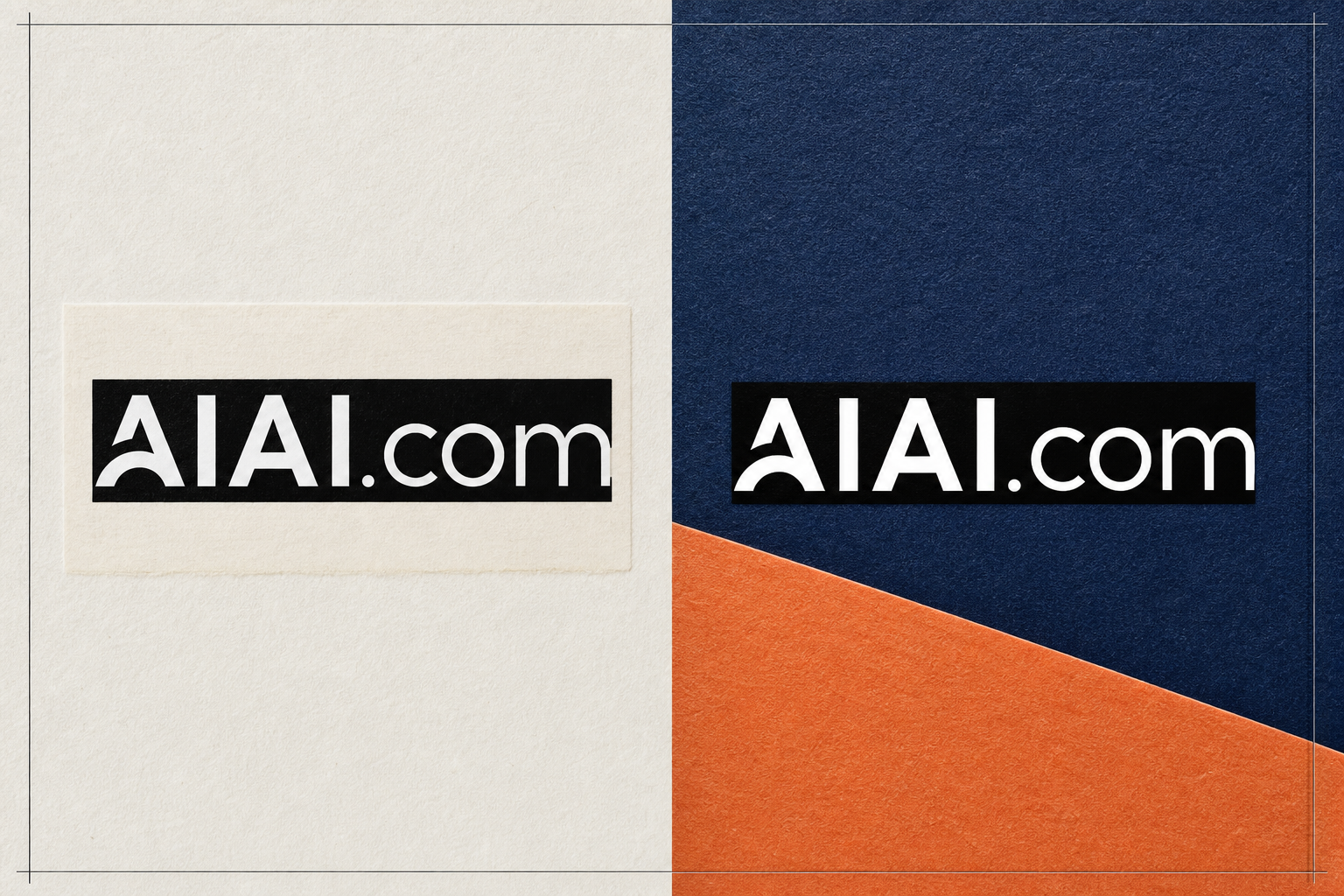
A logo saved on white may look correct in the original file, but the white rectangle becomes visible as soon as the logo is placed on a colored page, product photo, presentation, or video. Removing that background gives you a more flexible asset that can sit naturally across different designs.
Use the comparison below to see the difference. The original file carries its background into every layout. The processed version keeps the logo visible while allowing the new design to show through around it.
Not everyone starts with a complete brand kit or an editable vector file. You may have a JPG from an old website, a screenshot supplied by a client, or a logo that looks fine until it is placed on a different background. Start with the asset you have and prepare it for the work you need to do.
Prepare a logo that works in navigation bars, landing pages, footers, and dark-mode layouts without a visible box around it.
Founders, small businesses, developers, and web designers.
Place your brand mark on product photos, packaging previews, storefront graphics, and marketplace content with a cleaner visual fit.
E-commerce teams, product marketers, and independent sellers.
Remove the surrounding background before preparing a logo for T-shirts, mugs, stickers, tote bags, or other printed items.
Merch sellers, print shops, community teams, and event organizers.
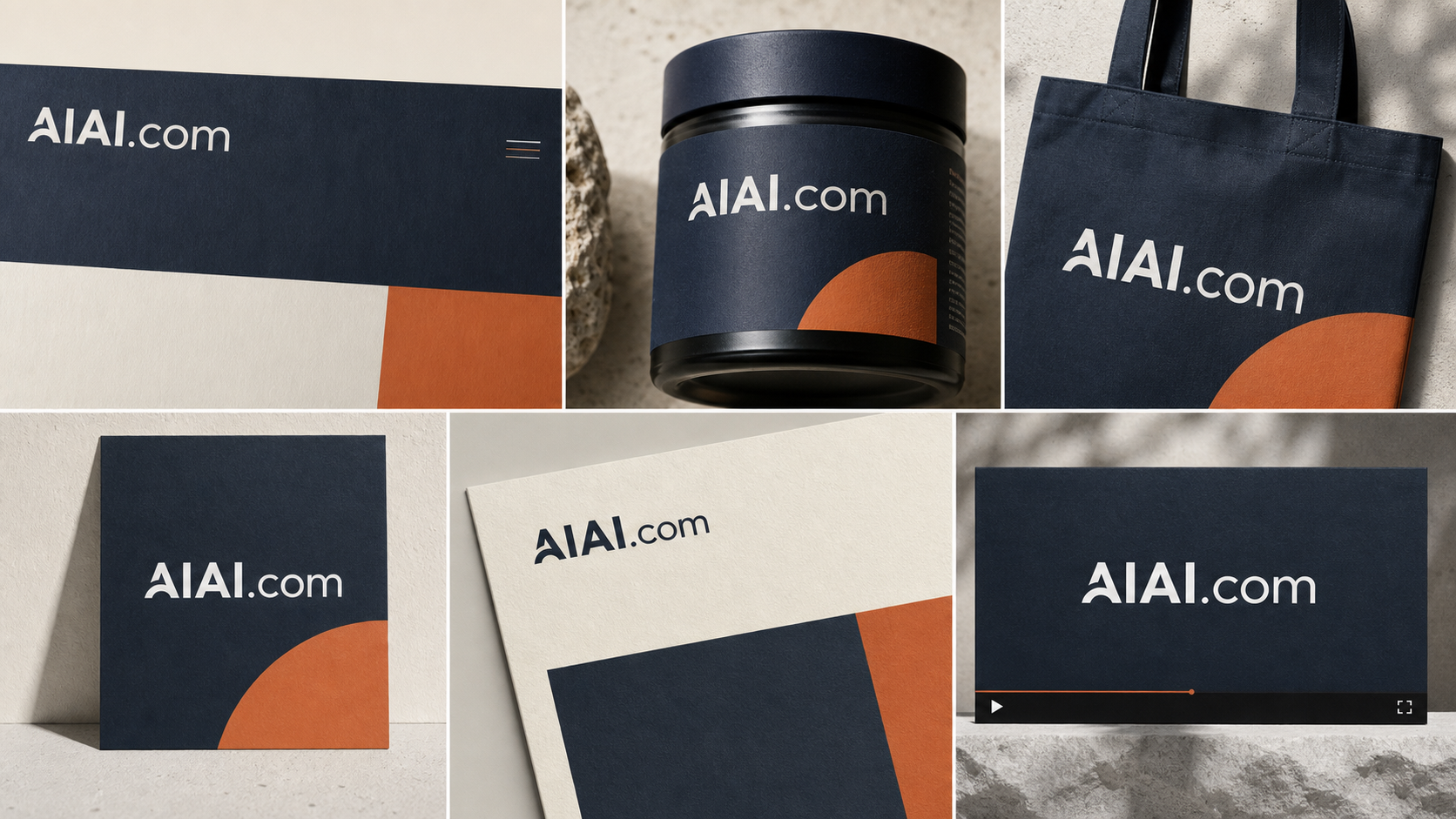
Reuse the same logo across ads, social posts, thumbnails, banners, and campaign graphics without rebuilding the asset for each design.
Marketing teams, social media managers, and content creators.
Turn a flattened client-supplied logo into a more practical working asset for mockups, layouts, and brand presentations.
Freelance designers, agencies, video editors, and production teams.
Keep slides, proposals, reports, and email signatures visually consistent by using a logo that does not carry an unwanted rectangle.
Office teams, consultants, students, and nonprofit organizations.
Removing a background is only useful when the logo still looks like the original. Small lettering, enclosed spaces, white brand elements, fine lines, and curved edges can all reveal the quality of a processed result. AIAI.COM is designed to distinguish the surrounding background from the logo details you want to keep.
Common problem: A pale outline remains around the logo and becomes obvious on dark or colored backgrounds.
AIAI.COM result: Cleaner edge separation helps the logo sit more naturally in a new layout.
Common problem: White lettering or white shapes inside the logo are mistaken for the background and removed.
AIAI.COM result: AI evaluates the logo structure and surrounding area to help retain visible elements that belong to the design.
Common problem: Small type becomes broken, or the enclosed spaces inside letters such as O, B, P, and A are filled or erased incorrectly.
AIAI.COM result: The processed logo keeps recognizable letterforms and the negative spaces that define them.
Common problem: Rounded marks and thin strokes look jagged after the background is removed.
AIAI.COM result: Cleaner boundaries help curves and fine graphic elements remain visually consistent at normal viewing sizes.
Common problem: The result cannot preserve transparency where it is needed.
AIAI.COM result: Download a transparent PNG that is ready for use on your next website, product, campaign, presentation, or video.
A reusable logo should work wherever your brand appears. Once the unwanted background is removed, the same asset can move more easily between digital layouts, product presentations, printed materials, and video content.
Place your logo on light pages, dark headers, navigation bars, and landing pages without carrying a white box into the design.
Apply your logo to product photos, label concepts, packaging mockups, online storefronts, and sales materials.
Prepare a cleaner brand asset for apparel, stickers, mugs, tote bags, event signs, and other printed materials.
Keep your brand recognizable across posts, ads, thumbnails, stories, and campaign graphics with changing colors and photography.
Use a clean logo in pitch decks, reports, proposals, invoices, and email signatures for more consistent business communication.
Add your logo to intros, end cards, tutorials, livestream layouts, and promotional videos without covering the surrounding footage with a solid rectangle.
Only upload and use logos that you own or are authorized to edit. Removing a background does not grant rights to a third-party trademark or brand asset.
Step 1
Choose the logo file you want to process and upload it to the workspace.
Step 2
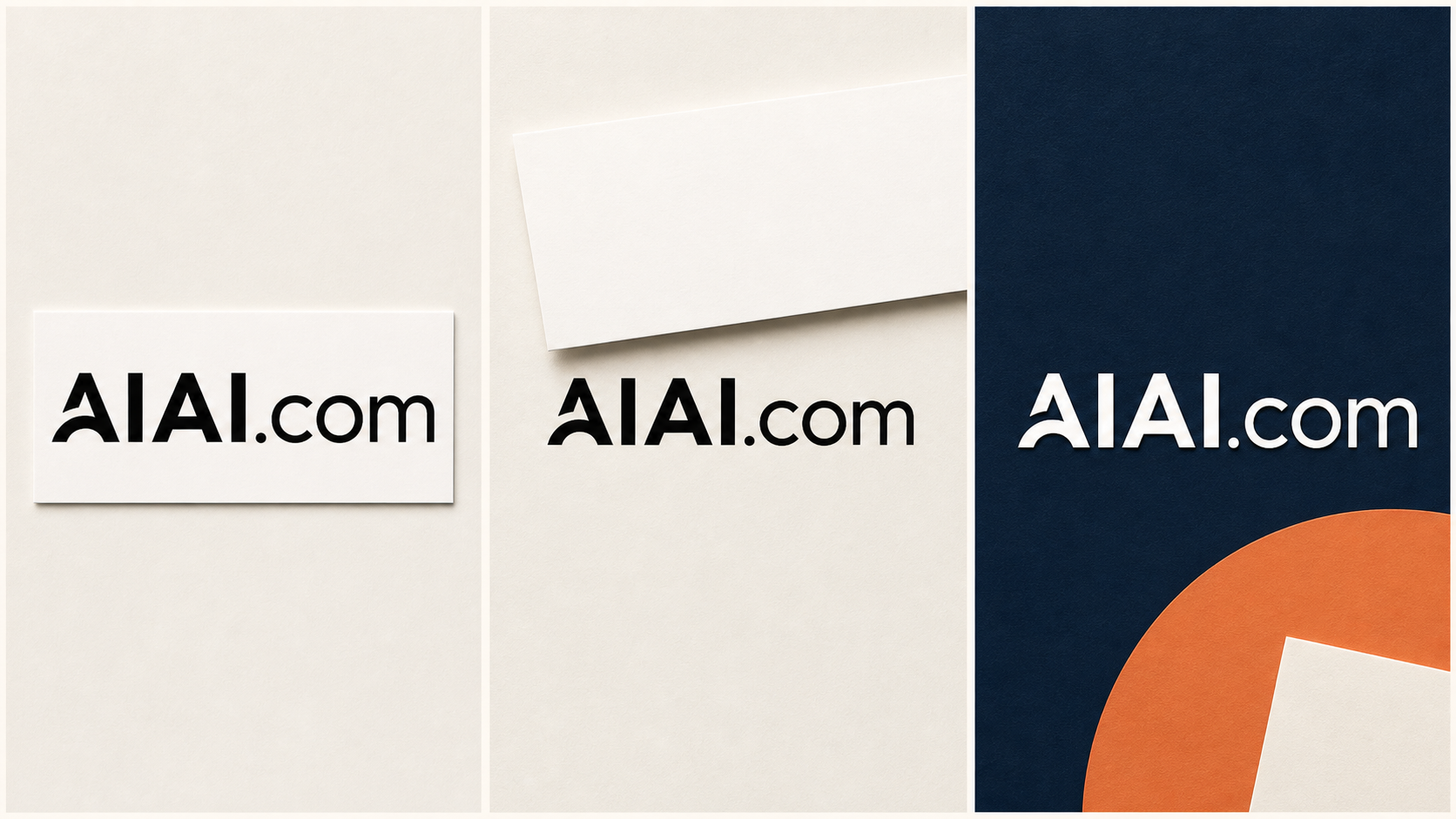
AI analyzes the image, separates the logo from the unwanted background, and prepares a preview. Check the result on transparent, light, and dark backgrounds.
Step 3
Download the processed logo as a transparent PNG, ready for your next website, product, campaign, presentation, or video.
Continue editing your visual assets with tools built for different cleanup and preparation tasks.
Isolate people, products, and other subjects from the surrounding image background.
Remove an Image Background
Erase an unwanted logo from within a photo while reconstructing the area behind it. This removes the logo itself rather than preserving it.
Remove a Logo from an ImageBrush over captions, labels, dates, or other unwanted text and rebuild the selected image area.
Remove Text from an Image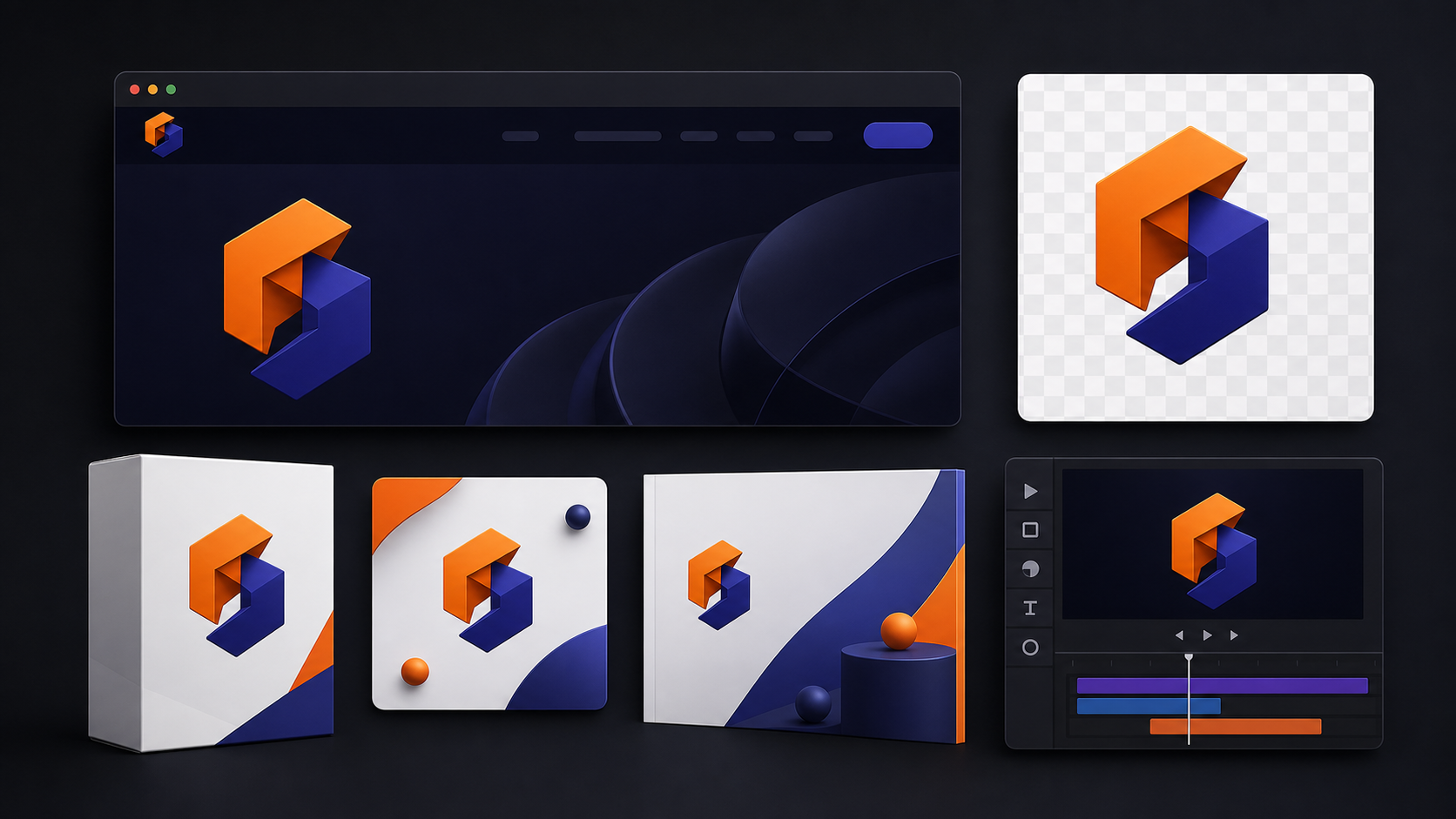
Clean visible watermarks from images you own or have permission to edit.
Remove an Image WatermarkYes. Upload the logo and process it in the workspace. The tool can separate a white or other unwanted background from the logo, depending on the clarity and complexity of the source image.
Yes. After the background is removed, download the transparent PNG to preserve transparency around the logo.
Yes. AIAI.COM uses AI to analyze the image and distinguish the logo from its surrounding background. You can then preview the result before exporting it.
Your processed logo is available to download as a transparent PNG, so the area around the logo stays clear in your next design.
The AI is designed to evaluate the logo structure and surrounding background rather than treating every white area in exactly the same way. Results can still vary with low contrast, compression, or very small details, so preview the logo on a dark background before downloading it.
The tool can process white, solid-color, and other unwanted backgrounds. Results are usually easier to verify when the logo has a clear visual boundary from its background.
No. The background removal and preview workflow runs online, so you do not need to trace the logo manually with desktop design software.
You may use the exported file according to the rights you already hold. Only upload logos you own or are authorized to edit. Processing a logo does not transfer ownership of a trademark or third-party design.
You can upload a supported file, but the final quality depends on the source. Compression, blur, and very small text can make edge separation more difficult. Use the clearest version available whenever possible.
Removing a logo background keeps the logo and clears the area around it. Removing a logo from an image erases the logo itself and reconstructs the image behind it. These are two different editing tasks.
The tool is designed to retain the visible logo while removing the surrounding background. Always review the processed result against light and dark preview colors before exporting, especially when the original contains subtle gradients or semi-transparent elements.
Upload your logo, let AI remove the unwanted background, preview the result, and download a transparent PNG for your next website, product, campaign, presentation, or video.
Keep the mark your audience recognizes. Leave the unwanted background behind.