Before & After
Corner Logo on a Stable Background
Check that a fixed logo is erased while the full frame and surrounding composition remain in place.
Precise brush-based selection
Choose when a watermark appears, paint over it, and let AI repair only the selected areas. Add separate segments for different moments in your video.
Choose one MP4, MOV, M4V, MKV, or WEBM video from 1 second to 10 minutes long and up to 500 MB.
Videos over 5 seconds can be trimmed on your device. Only the selected clip is uploaded.
Choose time ranges and paint the areas to remove.
Creating your task...
AI is removing the selected area...
Direct control when detection falls short
Automatic removal is convenient when a watermark is clear and easy to detect. Faint text, uncommon logos, stylized fonts, low-contrast marks, and overlays on detailed backgrounds may be missed or only partially removed.
This manual video watermark remover gives you direct control. Mark the complete area with the brush, then let AI rebuild the selected region from the surrounding visual content.
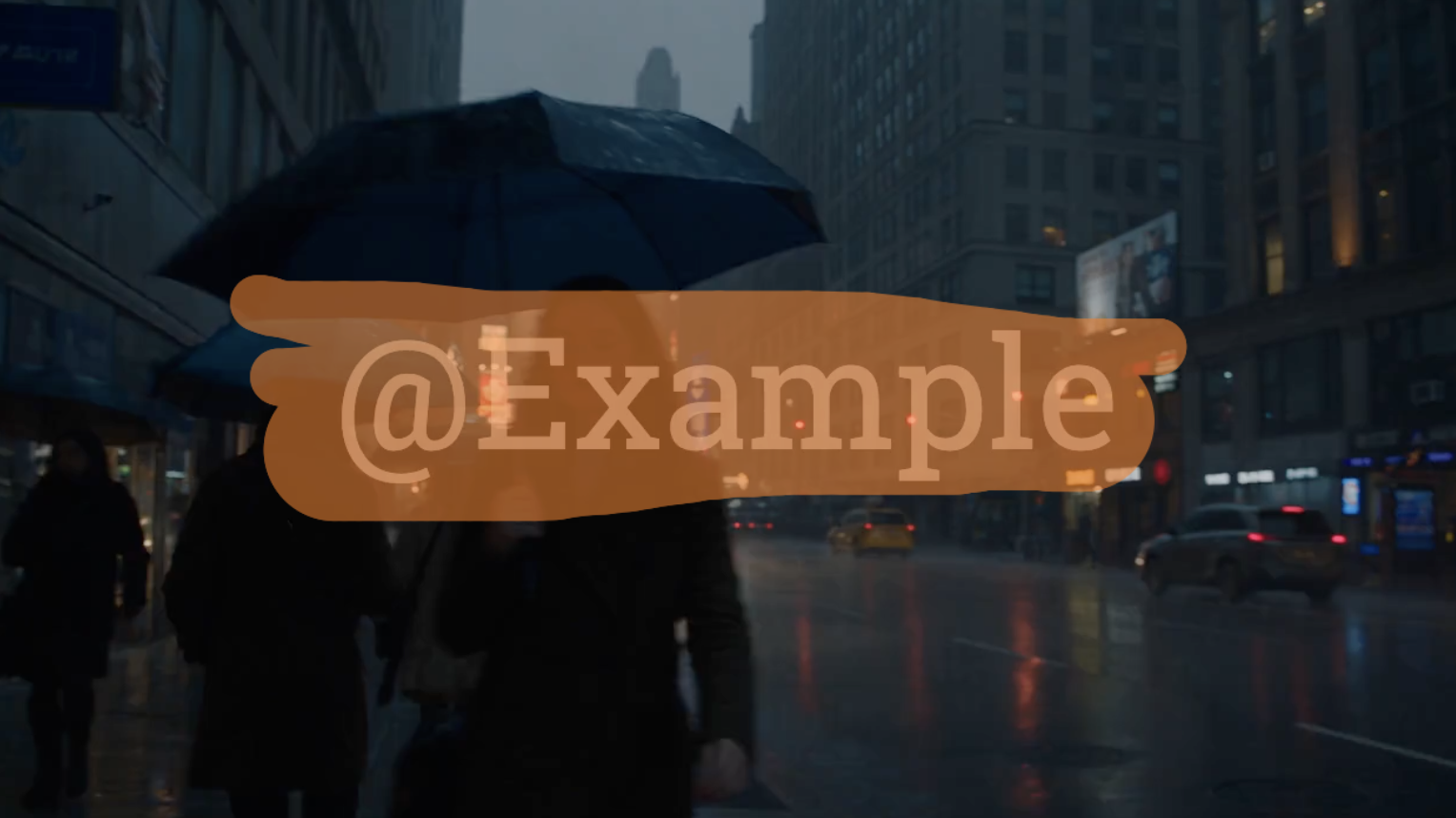
A clean paused frame does not show the complete result. Play before-and-after videos and inspect motion, lighting changes, and the repaired background across the clip.
Check that a fixed logo is erased while the full frame and surrounding composition remain in place.
Review changing content behind a selected caption area across the complete clip.
Compare a faint watermark before and after processing, paying attention to color, texture, and repaired edges.
Adjust the brush to cover one or more defined areas and process only the parts you mark.
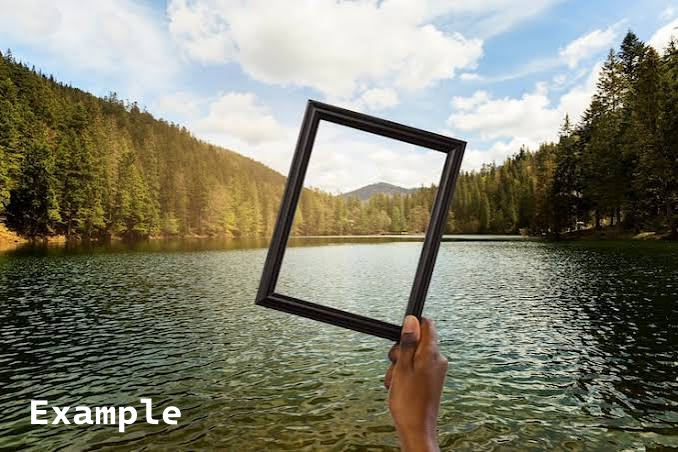
Erase a channel logo, platform mark, or brand graphic that stays in one part of an authorized video.
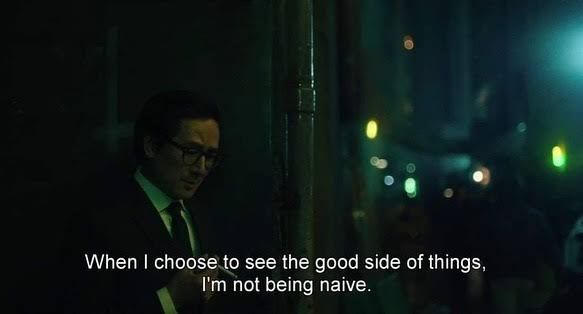
Remove captions, labels, lower-thirds, and other text embedded directly into video frames.
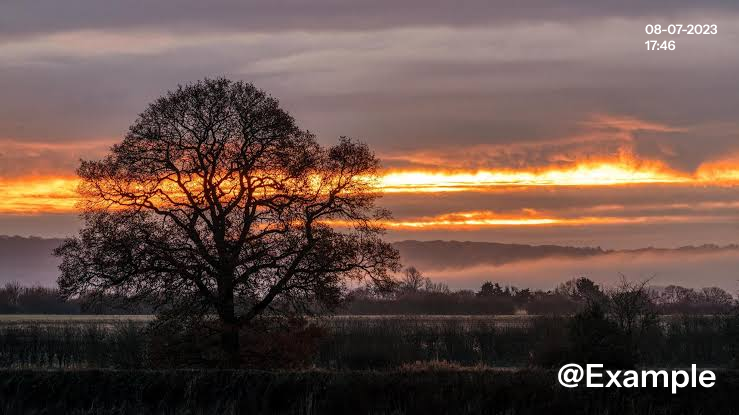
Clean visible account names, dates, recording times, and fixed identifiers without cropping.

Select a low-opacity watermark that may be difficult for automatic detection to recognize completely.

Mark separate logos, text, or overlay elements that need to be processed together.
Clean an owned export when a visible logo, caption, or watermark remains and automatic removal leaves residue.
Update authorized campaign and client footage by removing old logos, proof labels, or expired promotional text.
Prepare owned social and product videos for a new layout, channel identity, caption style, or campaign.
| Feature | Automatic Watermark Removal | Manual Video Watermark Removal |
|---|---|---|
| Watermark selection | AI detects the mark | You paint over the exact area |
| Best for | Clear and recognizable watermarks | Missed, faint, uncommon, or partially removed marks |
| User control | Minimal input | Precise mask control |
| Setup | Upload and process | Upload, paint, and process |
| Background repair | AI reconstruction | AI reconstruction of your selected area |
Choose automatic removal for an obvious watermark and minimal setup. Choose the manual video watermark eraser when detection misses part of the mark or precise selection matters more.
Three-step workflow
Choose a supported video that you own or are authorized to edit.
Cover the complete logo, text, or watermark, including its soft edges, without selecting more of the scene than necessary.
Process the selected area, play the complete result, and download when the repair meets your needs.
Video processing is charged by length. After uploading your file, review the estimated credit consumption before starting.
New AIAI.COM accounts receive 20 credits to test the removal effect. The amount of video those credits cover depends on the estimate shown for the uploaded file.
Small fixed watermarks over stable backgrounds are generally easier to repair. Large masks, detailed textures, rapid movement, or important subjects make reconstruction more difficult.
AI creates a visually plausible replacement from surrounding information. It cannot recover the exact original pixels hidden by the watermark, so always review the complete output.
Cover the complete watermark, transparent edges, and shadows while keeping the mask close to it.
Paint on a frame where the watermark is fully visible so its size and position are easier to select.
Pay close attention around faces, hands, hair, product edges, patterns, and reflections.
Fast motion, scene changes, heavy compression, and large selected areas are harder to reconstruct.
Let AI automatically detect and remove a clear visible watermark.
Process a watermark, animated text, or logo that changes position.
Clean faint text, low-opacity logos, and semi-transparent overlays.
Erase a visible logo or brand graphic from authorized video.
Clear captions, dates, usernames, labels, and embedded text.
It lets you paint over the exact visible area you want to erase. AI then reconstructs the selected region across the video.
Automatic removal detects the watermark for you. Manual removal gives you control over the selection while still using AI to repair the marked area.
Yes. Upload a supported video, mark the visible watermark, and process the selected area online without desktop software.
Yes. Mark a fixed logo, caption, timestamp, username, label, or other embedded text and process that area.
This workflow is best for marks that remain in a defined area. Use the Moving Watermark Remover when a logo or text changes position significantly.
No. The workflow processes the selected area instead of cropping, zooming, or cutting away part of the frame.
Results vary. Large masks, fast movement, scene changes, faces, detailed patterns, and heavy compression make reconstruction harder.
Only upload videos you own or are authorized to edit. Removing a watermark does not grant ownership, licensing rights, or permission to use the original content.
Paint over the exact logo, text, or watermark area you want to erase. Preview the result and keep control of what gets processed.