AI-Generated Media Cleanup

Nano Banana Watermark Remover

Clean visible Nano Banana and Gemini watermark elements from AI-generated images and videos. Remove sparkle marks, corner logos, labels, and overlays without breaking the composition of your content.

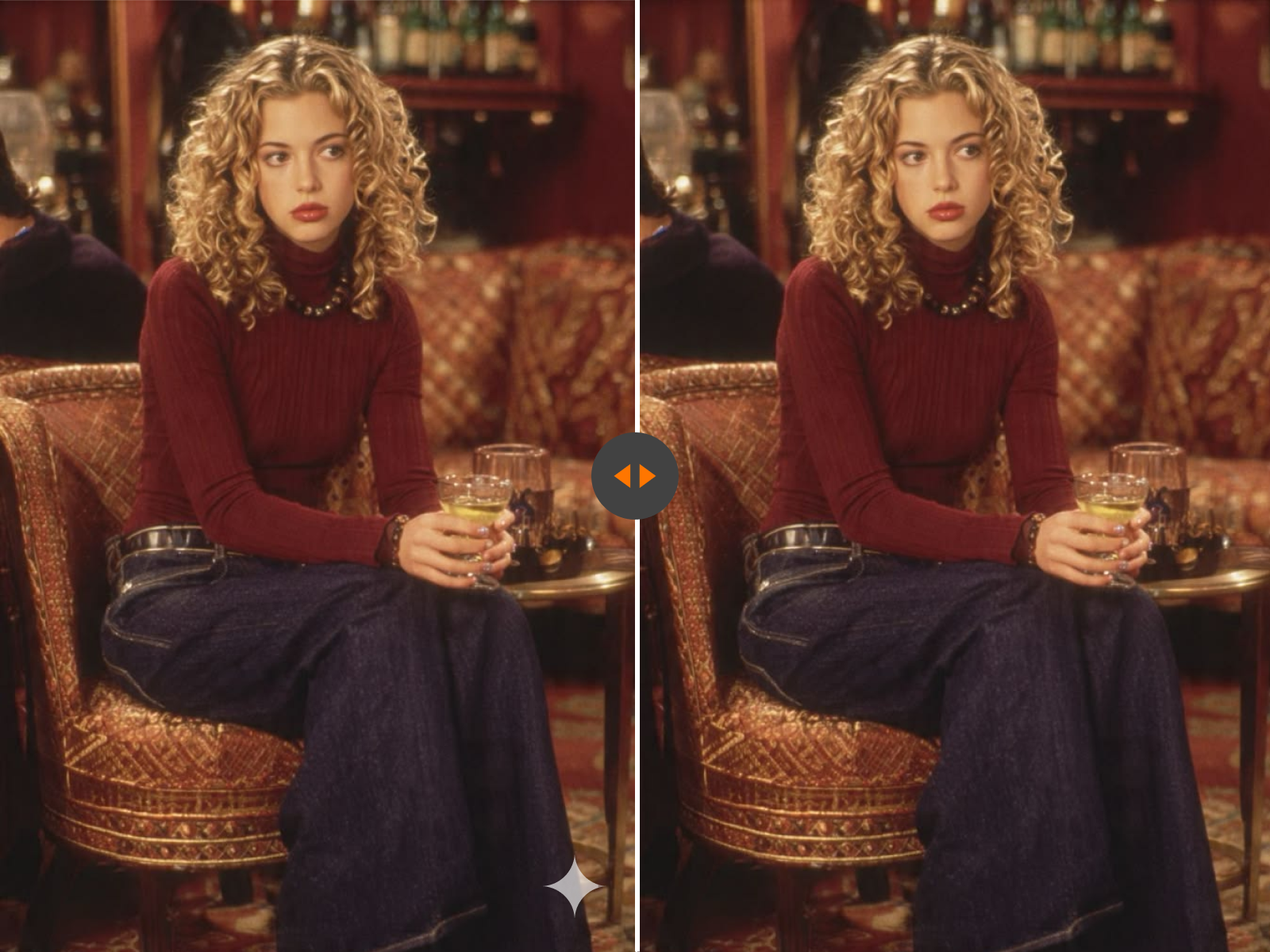
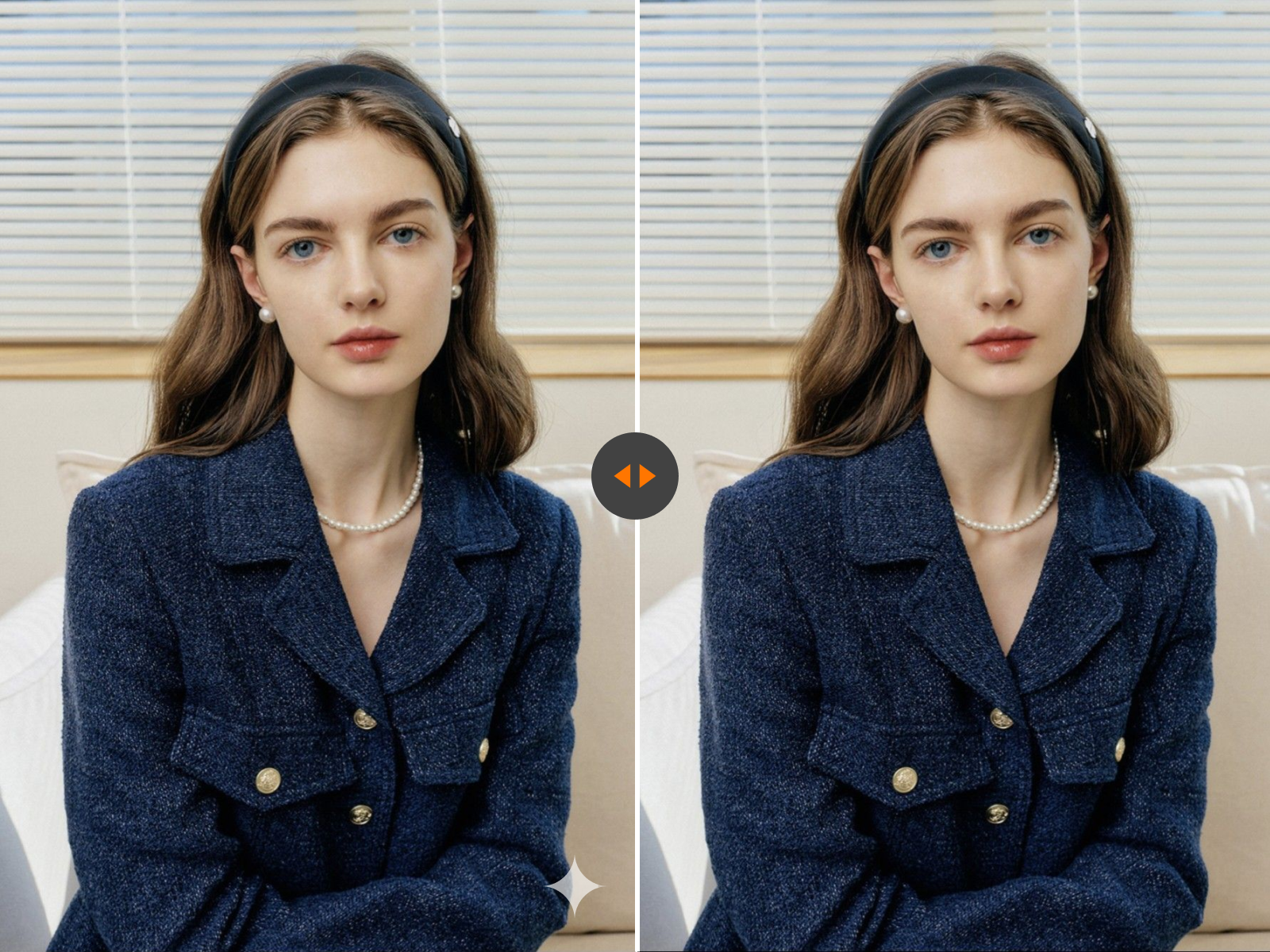
Nano Banana watermark removal demo
Before & After

Upload Image Now

* Supports JPG, JPEG, PNG and WEBP formats, max 10 files at once, maximum file size of 20MB per file.

Cleaner Nano Banana Assets in Context

Compare how AI-generated concept images and draft visuals look once visible watermarks, sparkle marks, and labels are removed from the frame.

Nano Banana watermark cleanup example
Nano Banana draft asset cleanup example

Why People Search for a Nano Banana Watermark Remover

Most users are not trying to fix a photo in the traditional sense. They are trying to make an AI-generated asset easier to reuse. A visible Nano Banana or Gemini watermark can interrupt layout reviews, make mockups look unfinished, and distract from the actual creative idea. That is why this page focuses on removing visible watermark elements from AI-generated media, not just hiding them with a rough crop.

AI concept images
Generated product scenes
Short visual demos
Prototype visuals for reviews

What Counts as a Nano Banana Watermark?

In this context, a Nano Banana watermark usually means a visible mark attached to the content itself. That might be a Gemini logo, a sparkle icon, a corner label, a platform badge, or a text overlay placed on the image or video frame. These marks are part of the visible media, so they need visual cleanup rather than file-level metadata editing.

Gemini AI Media Image Cleanup Creative Drafts

Best Fit for This Tool

This tool works best when you need to clean AI-generated content before the next creative step. That could mean preparing a cleaner still image for a deck, removing a visible logo from a short clip, or making a draft asset easier to use in design software.

AI concept images
Generated product scenes
Short visual demos
Moodboards and treatment decks
Internal marketing drafts
Prototype visuals for reviews

How Nano Banana Watermark Removal Works

01

Add the File

Upload the Nano Banana or Gemini-generated image or video that contains the visible watermark.

02

Target the Mark

The tool can detect common visible watermark areas automatically, and you can refine the target zone if the mark overlaps a detailed part of the frame.

03

Repair the Area

The marked region is rebuilt so the surrounding texture, lighting, and layout remain as natural as possible.

04

Export a Cleaner Asset

Preview the result and download a version that is easier to edit, present, reuse, or publish inside your workflow.

Image and Video Scenarios This Page Covers

Use this page for AI-generated visuals that need cleaner presentation before the next creative step.

AI Art and Concept Frames

Remove visible Nano Banana marks from generated art, visual explorations, and stylistic concept frames without cutting away the strongest parts of the composition.

Mockups and Product Visuals

Clean generated merchandising scenes, product storytelling visuals, and draft renders before using them in decks or internal reviews.

Short AI Video Clips

When a visible watermark appears across video frames, cleanup should stay consistent over time so the export feels stable rather than patched frame by frame.

Creative Presentations

Use cleaner assets in slide decks, pitches, campaign planning documents, and creative reviews where visible branding marks would otherwise distract from the actual idea.

What a Good Result Looks Like

The goal is not simply to erase a corner. The goal is to keep the asset usable. A strong Nano Banana cleanup should preserve edge continuity, avoid obvious blur zones, keep lighting transitions believable, and maintain the style of the original generated content.

No harsh patch edges
No repeated texture cloning
No broken gradients
No distracting flicker in video
No unnecessary crop when repair works better

When Nano Banana Cleanup Is Easiest

The easiest cases are small corner marks, simple backgrounds, and overlays that sit over repeatable textures like sky, wall, shadow, blur, or negative space. Harder cases include fingers, jewelry, text, fabric patterns, hair, reflections, or fast-moving video scenes.

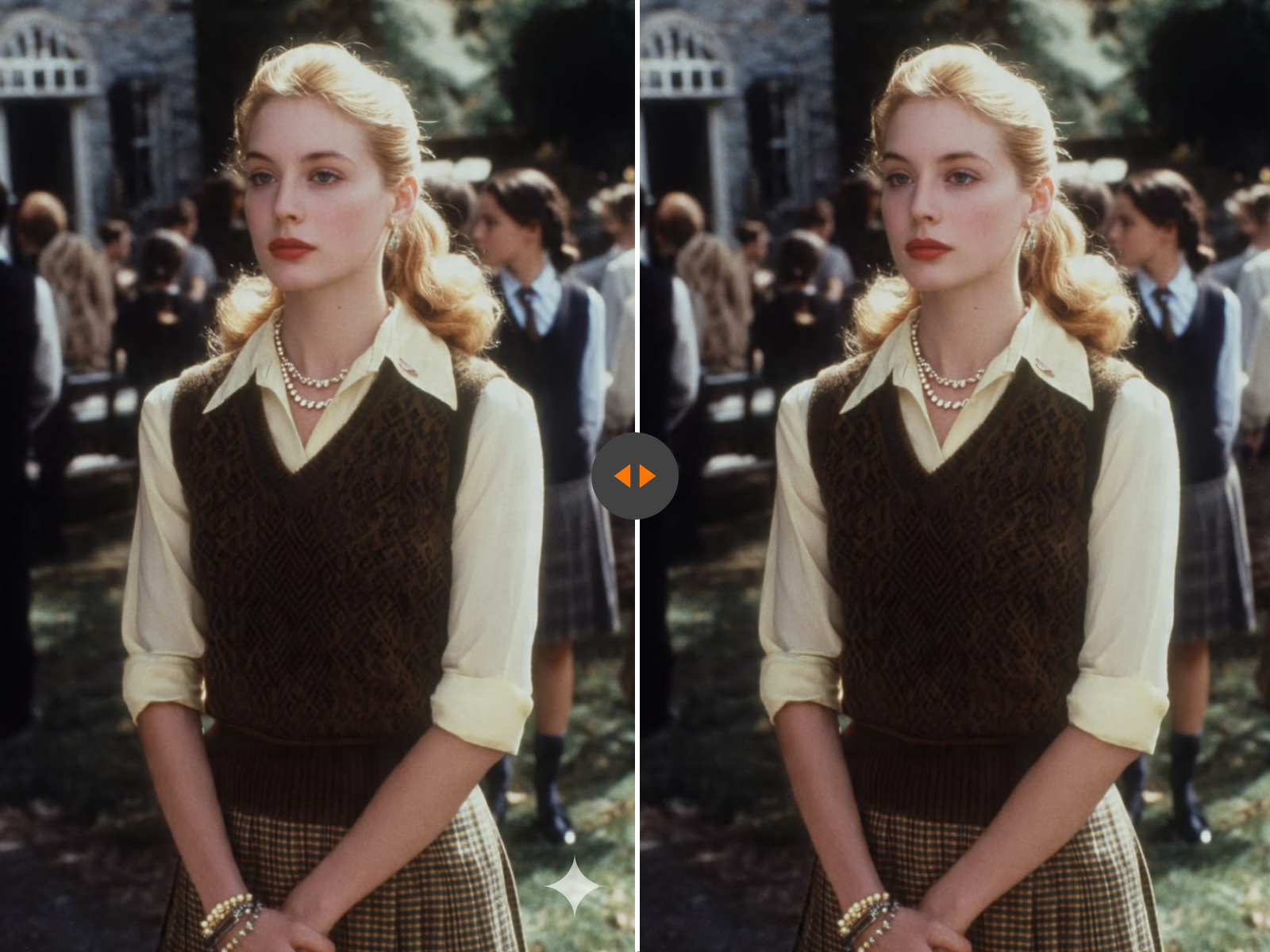
Nano Banana cleanup best-case example

Who This Page Is For

This cleanup flow is designed for people turning AI drafts into cleaner working assets.

Creators using AI image generation for early-stage concepts
Designers assembling references and presentation boards
Marketing teams reviewing ad ideas
Ecommerce teams testing generated product visuals
Editors who want cleaner short clips before internal approval
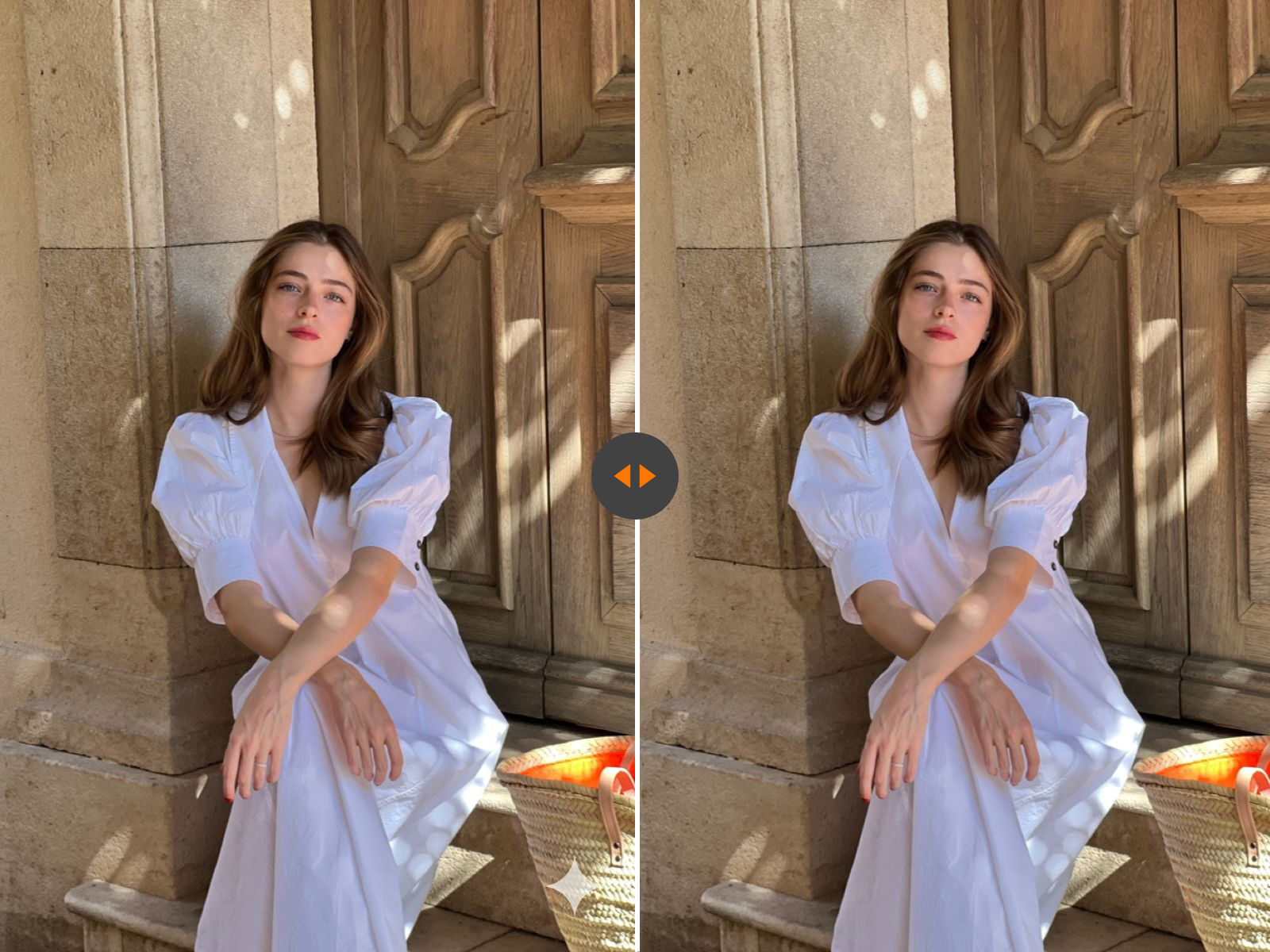
Nano Banana visible watermark removal example

What This Tool Removes

This page is for visible watermark cleanup in images and videos. It removes marks that appear directly on the media itself, including corner logos, sparkle symbols, text overlays, and similar visible platform elements. It is not described as a metadata cleaner; it focuses on visible watermark removal from media content.

FAQs

Turn AI Drafts into Cleaner Working Assets

Upload your Nano Banana file, repair the visible watermark area, and export a cleaner image or video that is easier to present and reuse.

Flexible Pricing Plans

Choose the perfect credit package for your needs. No hidden fees.