AI Video Subtitle Remover Online Free — Remove Captions Without Blur
Automatically erase hardcoded subtitles, burned-in captions, and text overlays in seconds. Instantly rebuild the background with lossless AI quality.
Remove Subtitles Now
Batch upload up to 10 videos at once. Supports MP4, MOV, M4V, MKV and WEBM. Each video must be 1 second to 10 minutes long and up to 500MB.
Videos
0 / 10Credits
Processing Results
Free users can access a 3-second preview video. Upgrade to unlock the full watermark-free video.
Experience True Lossless Subtitle Removal
See how our intelligent AI erases hardcoded text and flawlessly restores the original background pixels.
Advanced Features of Our AI Video Subtitle Remover
AI-Powered Detection
Our AI video subtitle remover automatically scans frames to identify hardcoded text, ensuring precise removal without affecting the background.
Seamless Frame Reconstruction
More than just a blur tool. Our AI to remove subtitles from video intelligently "repaints" the area by analyzing surrounding pixels.
Batch Processing Efficiency
Remove subtitles from a video or an entire folder of clips simultaneously to streamline your creator workflow.
Lossless High-Definition Exports
Don't sacrifice quality for clarity. Export your edited videos in 1080p or 4K resolution.
How to Remove Subtitles from Video in 4 Easy Steps
Upload
Click "Upload" or drag your file into our video subtitle remover free.
Select
Highlight the subtitle area or let our AI remove subtitles from video automatically.
Process
Click "Remove" to start the intelligent erasing process.
Download
Preview the clean result and save your high-quality video.
When to Use Our AI to Remove Subtitles from Video
Social Media Repurposing
Remove subtitle from video to add your own localized captions for TikTok, Reels, or Shorts.
Removing Hardcoded Translations
Watching a foreign film with "burned-in" text? Use our video subtitle remover for a clean, cinematic experience.
Professional Video Cleaning
Clean up stock footage or b-roll that contains unwanted text overlays for your creative projects.
Educational Content Editing
Remove distracting timestamps or source credits from lecture recordings for a focused learning environment.
Why Our AI Video Subtitle Remover is the Top Choice
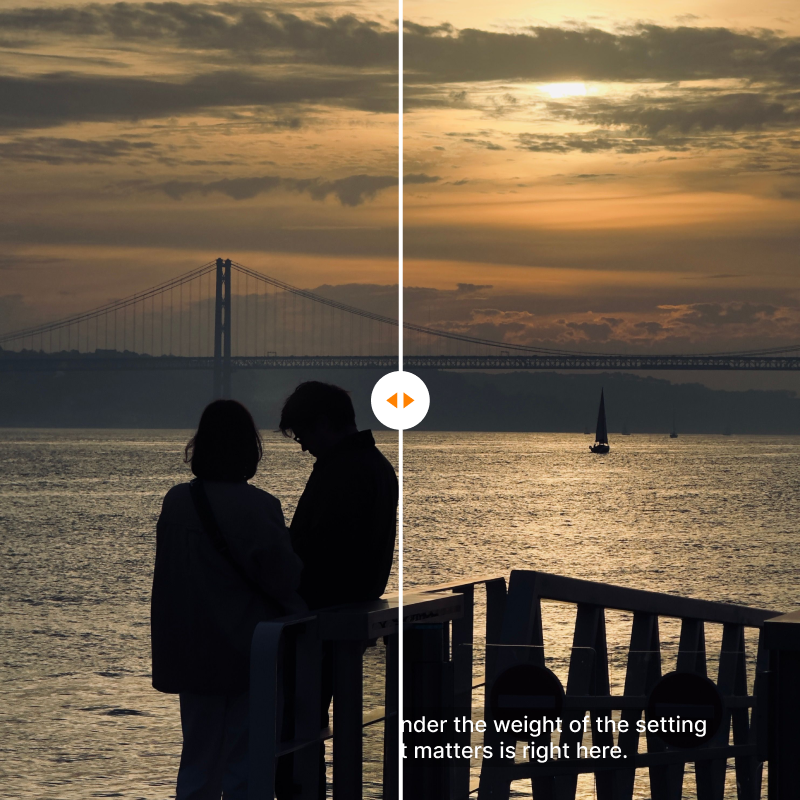
Seamless Background Reconstruction (No More Blurs)
Say goodbye to ugly Gaussian blurs, pixelated mosaics, or awkward black bars. Our advanced AI deep-learning algorithms analyze neighboring frames and moving pixel textures in real time. It intelligently reconstructs and fills the space behind erased captions, leaving you with a flawless, cinematic frame that looks like the text was never there.
Time-Based & Targeted Erasing
Not all captions run from start to finish. Our tool features a precise time-interval brush, allowing you to highlight hardcoded subtitles and specify the exact timestamps for removal. The rest of your clean, unblemished video frames remain completely untouched, protecting your original footage quality.
Dynamic Text Tracking for Hardcoded Captions
Whether it is a static, dual-language film subtitle burnt into the base of the file, or a dynamic text overlay that bounces to different corners every few seconds (like TikTok or Instagram captions), our smart AI automatically tracks the boundaries of the text across frames and deletes them flawlessly.
Lossless Bulk Processing at Scale
Time is money for video editors and media buyers. Instead of editing files one by one, drag and drop dozens of clips into our automated batch processing queue. The bulk watermark remover engine cleans multiple files simultaneously with zero loss in resolution—supporting up to 4K output exports.
Tailored Solutions for Every Video Workflow
Video Repurposing & Cinematic Mashups
As an archive restorer, supercut editor, or content creator, you frequently source legendary film snippets, old news broadcasts, or public domain footage. However, dual-language hardcoded subtitles or outdated TV station text overlays completely ruin your sequence's visual harmony.
Instantly wipe out burnt-in subtitles to reclaim clean, raw footage. Now you can re-edit, color-grade, and overlay your own localized, modern captions without competing with legacy text on the timeline.
Multi-Channel Video Ads & UGC Scaling
Growth marketing agencies and e-commerce brands often repurpose top-performing creator videos from TikTok for Instagram Reels, YouTube Shorts, or Google Performance Max. If you upload a video with native platform text and bounding captions intact, rival platform algorithms will flags it and heavily throttle your paid reach.
Sanitize your winning assets within seconds. Our tool strips out platform-specific text overlays and dynamic caption bugs, allowing you to deploy clean, native-looking video ads that maximize ROAS and avoid cross-platform algorithmic penalties.
Corporate Rebranding & EdTech Localizations
Human resources departments and e-learning platforms often face massive overhead when a company rebrands or an online course expands internationally. Legacy training videos, product walkthroughs, and tutorials contain outdated terminology, old logos, or hardcoded English captions that require expensive re-shooting.
Save thousands of dollars in production costs. Erase old titles, timestamps, and localized captions in bulk, allowing your L&D teams to instantly overlay freshly updated text, translations, or corporate graphics onto pristine background video.
What Users Say About Our AI Video Subtitle Remover
"I was struggling with how to remove subtitles from video for my marketing campaign. This tool did it in seconds and the quality is amazing!"
"As a creator, I frequently need to remove subtitles from video to add my own localized captions for TikTok. This AI tool is insanely fast and preserves the 1080p quality."
"I watch a lot of foreign films and those burned-in translations used to ruin the experience. The seamless frame reconstruction here makes the text disappear like magic!"
Other Tools You May Like
Remove Meta Watermark
Erase Meta AI, Instagram, and Facebook watermarks from your videos instantly with AI precision.

Remove Veo Watermark
Clean Google Veo AI generated videos by erasing Veo watermarks while keeping stunning 4K details.

Runway Watermark Remover
Clean Runway Gen watermarks and AI branding from your video generations instantly.

TikTok Watermark Remover
Remove TikTok watermarks and logos from your saved videos for clean repurposing across platforms.
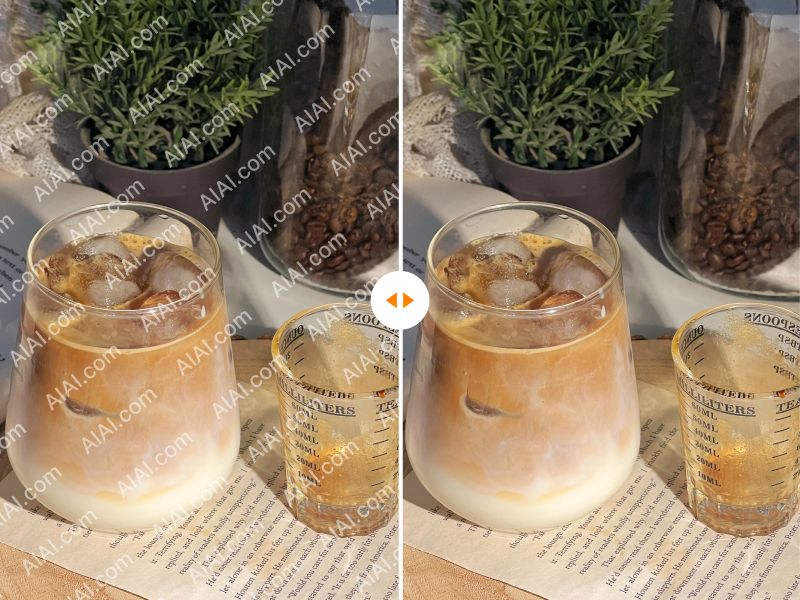
YouTube Watermark Remover
Delete YouTube channel branding and watermarks from downloaded videos for clean republishing.

iStock Watermark Remover
Remove iStock watermarks from preview images effortlessly while preserving the original quality.
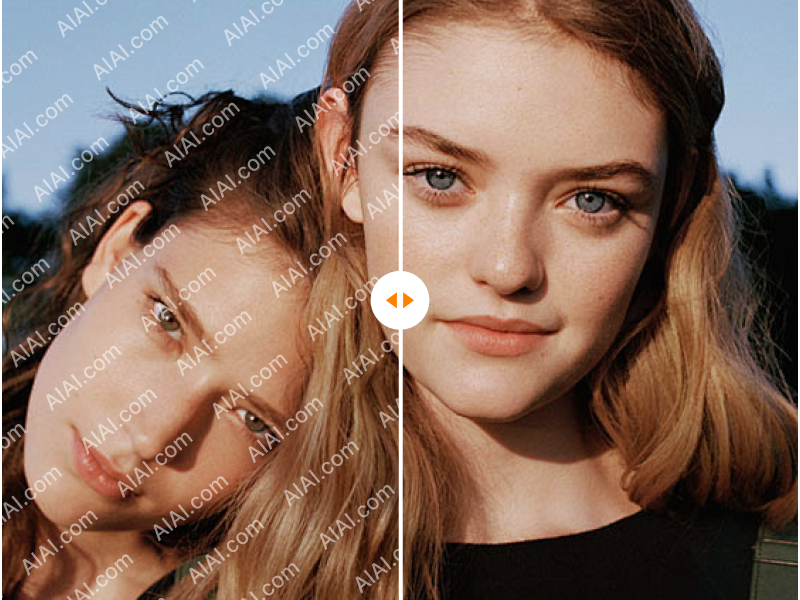
Shutterstock Watermark Remover
Erase Shutterstock watermarks from stock photos and videos with AI-powered precision.
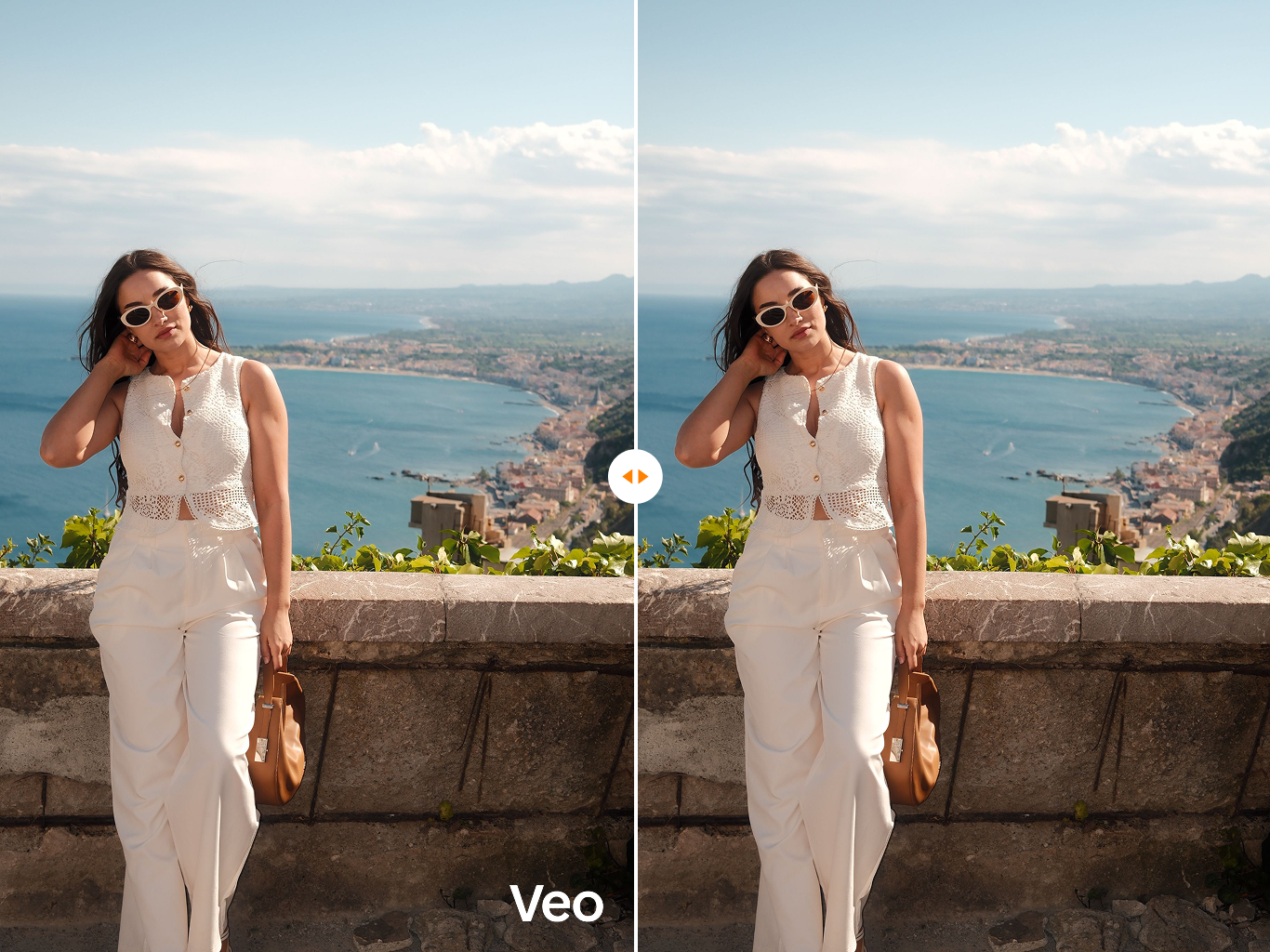
Veo 3 Watermark Remover
Specially optimized to remove the latest Veo 3 generation watermarks and SynthID artifacts.
Frequently Asked Questions About AI Video Subtitle Removal
Start Using the Most Powerful Video Subtitle Remover Today
Stop Distractions, Start Creating! Get the cleanest version of your footage today. Try our video subtitle remover now and see the AI difference.
Flexible Pricing Plans
Choose the perfect credit package for your needs. No hidden fees.