Watermark-Free Videos
Download Meta AI videos without a visible watermark or unwanted overlay.
Built for clean exports
Download clean Meta AI videos without a visible watermark. The downloader preserves the original frame and retrieves the available source video without cropping, blurring or re-encoding.
Download Meta AI videos without a visible watermark or unwanted overlay.
Download the highest-quality video available from the Meta AI source without resizing or upscaling.
Paste multiple Meta AI video links and process them in a single batch instead of downloading each video manually.
Videos are downloaded without re-encoding or additional compression, preserving the original resolution, bitrate and audio quality.
Sign in to your downloader account to process videos. You do not need to connect your Meta account or provide your Meta password.
Link compatibility
This downloader currently supports accessible Meta AI generated-video links only.
This tool currently supports Meta AI generated-video links only.
How it works
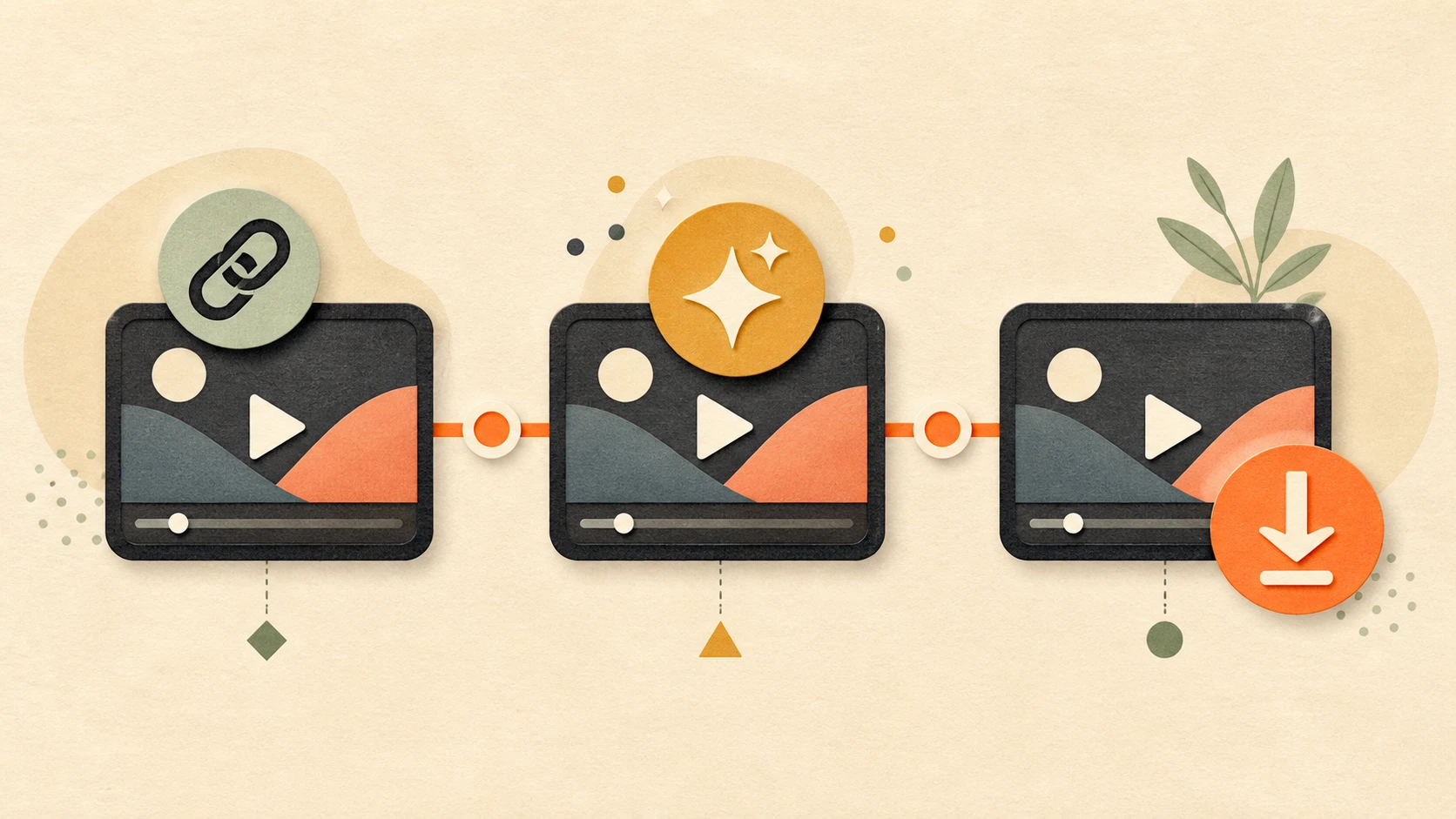
Open your generated video in Meta AI and copy its share link.
Paste the links into the downloader, with one Meta AI video link per line.
Sign in to your downloader account and select Download Meta AI Videos.
Download each successful video without watermark in its original quality.
The downloader retrieves the original video available from the Meta AI link. It does not resize, crop, upscale or re-encode the video.
The available resolution, frame rate, bitrate and audio quality are preserved, giving you the same video quality provided by the source.
| Download Method | Video Quality | Watermark | Multiple Links |
|---|---|---|---|
| Original source download | Original quality | No visible watermark | Yes |
| Screen recording | Reduced quality | May remain | No |
| Saving a playback preview | May be compressed | May remain | No |
Batch workflow
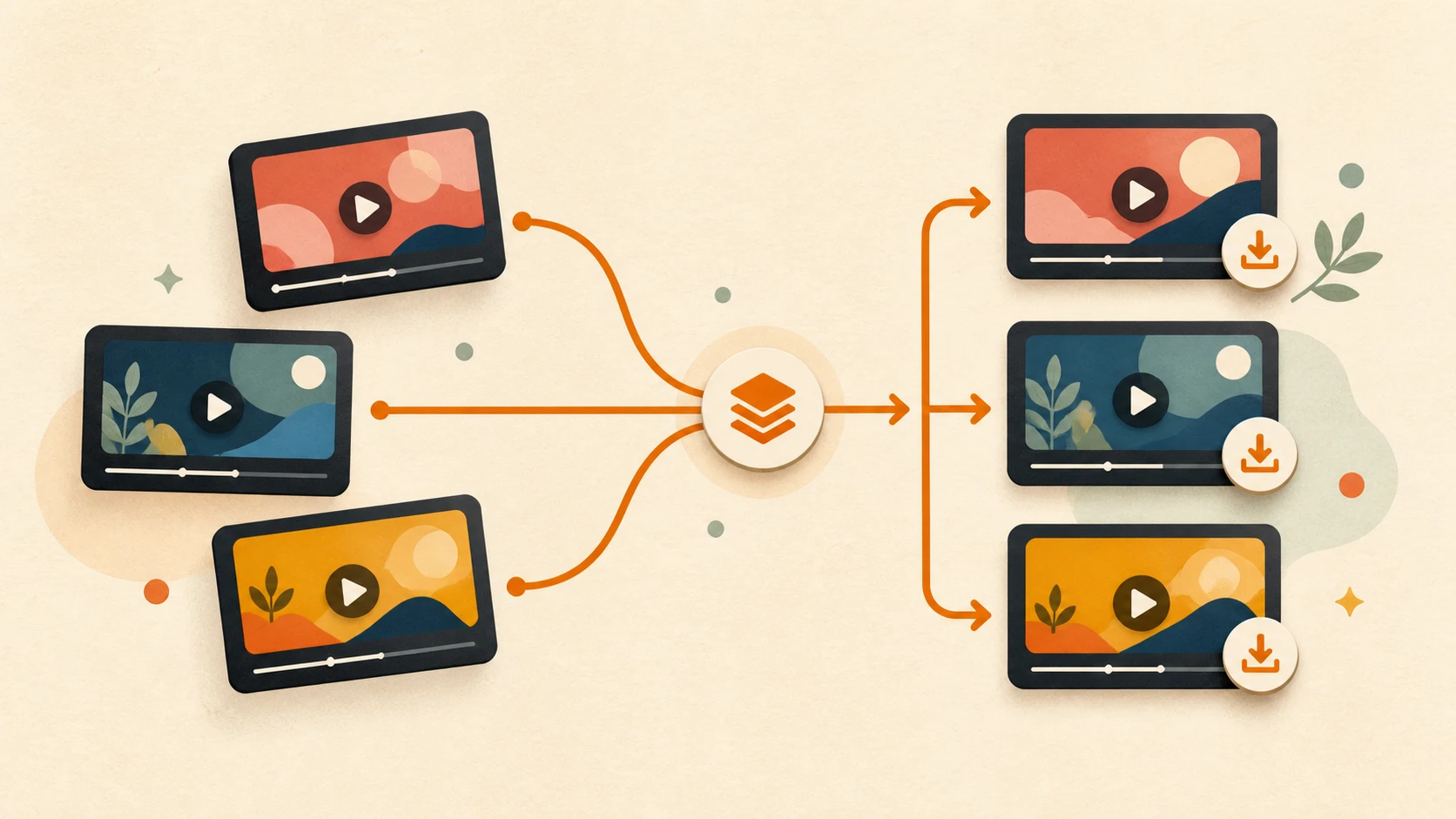
Generated several versions of the same idea? Paste all your Meta AI video links into one batch and process them together.
Each link is handled separately, so successful videos remain available even if another link fails. Download your creations for local backup, prompt comparison or further editing without repeating the same process for every video.
Account access
An account on this website is required to process and download videos. You do not need to connect your Meta account or provide your Meta username, password or private account access.
Only accessible Meta AI video links are processed by the downloader.
Yes. Paste an accessible Meta AI video link to download the video without a visible watermark.
Yes. Paste one link per line to process up to 10 Meta AI videos in one batch.
No. Videos are downloaded without resizing, cropping or re-encoding.
Yes. You need an account on this website to process and download videos.
No. You do not need to connect your Meta account or provide your Meta password.
The downloader currently supports accessible Meta AI generated-video links only.
No. Private videos and links that require Meta account access are not supported.
The link may be private, expired, deleted or not recognized as a supported Meta AI generated-video link.
The downloader saves the original video format available from the Meta AI source.
No. The available source quality is preserved without additional compression.
Paste one or multiple Meta AI video links and download watermark-free videos in their original quality.
Only download videos you created or have permission to use.
This independent tool is not affiliated with or endorsed by Meta Platforms, Inc.