Free Veo3 Watermark Remover Online
Instantly remove Veo3 watermark from your AI-generated videos in one click. No cropping, no quality loss, and no annoying blur. Get clean, professional results in seconds.
Supported: MP4, WebM | Max size: 500MB
Upload Video to Remove Veo3 Watermark
Batch upload up to 10 videos at once. Supports MP4, MOV, M4V, MKV and WEBM, with each file up to 500MB.
Total Estimated Cost
0 Credits
Processing Results
Free users can access a 3-second preview video. Upgrade to unlock the full watermark-free video.
Why Choose Our Veo3 Watermark Remover?
The most advanced AI technology for Veo3 video watermark removal
Zero Quality Loss
Erase the logo without degrading your high-resolution AI video. We preserve your original frame rate and pixels.
Smart AI Inpainting
Forget blurry patches or mosaics. Our AI analyzes the frames to fill in the removed area naturally.
No Cropping Needed
Keep your original video framing completely intact while you remove Veo3 watermark.
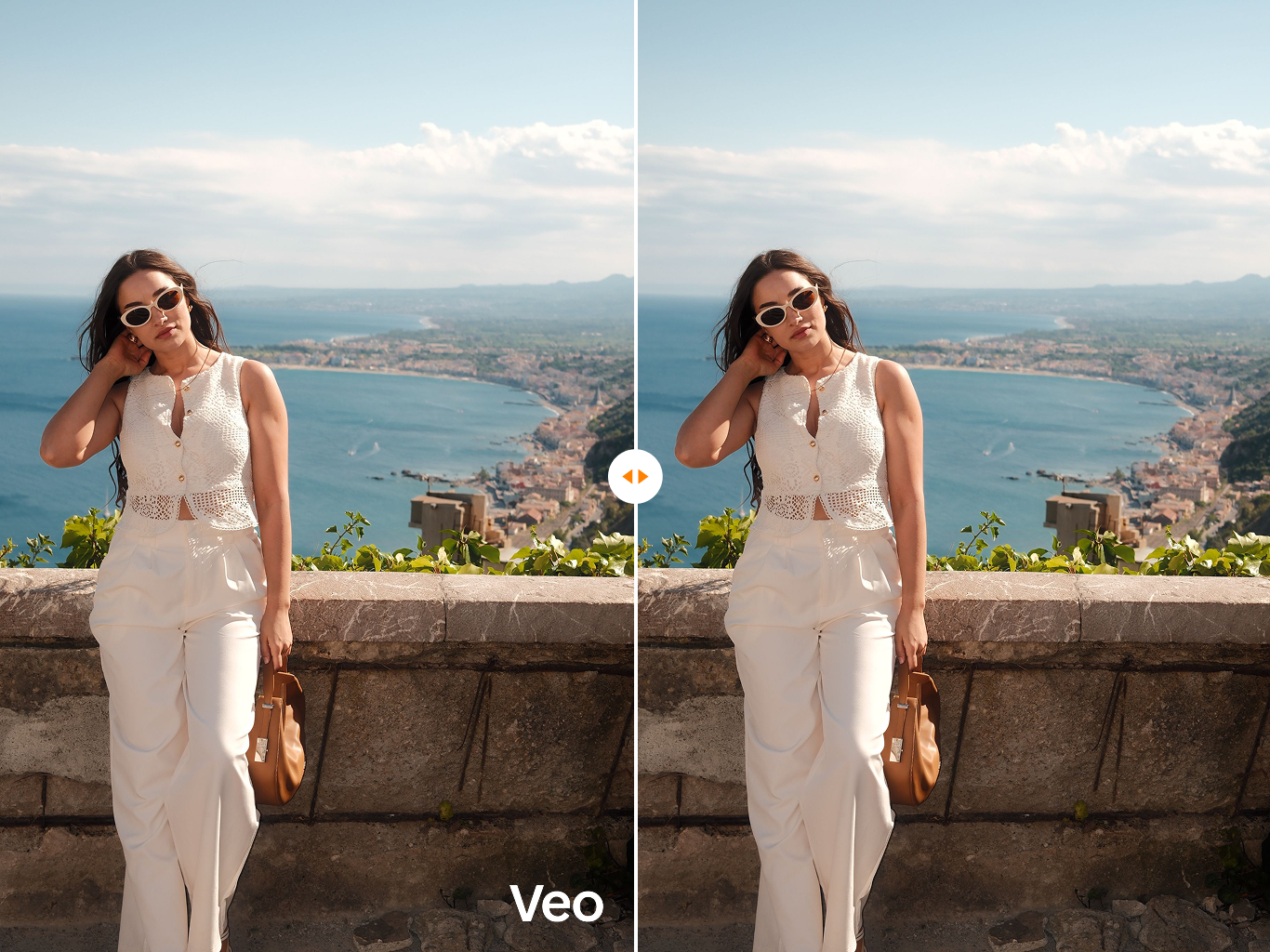
How to Remove Veo3 Watermark in 3 Simple Steps
Get clean, watermark-free videos in minutes
Upload Video
Drag and drop your Veo3 video into our secure platform.
AI Auto-Detect
Our AI automatically detects the Veo3 watermark and removes it — no manual selection needed.
Export & Download
Click process and download your clean, watermark-free video instantly.
Perfect for Every AI Video Creator
Whether you are sharing your AI creations on TikTok, showcasing a professional portfolio on YouTube, or using generated videos for commercial marketing, our Veo3 watermark remover ensures your content looks premium, highly engaging, and entirely yours.
For Content Creators
Create engaging short-form content without distracting watermarks. Perfect for TikTok, Instagram Reels, and YouTube Shorts where clean visuals drive higher engagement.
- Remove Veo3 watermark in seconds
- Maintain original video quality
- No attribution required after removal
For Marketers
Use AI-generated video assets in your commercial campaigns without watermarks. Present a polished, professional brand image across all marketing channels.
- Commercial-ready footage
- Batch process multiple videos
- Consistent high quality across assets
For Filmmakers
Build a professional demo reel and portfolio using AI-generated footage. Remove platform watermarks to present your creative work in its best light.
- Flawless background reconstruction
- Frame-by-frame AI accuracy
- Export in original resolution
The Smartest Way to Remove Veo3 Watermark
Unlike traditional video editors that force you to crop out the watermark—losing valuable visuals—or basic tools that leave a highly visible smudge, our AI-driven engine analyzes the video frame by frame. It seamlessly replaces the watermark with the actual dynamic background.
| Features | Traditional Tools | AIAI.com |
|---|---|---|
| Cropped Edges | ||
| Blurry Patches | ||
| Full Frame Preservation | ||
| AI Inpainting | ||
| 100% Online, No Install |
Loved by Digital Artists & Creators
"I was searching for how to remove veo3 watermark without making the corner of my video look muddy. This tool works like magic! The AI inpainting is absolutely flawless."
- Alex D., Digital Video Artist
"Finally a tool that removes Veo3 watermarks perfectly! The quality is preserved and the process is super fast. Highly recommended for AI content creators."
- Sarah K., AI Content Creator
"I run a marketing agency and we use Veo3 videos for client campaigns. This watermark remover saves us hours of editing time. The AI inpainting is incredible."
- Marcus L., Marketing Director
FAQ: How to Remove Veo3 Watermark
Ready to Make Your Veo3 Videos Flawless?
Join thousands of creators who trust our AI to clean up their footage. Stop letting watermarks distract your audience.