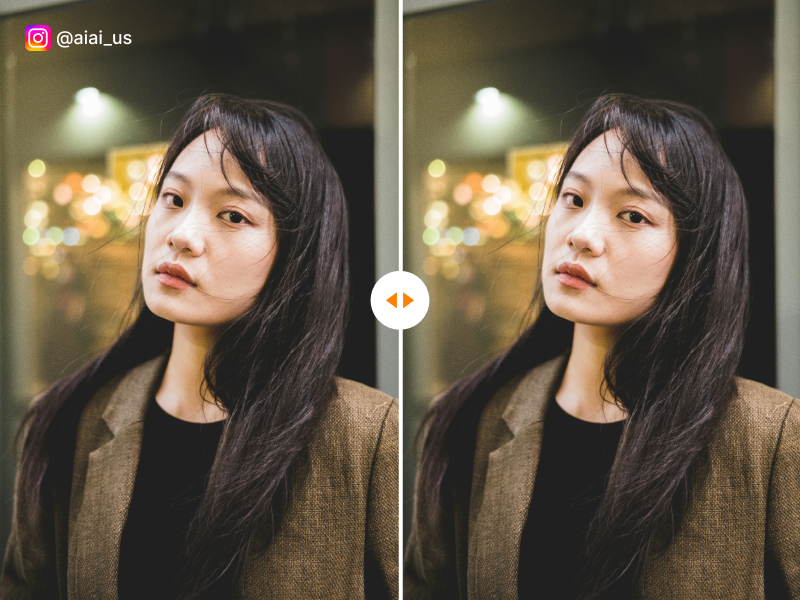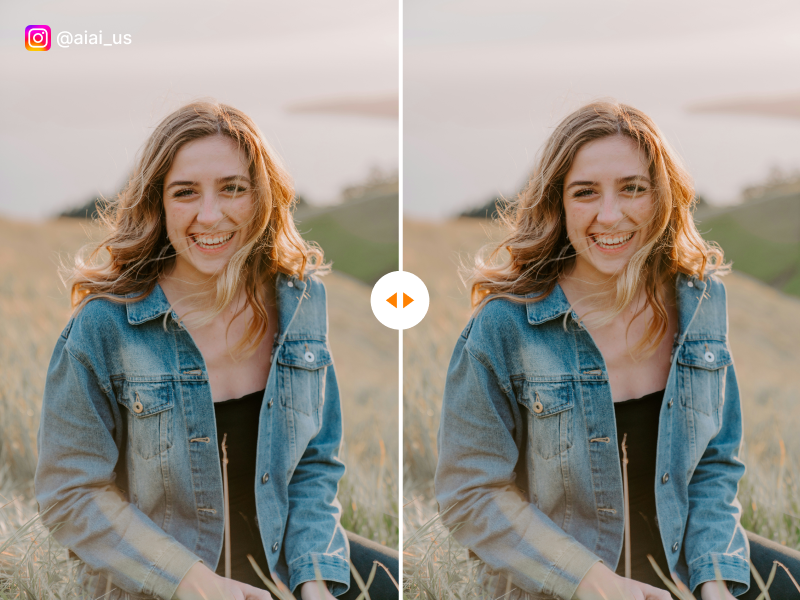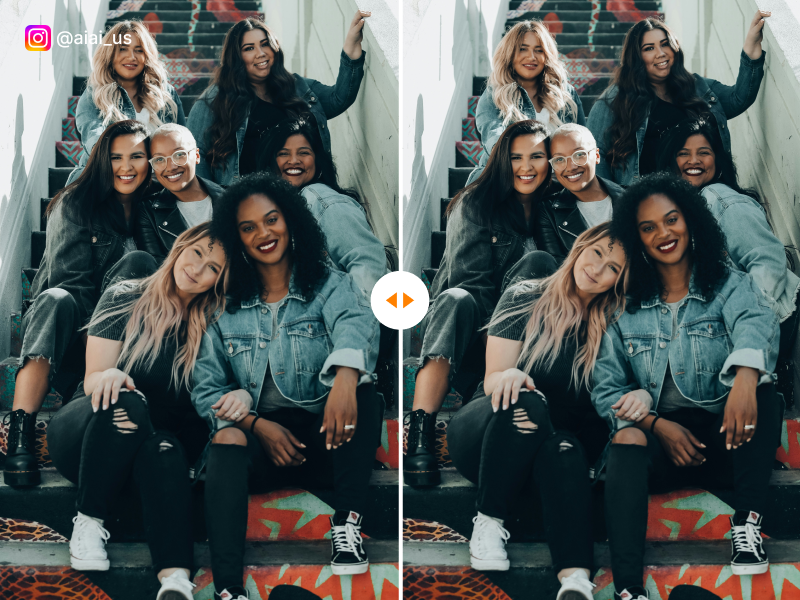
Instagram Watermark Remover

Instagram Watermark Remover for Reels, Videos, and Images

Remove visible Instagram logos and usernames from downloaded Reels, videos, screenshots, and images. Use our online IG watermark remover to clean files you own or are authorized to edit without cropping the frame.

Video and Image Support
No Cropping
Online Processing
before and after using instagram watermark remover tool

Upload a Video to Edit

Choose one MP4, MOV, M4V, MKV, or WEBM video from 1 second to 10 minutes long and up to 500 MB.

Videos over 5 seconds can be trimmed on your device. Only the selected clip is uploaded.

Full-length video model in development

Choose a 5-second clip to preview

Our preview model currently processes one continuous clip up to 5 seconds. Play your video and choose the moment you want to edit.

Selected 5s clip

Drag to move
00:00.00000:00.000

Add a mask clip and paint over the area to be removed.

Add several time clips containing the elements to be removed, and paint over the elements to be removed on each time clip. The more precise the time clips and the painted areas, the better the removal effect.

How to add mask segments
  1. Drag the segment edges to set when the watermark appears.
  2. Paint over the watermark in this segment.
  3. When the watermark changes position, add another segment and paint again.
  4. Preview each segment, then click Generate.

Paint at least one area before generating.

Before and after Instagram watermark removal on an ocean sunset image

Remove IG Watermarks from Reels and Videos

Downloaded Instagram Reels may include an Instagram logo, creator username, or attribution mark. Upload your own Reel or a video you are authorized to edit, then remove the visible IG watermark without cutting away part of the frame.

The processed video keeps its original dimensions and audio. Results can vary with watermark movement, background detail, compression, and scene changes.

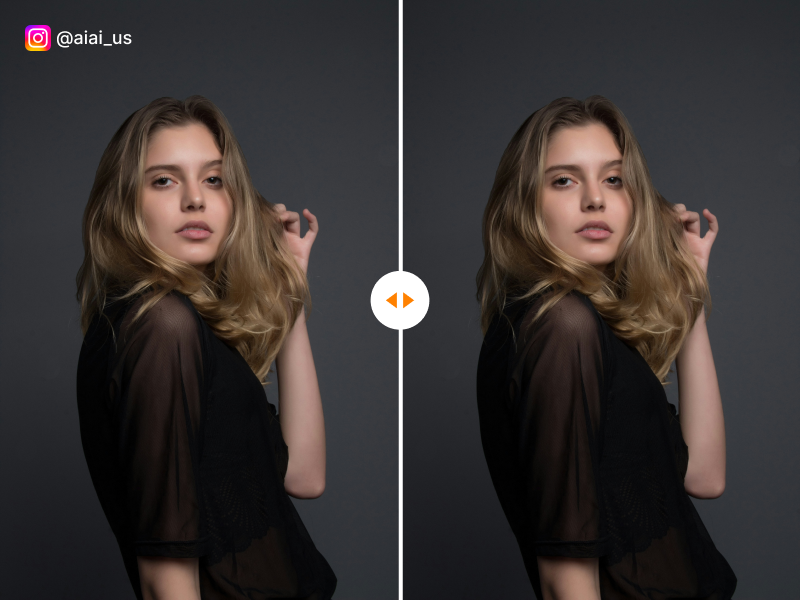
Before and after Instagram watermark removal on a nighttime city image

Remove Instagram Watermarks from Images and Screenshots

Use the image workspace to remove visible Instagram logos, usernames, captions, or interface marks from screenshots and photos.

This is useful for cleaning your own Story screenshots, archived posts, campaign previews, and authorized creator assets while preserving the original image dimensions.

Key Features

Why Choose Our Instagram Reels Watermark Remover?

AI powered background fill for watermark removal

AI-Powered Background Fill

Unlike basic blurring tools, our instagram video watermark remover uses AI to naturally reconstruct the video background.

Keep trending audio when removing watermark

Keep Trending Audio

Removing the watermark shouldn't mean losing the sound. We keep your original audio tracks perfectly synced.

No app required browser based tool

No App Required

Use the best instagram watermark remover online directly from your mobile or desktop browser. Safe, secure, and instant.

3 Easy Steps

How to Remove an Instagram or IG Watermark

1

Upload Your File

Choose an Instagram Reel, video, screenshot, or image containing a visible watermark. Select the Video or Image tab before uploading.

2

Process the Watermark

AI analyzes the visible IG logo or username area and reconstructs the surrounding visual content.

3

Preview and Download

Review the processed result and download the cleaned video or image when it meets your needs.

Use Cases

Perfect Use Cases for Instagram Creators

Cross-Platform Repurposing

Remove Instagram watermark and share your Reels to TikTok, YouTube Shorts, and Facebook without platform penalties.

Brand & Sponsorship Cleanup

Remove competitor watermarks from sponsored content and repurpose them for your own brand campaigns and portfolios.

Personal Video Archives

Clean up your downloaded Instagram memories and stories by removing logos before saving them to your personal collection.

Marketing & Ads

Remove watermarks from user-generated content and influencer videos to create polished, brand-safe marketing materials.

Educational & Tutorial Use

Remove watermarks from educational Instagram Reels before incorporating them into your course materials and tutorials.

Content Curation

Curate the best Instagram content for your blog, newsletter, or website without distracting watermark overlays.

Why Choose Us

The Ultimate Instagram Watermark Removal Technology

Still using cropping or sticky emojis to hide watermarks? Our advanced AI engine offers pixel-perfect instagram watermark removal. Say goodbye to cropped frames, lost video resolution, or ugly blurred boxes. Get a pristine video that looks like it was shot straight from your camera roll.

Features AIAI.com Other Tools
Watermark Removal AI Smart Fill Blur / Crop
Video Quality HD Preserved Compressed
App Required No, Web-Based Yes, Download Needed
Audio Sync Perfectly Kept Often Broken
Testimonials

Loved by Thousands of Creators

I needed to remove instagram reel watermark online free, and this tool saved my life! My videos look perfect on TikTok now.

Sarah, Content Creator

The only instagram watermark remover that doesn't ruin the video quality or mess up the lip-sync audio.

Mike, Social Media Manager

This is the best free Instagram watermark remover I've used. Clean results every time and no quality loss. My engagement on other platforms went up 40% after removing the Instagram branding.

Jessica L., Digital Marketer
FAQ

Instagram and IG Watermark Remover FAQ

Remove Instagram Watermarks from Your Videos and Images

Upload an Instagram Reel, IG video, screenshot, or image you own or are authorized to edit.

Flexible Pricing Plans

Choose the perfect credit package for your needs. No hidden fees.