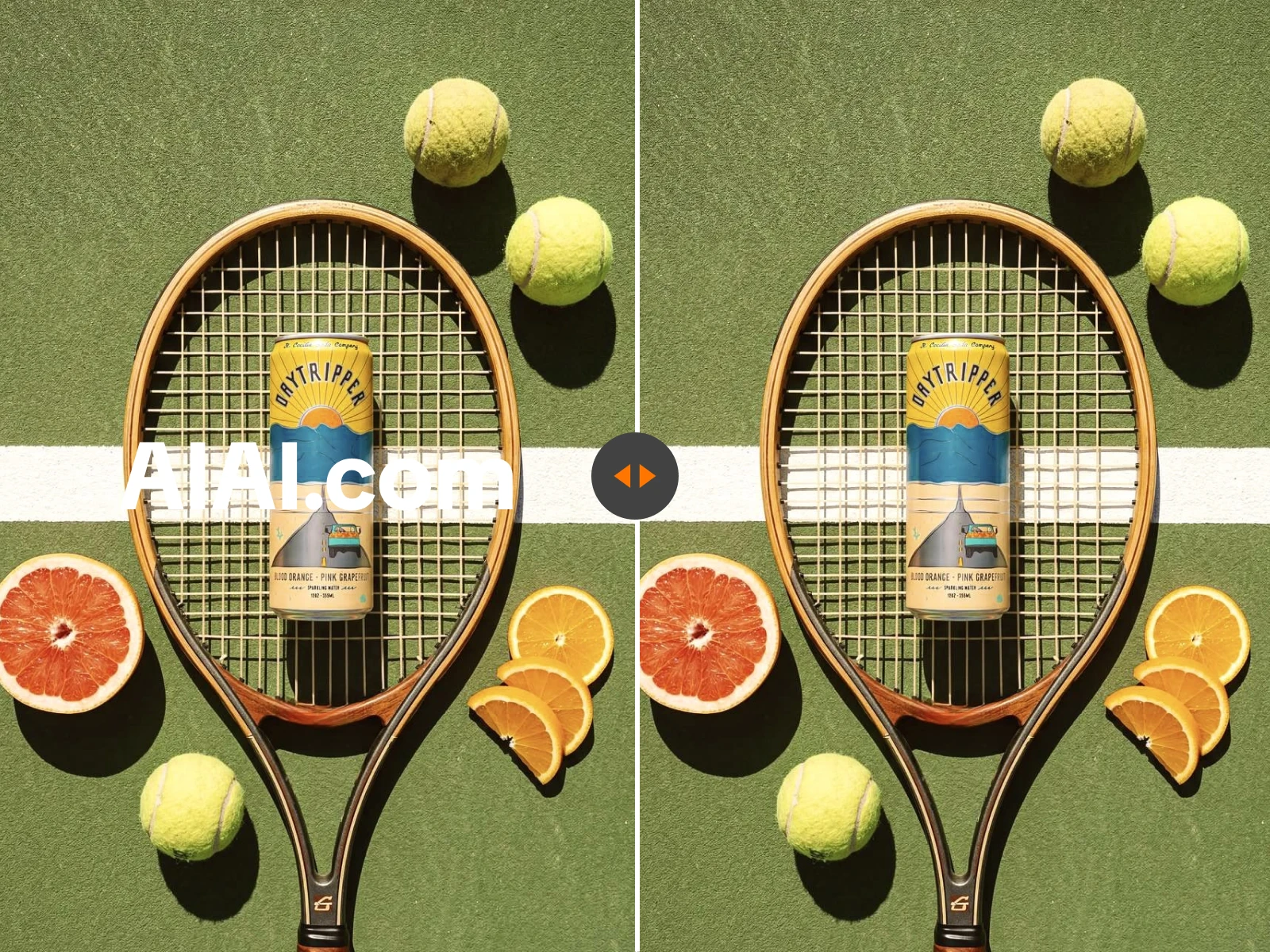
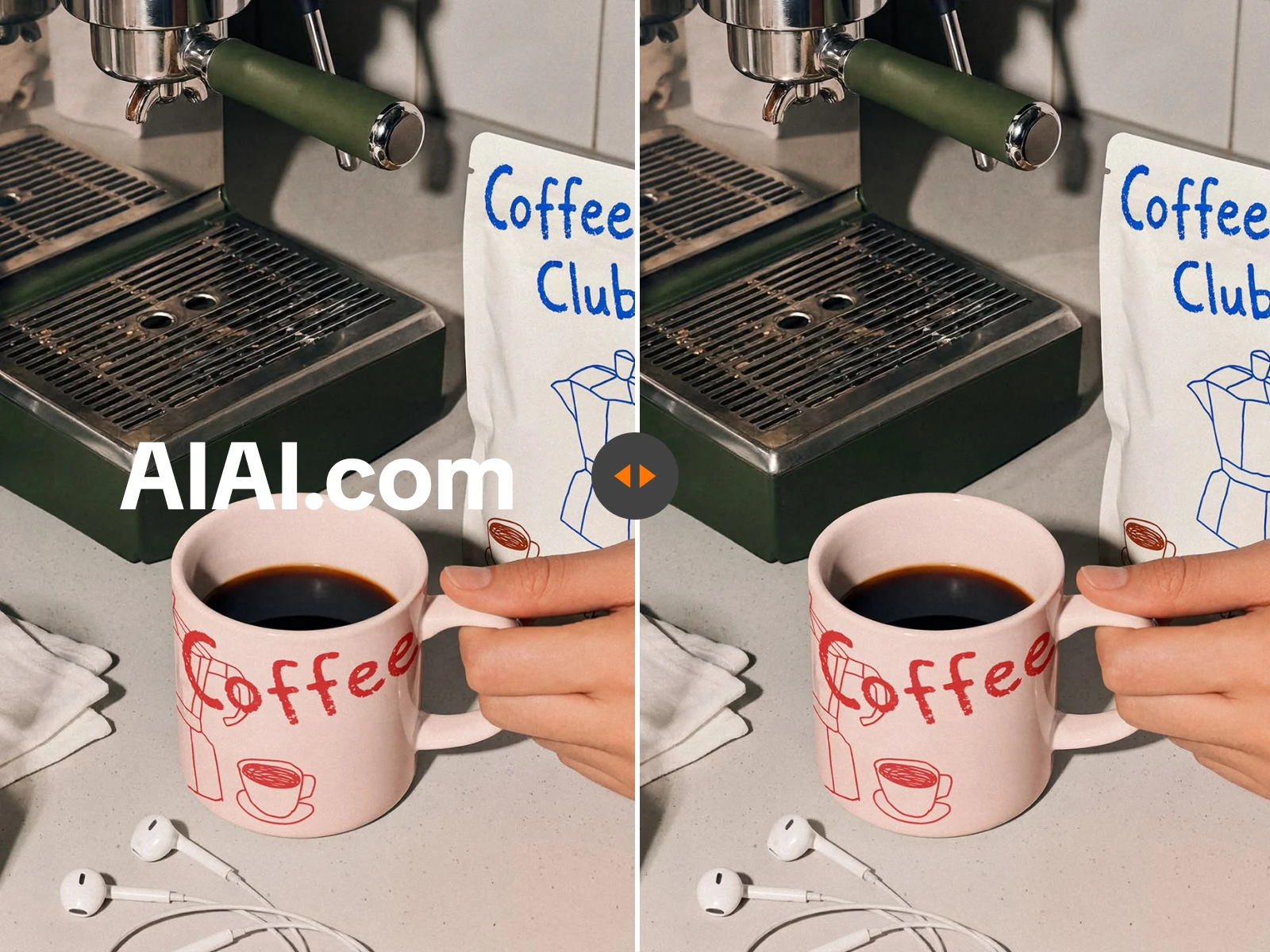
What is PicWish Watermark Remover?
PicWish Watermark Remover is associated with PicWish's broader AI photo-editing toolkit. People searching the name may be looking for its image cleanup feature, its video workflow, or an independent online alternative.
Is PicWish Watermark Remover for images or videos?
PicWish offers image watermark removal and also documents a video removal workflow through its desktop product. Product availability and limits can change, so check its current pages for the latest details. AIAI.COM accepts supported images and videos from the same online page.
Why do Apowersoft watermark remover pages show PicWish?
Apowersoft's current watermark remover pages display PicWish branding. This is why users may encounter both names while looking for the product. AIAI.COM does not claim a relationship with either brand.
Can I use AIAI.COM as a PicWish Watermark Remover alternative?
Yes. AIAI.COM is an independent PicWish Watermark Remover alternative for processing visible watermarks in supported images and videos online. Compare the result, workflow, limits, and current pricing before choosing.
Do I need to install desktop software?
No. AIAI.COM runs in a supported web browser, allowing you to upload, process, and preview an image or video online.
Can it remove moving or transparent watermarks?
Yes. The video workflow supports moving watermarks and dynamic text, while both media workflows can process visible semi-transparent overlays. Results vary with movement, opacity, source quality, and background detail.
Can it delete logos and text from a file?
The tool can process visible logos and text overlays as part of the watermark removal workflow. For more focused image tasks, use AIAI.COM to remove text from an image or remove a watermark from an image.
Which file formats and limits are supported?
Images may be JPG, JPEG, PNG, or WEBP and up to 20MB each. Videos may be MP4, MOV, M4V, MKV, or WEBM and up to 500MB each.
Can I preview the result before paying?
Yes. New users receive 20 credits to test processing, and the estimated credit use for a video appears before the job begins. Payment or a subscription is required to download the result.
Will the result always be perfect?
No. Large marks, strong compression, complex textures, faces, hands, reflections, fast motion, and important details hidden beneath a watermark can make natural reconstruction more difficult.
Should I re-edit the original file or use a watermark remover?
If the editable source is available, removing the overlay there and exporting again usually provides the most accurate result. If you only have the exported image or video, AIAI.COM can reconstruct the visible watermark area from the surrounding content, but it cannot recover the exact original pixels hidden beneath the mark.
Is AIAI.COM affiliated with PicWish or Apowersoft?
No. AIAI.COM is an independent service and is not affiliated with, endorsed by, or sponsored by PicWish or Apowersoft.
Can I remove a watermark from any file?
Only process files you own or are authorized to edit. Removing a watermark does not grant copyright, ownership, or permission to reuse the underlying content.