The Ultimate AI Video Watermark Remover for YouTube
Don't let unwanted logos ruin your content. Our advanced AI helps you delete watermark from video files effortlessly, preserving the original quality of your YouTube clips.
Upload Video to Remove Watermark
Batch upload up to 10 videos at once. Supports MP4, MOV, M4V, MKV and WEBM. Each video must be 1 second to 10 minutes long and up to 500MB.
Videos
0 / 10Credits
Processing Results
Free users can access a 3-second preview video. Upgrade to unlock the full watermark-free video.
Clean Youtube Videos for Other Platform
Clean YouTube Clips
Downloaded a video from YouTube but it has a channel watermark? Our tool removes logos and intro text instantly, giving you a clean file for your personal collection or editing.
Repurpose Content
Want to share a YouTube Short on TikTok or Instagram Reels? Remove the original branding to make your content look native to the new platform and boost engagement.
Remove Subtitles
Need to delete hardcoded subtitles or timestamps from a video? Our AI can erase text overlays without blurring the background, perfect for translation projects.
Why Choose Our Youtube Video Watermark Remover?
Unlike basic tools that just blur the area, our AI video watermark remover intelligently reconstructs the background for a seamless look.
Smart AI Restoration
We analyze surrounding pixels to naturally fill in the removed area, making it the best watermark remover video tool.
Batch Removal
Need to delete watermark from video clips in bulk? Buy credits and process multiple YouTube videos at once.
Secure & Private
Your uploaded files are automatically deleted from our servers after 24 hours.
Who Needs a YouTube Video Watermark Remover?
Turn your YouTube catalog into a multi-platform traffic machine. Our tool is perfectly tailored for:

Multi-Platform Content Creators
Download your long-form YouTube videos or Shorts and cleanly erase the native channel logos or subscribe buttons. Repurpose your content into high-reaching Instagram Reels, TikToks, and Pinterest Idea Pins without being penalized by platform recommendation algorithms.

Digital Marketers & Agencies
Repurpose corporate webinar recordings, customer testimonials, or product tutorials archived on YouTube into polished social media ad creatives, completely free of messy player controls or legacy watermarks.

Video Editors & Educators
Salvage old stock clips, public domain footage, or educational lecture clips where the raw, unmarked source files have been lost over time, restoring them to their original, pristine aesthetic.
How to Remove YouTube Watermarks in 3 Simple Steps
No editing skills required. Our advanced cloud AI handles the heavy lifting in seconds.
Upload Your Video
Click the "Upload Video" button or drag and drop your downloaded YouTube video file into our secure processing dashboard. We support all major video formats including MP4, MOV, and AVI.
Select the Watermark Area
Use our intuitive brush or bounding box tool to highlight the unwanted YouTube logo, channel handle, or hardcoded subscribe button overlaying your footage.
Process and Download
Click "Remove Watermark" and watch our spatial-temporal AI recreate the pixels underneath flawlessly. Once the processing is complete, preview your clean video and download it in its original crystal-clear resolution.
Discover More Video Tools
Remove Meta Watermark
Erase Meta AI, Instagram, and Facebook watermarks from your videos instantly with AI precision.

Remove Veo Watermark
Clean Google Veo AI generated videos by erasing Veo watermarks while keeping stunning 4K details.

Remove Logo from Video
Erase any brand logo, TV channel bug, or watermark overlay from your videos with AI precision.

TikTok Watermark Remover
Remove TikTok watermarks and logos from your saved videos for clean repurposing across platforms.

iStock Watermark Remover
Remove iStock watermarks from preview images effortlessly while preserving the original quality.
Shutterstock Watermark Remover
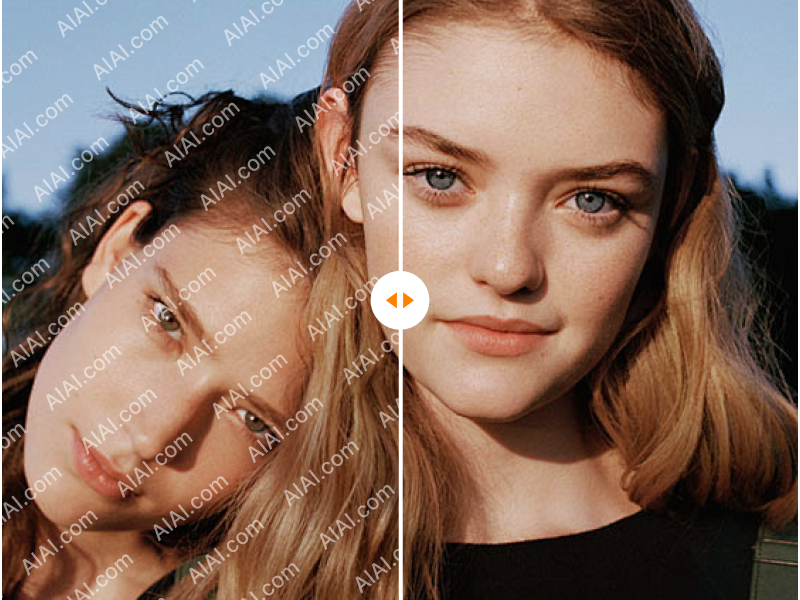
Erase Shutterstock watermarks from stock photos and videos with AI-powered precision.
Veo 3 Watermark Remover
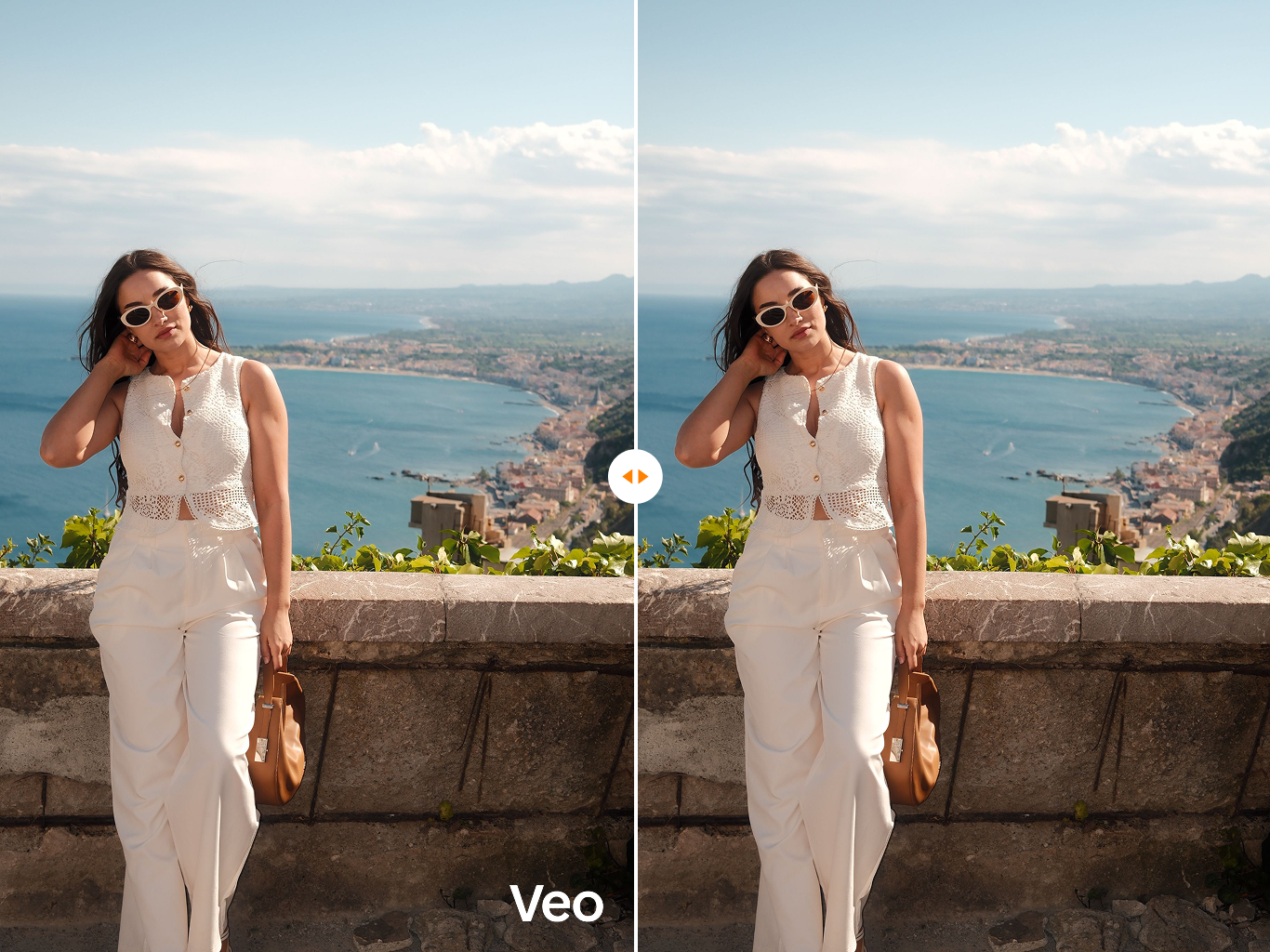
Specially optimized to remove the latest Veo 3 generation watermarks and SynthID artifacts.

Runway Watermark Remover
Clean Runway Gen watermarks and AI branding from your video generations instantly.
Frequently Asked Questions about YouTube Video Watermark Remover
Everything you need to know about cleaning your video assets.
Does using this YouTube video watermark remover compress or reduce my video quality?
Absolutely not. Unlike standard desktop video editors that compress and re-encode your files into lower bitrates, our intelligent AI algorithm works strictly at the pixel level on the targeted area. The overall video resolution, framerate, and bitrate remain exactly the same as your original upload, ensuring zero quality loss.
Is there a maximum video duration or file size limit for processing?
To ensure optimal cloud rendering speeds and zero server timeouts, free users can process videos up to 5 minutes in length. For heavy-duty marketing agencies or creators handling long-form webinars and documentaries, our Premium Plan unlocks extended limits for longer video lengths and higher file sizes.
Can your tool remove moving watermarks or bouncing channel icons?
Yes, it can. Our system is built on an advanced multi-frame temporal fusion architecture. It doesn't just look at a static image; it tracks the watermark across consecutive frames. If a YouTube channel logo shifts positions or animates, the AI continuously traces and erases it seamlessly.
Do I need to download any software or browser extensions?
No installation is required. Our platform is 100% web-based. You can securely clean your videos from any device—whether you are working on a Windows PC, a Mac, or editing on the go from an iOS or Android smartphone.
Is it legal to remove watermarks from YouTube videos?
Our tool is explicitly designed for content creators who own the legal copyrights to their own footage but have lost their original raw, unedited source files. We strongly advise users to ensure they possess the proper permissions or copyrights before processing any third-party video content.
Flexible Pricing Plans
Choose the perfect credit package for your needs. No hidden fees.