
 Before & After
Repeating Text and Logo Patterns
Clean diagonal sample text, repeated brand names, proof marks, or multiple logos distributed across an authorized image.
Full-frame pattern cleanup
Remove tiled watermarks from images and clean large overlays from authorized photos, designs, and videos online. Process visible repeating text, logos, and broad overlays without cropping the original composition.

 Before & After
Choose a supported image you own or are authorized to edit.
Total Estimated Cost
0 Credits
Choose a supported video you own or are authorized to edit.
Total Estimated Cost
0 Credits
Only upload content you own or are authorized to edit.
Images and videos in one workspace
A tiled watermark repeats the same word, logo, or pattern across several parts of an image. A full-screen watermark uses one large mark or semi-transparent layer to cover a broad area. AIAI.COM processes these visible watermark patterns without cutting away the edges of the file.
Before & After
Clean diagonal sample text, repeated brand names, proof marks, or multiple logos distributed across an authorized image.

 Before & After
Remove a large word, graphic, or low-opacity logo placed over the center or across most of a photo, product image, or design.
Use the video workflow for visible text, old branding, and broad overlays that remain on screen or change during an authorized clip.
Beyond a corner fix
A single corner mark affects a limited area. Repeated watermarks can cross products, faces, typography, gradients, and textured backgrounds at the same time. Cropping changes the composition, while blur and mosaic leave obvious patches.
This AI tiled watermark remover reconstructs affected areas from surrounding visual information. It creates a visually consistent replacement while leaving the rest of the frame intact.
No crop or resize
Remove visible repeating watermark patterns without zooming or cropping. AIAI.COM retains the source width, height, and aspect ratio, supports images and videos in one online workspace, and shows the estimated credit cost before video processing.
The original composition stays in place while only the selected areas are processed.
Permission-first editing
Refresh owned product images and campaign visuals when an outdated brand label or repeated internal mark remains in the final asset.
Prepare approved proofs, archive images, and client files for a new delivery when you have permission to edit the material.
Clean draft labels, presentation overlays, and review text from editable layouts before publishing an approved version.
Update owned footage that still contains an old channel identity, event overlay, or campaign graphic across the frame.
Inspect the restored details
Judge full-frame cleanup by the details left behind, not only by whether the words disappear.

 Before & After
Inspect packaging, fabric, patterns, and small details where several tiled marks overlap one object.
 Before & After
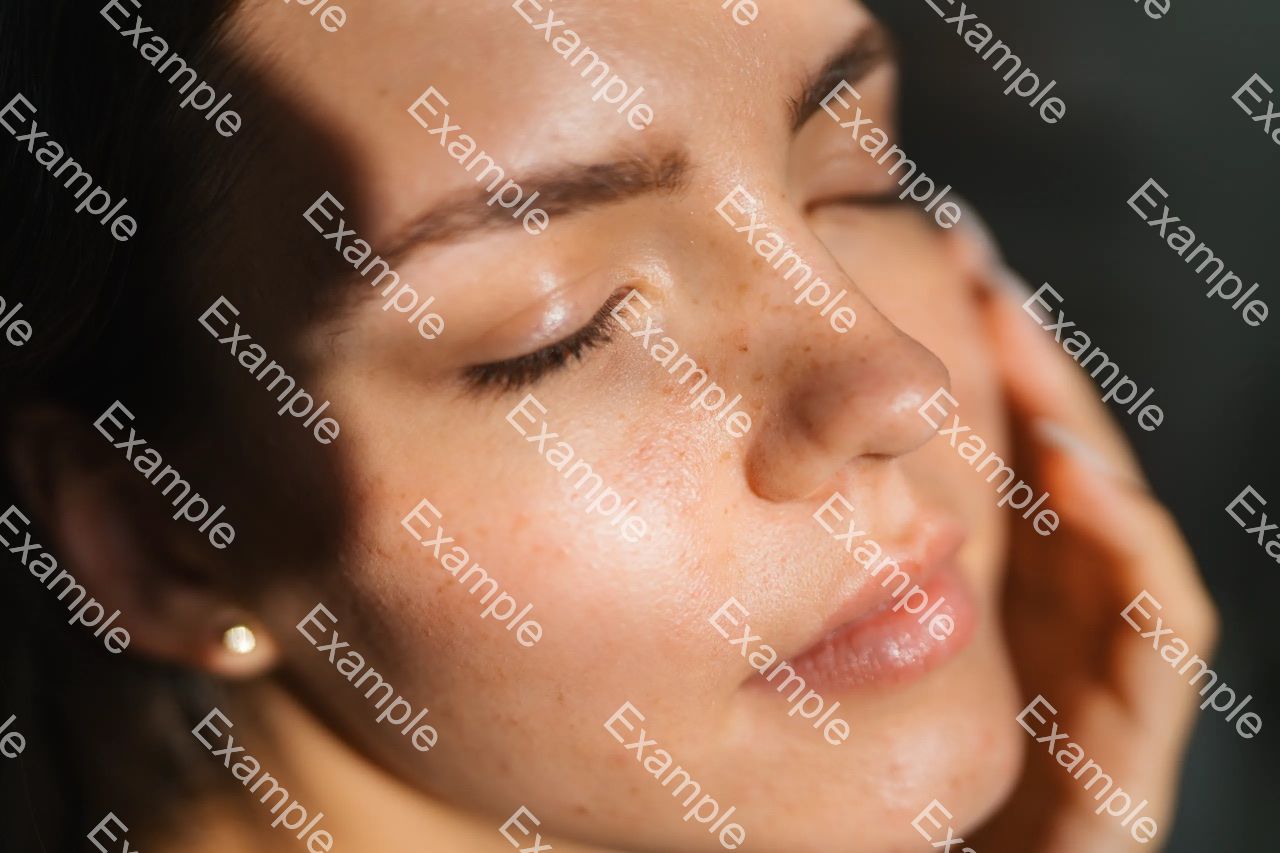
Check skin, hair, shadows, and gradients for smearing, color changes, or soft patches.
Three-step workflow
Choose a supported file that you own or have permission to edit.
Start the removal process for the repeated text, multiple logos, or large overlay in the uploaded file. For video, review the estimated credit cost before continuing.
Start the AI cleanup and inspect the result at full size or across the complete clip. Download when the output meets your needs.
New AIAI.COM users receive 20 credits to verify the removal effect. Video coverage depends on the estimate shown after upload. Payment or a subscription is required to download.
Dense patterns leave less untouched background for reconstruction. Faces, product labels, reflections, detailed textures, low resolution, and compression can make cleanup more difficult.
AI creates a visually plausible replacement from the available content; it cannot recover the exact original pixels hidden by the watermark.
Yes. Upload an authorized image and process the visible repeating text or logos online.
Yes. Multiple visible watermark areas in the same file can be processed. Dense patterns may be more difficult to reconstruct than one isolated logo.
Yes. Visible marks across different parts of the canvas can be processed while preserving the original dimensions.
Yes. It can process visible semi-transparent text and logos. Use the dedicated Transparent Watermark Remover for faint or blended marks.
Use the Moving Watermark Remover for visible text, logos, or watermark marks that change position, opacity, or timing during a video.
No. It retains the original dimensions and aspect ratio instead of cropping the mark out.
Results vary. Large marks, complex backgrounds, low resolution, and compression can make reconstruction more difficult.
Only upload content you own or are authorized to edit. Removal does not provide copyright, ownership, or permission to use the material.
Remove visible marks from supported images while keeping the original canvas.
Process a visible watermark across supported video frames.
Remove animated text, shifting logos, and watermark marks that move or change during a video.
Clean faint or blended semi-transparent marks from authorized media.
Clear unwanted labels, dates, captions, and embedded text from a supported image.
Upload an authorized image or video, process the visible pattern or overlay, and preview a cleaner result while keeping the complete composition.