The Ultimate Meta Video Watermark Remover for Creators
For Meta videos you created or are authorized to edit, this tool can remove visible "Imagined with AI" labels and logos with AI-assisted background reconstruction. Preview the result before reusing your footage on TikTok, YouTube, Instagram, or other channels.
Upload Meta Video Now
Batch upload up to 10 videos at once. Supports MP4, MOV, M4V, MKV and WEBM. Each video must be 1 second to 10 minutes long and up to 500MB.
Videos
0 / 10Credits
Processing Results
Free users can access a 3-second preview video. Upgrade to unlock the full watermark-free video.
Why Use Our Meta AI Video Watermark Remover?
Creating content with Meta's generative AI is amazing, but the watermarks limit your professional use. Our tool is designed specifically to handle these artifacts.
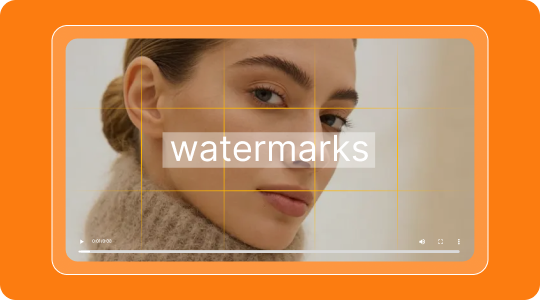
Precision Removal
Our AI detects visible Meta watermark patterns and reconstructs the selected area using details from surrounding frames.
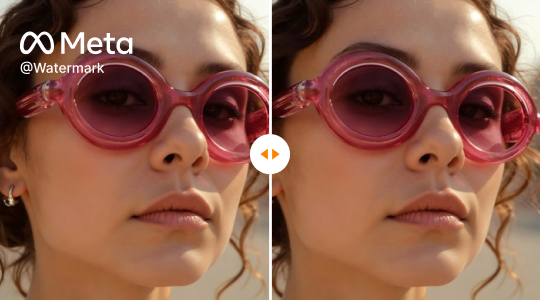
Quality Preservation
The tool aims to preserve the source resolution while rebuilding the selected watermark area. Results depend on the video quality and background complexity.
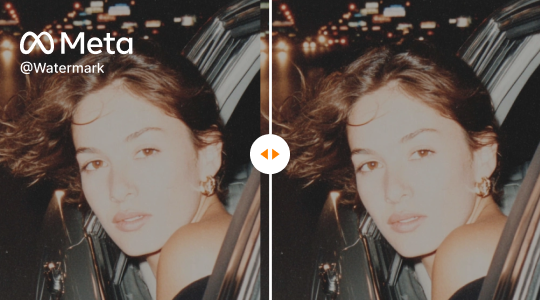
Cross-Platform Ready
Prepare authorized clips for reuse across TikTok, Reels, and other channels while following each platform's publishing and disclosure rules.
What This Tool Can and Cannot Remove
The tool targets visible overlays in videos. It does not remove invisible provenance signals or guarantee perfect reconstruction in every scene.
What It Can Remove
- Visible Meta logos and corner marks
- Visible "Imagined with AI" or "Made with AI" text overlays
- Static or moving marks with enough surrounding background detail
- Selected labels in MP4, MOV, AVI, and WEBM videos
What It Cannot Reliably Remove
- Invisible watermarks, metadata, or provenance systems such as SynthID
- Marks covering faces, hands, or large foreground subjects without possible artifacts
- Overlays on very low-resolution, blurred, or heavily compressed footage with consistent quality
- Third-party ownership or copyright restrictions attached to the video
How to Remove Watermarks from Meta AI Videos in 3 Steps
Follow this simple guide to clean up your footage. No technical skills required.
Upload Your Video
Click the upload area and select the video file generated by Meta AI that you wish to clean.
Select the Watermark Area
Our auto-detect feature will highlight the Meta watermark/logo. You can also manually adjust the selection box for precision. Click "Remove" to start processing.
Download Clean Video
Let the AI rebuild the selected area, review the preview, and download the processed Meta video when it is ready.
Why Choose AIAI Meta Remover?
| Feature | AIAI Meta Remover | Other Tools |
|---|---|---|
| Watermark Removal Quality | AI In-painting | Blurry Smudge |
| Supported Platforms | Instagram, Facebook, Threads | Limited |
| Cost | Free 20 credits (about two 5-second videos) | Paid / Credits |
| Video Quality | Source-resolution export | Compressed |
Advanced In-painting Technology for Meta Video Restoration
Unlike basic blurring tools, our Meta Video Watermark Remover uses deep learning in-painting technology. It analyzes the pixels surrounding the Meta logo and intelligently reconstructs the background textures, colors, and movements.
Background repair designed for creative projects
Preview-based background reconstruction
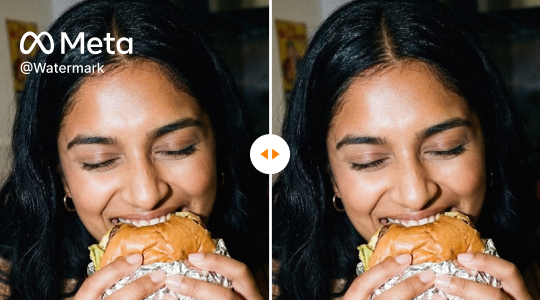
Boost Your Brand with Clean Meta Generated Content
Professionalism
Present a polished brand image without third-party Meta logos cluttering the screen.
Campaign Asset Cleanup
Clean visible overlays from authorized campaign assets, then review the destination platform's current advertising and AI-disclosure requirements before publishing.
Creative Freedom
Composite Meta AI clips into larger projects without visual distractions.

Legal and Responsible Use
Use this tool only with videos you created, own, or have explicit permission to modify. Removing a visible mark does not remove copyright, attribution, licensing, privacy, or platform obligations.
Use Your Own or Authorized Videos
Upload only Meta videos you generated yourself, own, or have clear authorization to edit.
Check Terms and Licenses
Review Meta's terms, applicable licenses, and the publishing rules of your destination platform before using the result.
Protect People and Sensitive Content
Do not use the tool to misrepresent authorship, conceal required disclosures, or process sensitive footage without the necessary consent.
What Creators Say
"I used the preview to check a Meta watermark cleanup before preparing my own clip for TikTok."
Sarah J.
Content Creator
"The short preview helped me evaluate the result before deciding whether to process the complete video."
Mike T.
Social Media Manager
"Works great for Facebook videos too. The AI is really smart at filling in the background."
Jessica L.
Vlogger
FAQs About Removing Meta Video Watermarks
All Online Photo & Video Editing Tools
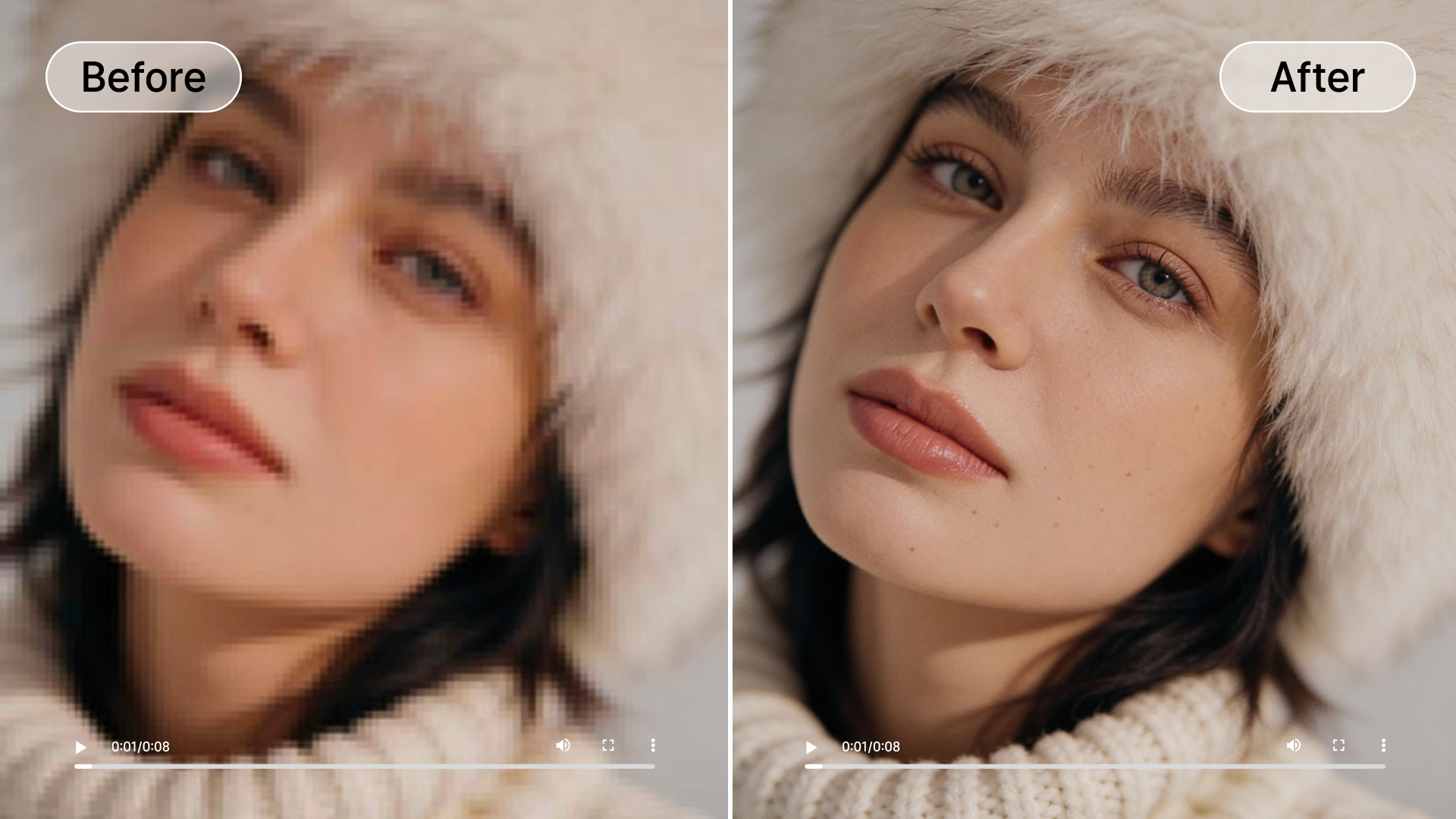
Video Quality Enhancer
Upscale video resolution, denoise, and enhance clarity with AI for professional-grade results.
Try It Now
Image Watermark Remover
Remove selected watermarks, logos, and unwanted objects from images with AI-assisted cleanup.
Try It Now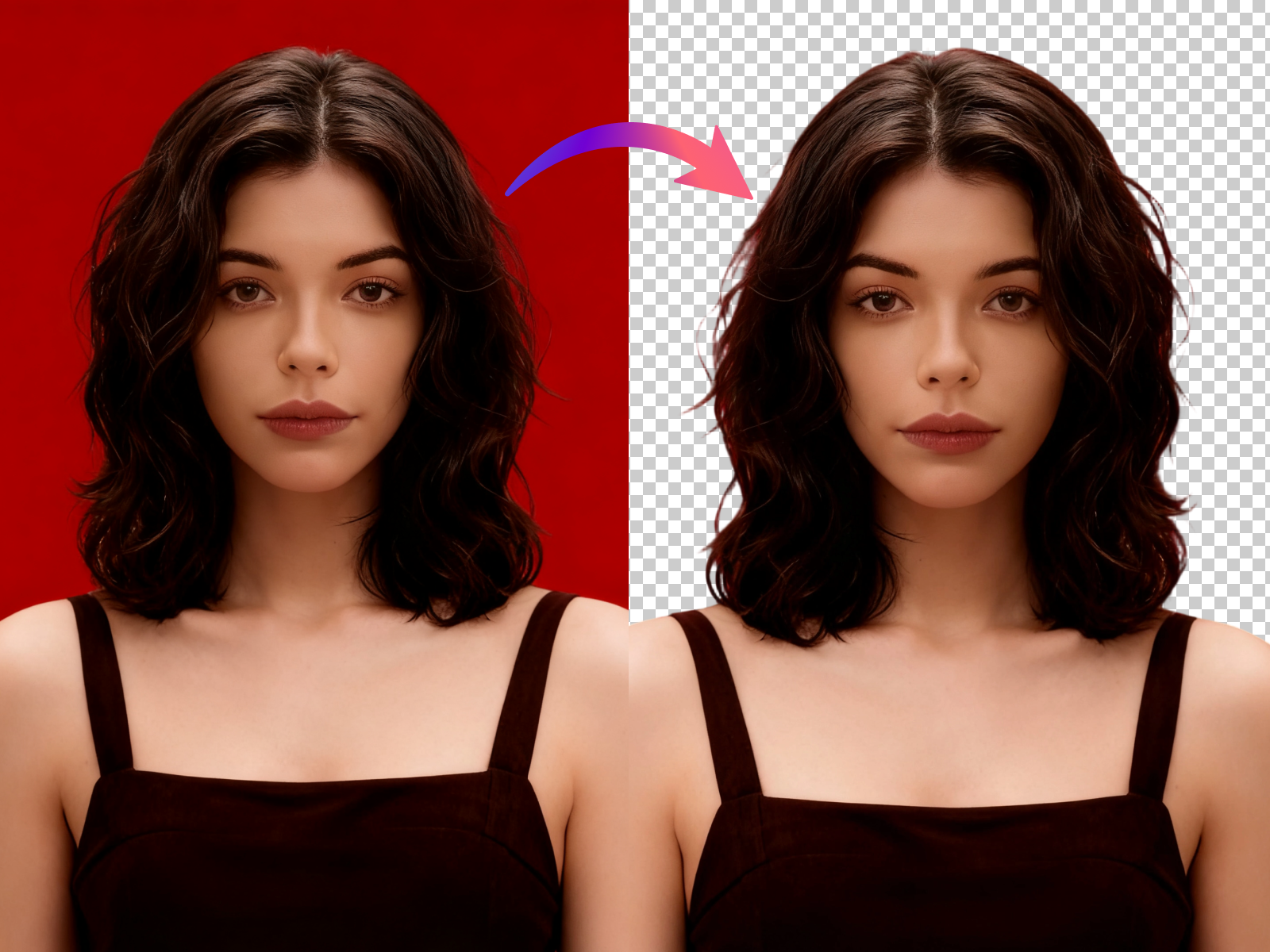
Image Background Remover
Remove backgrounds from images automatically in seconds with high precision cutout.
Try It Now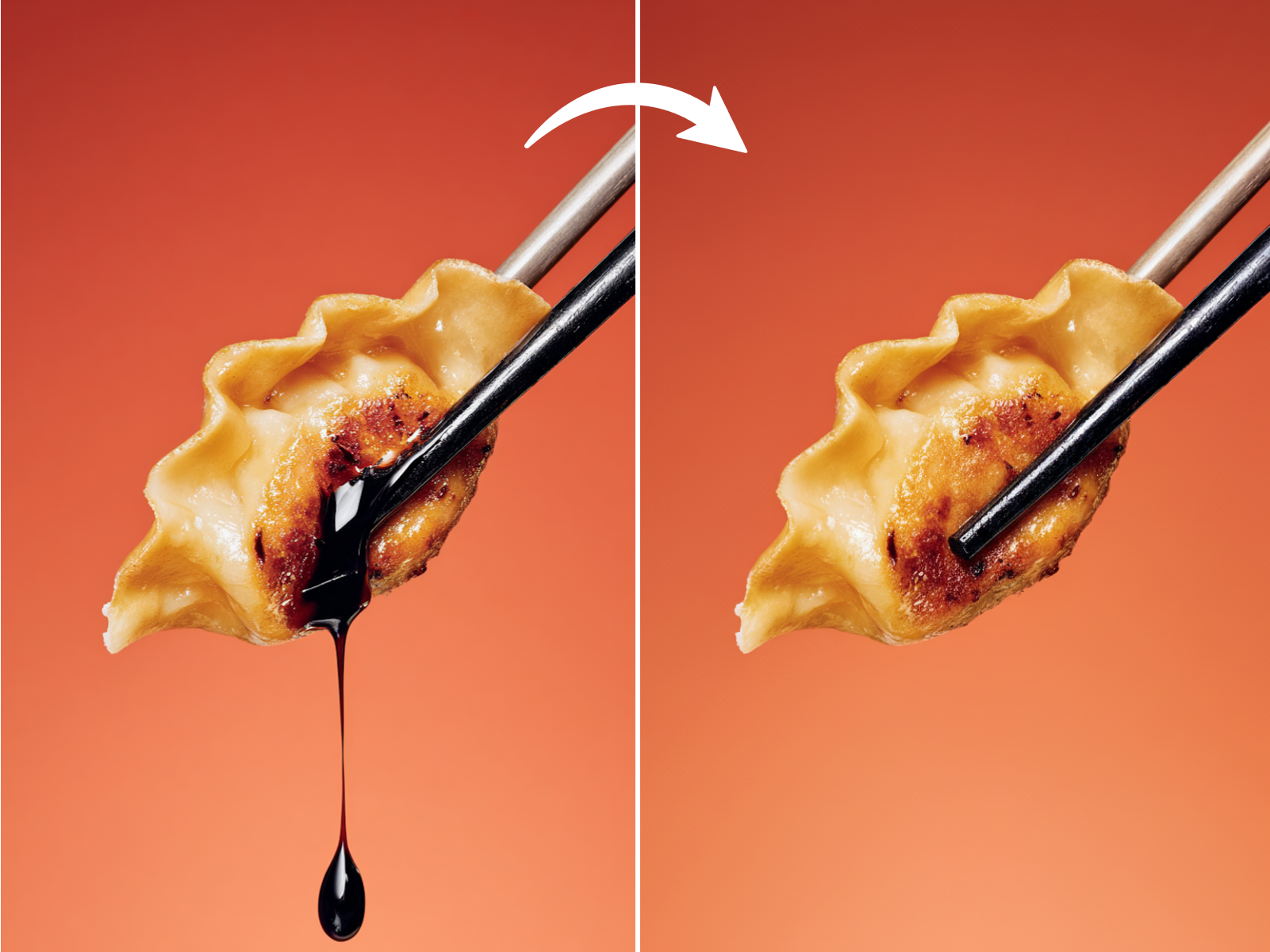
Image Object Remover
Remove selected people, text, or defects from photos using AI inpainting.
Try It Now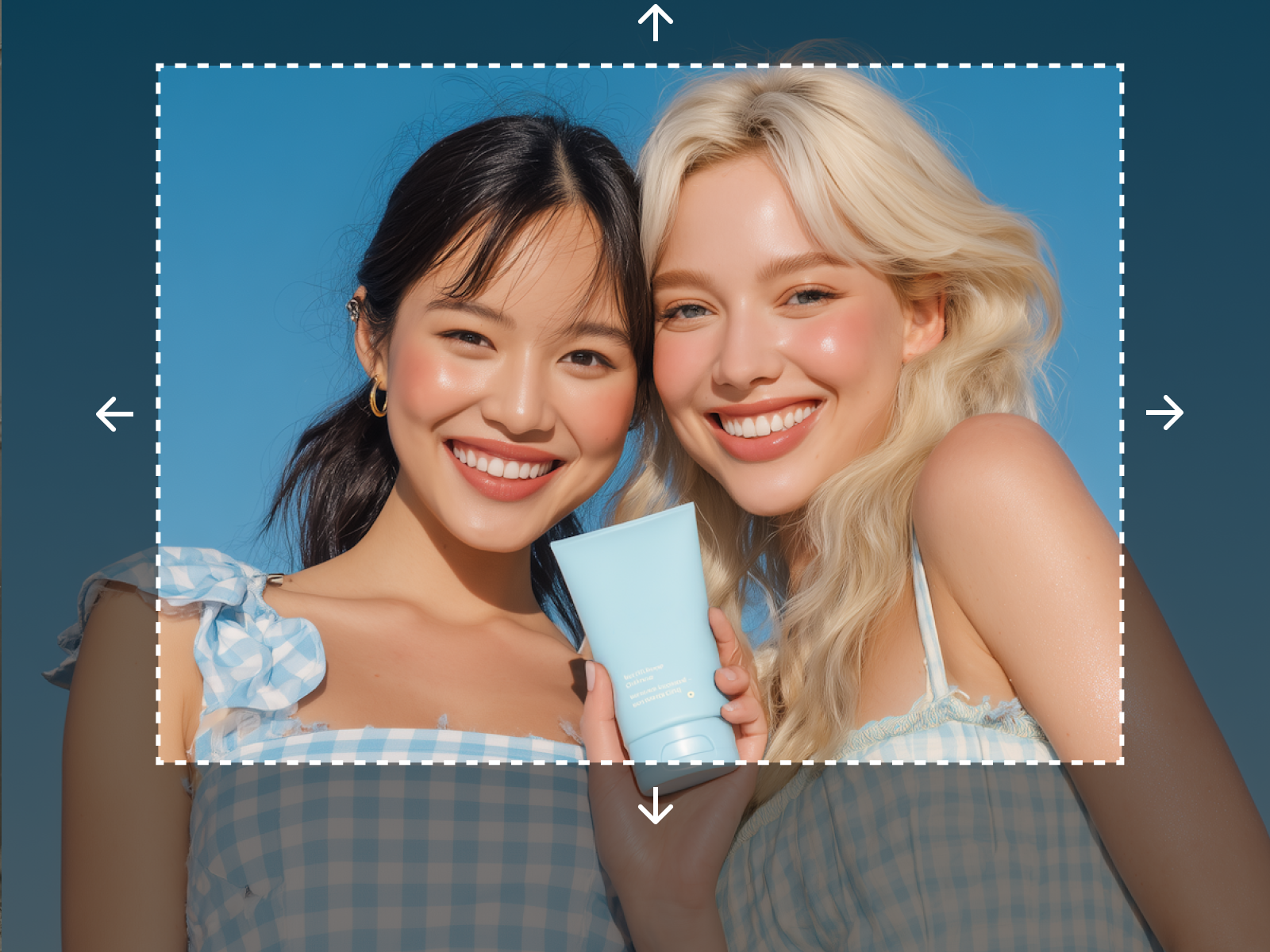
Image Extender
Expand your images beyond their original borders with generative AI outpainting.
Try It Now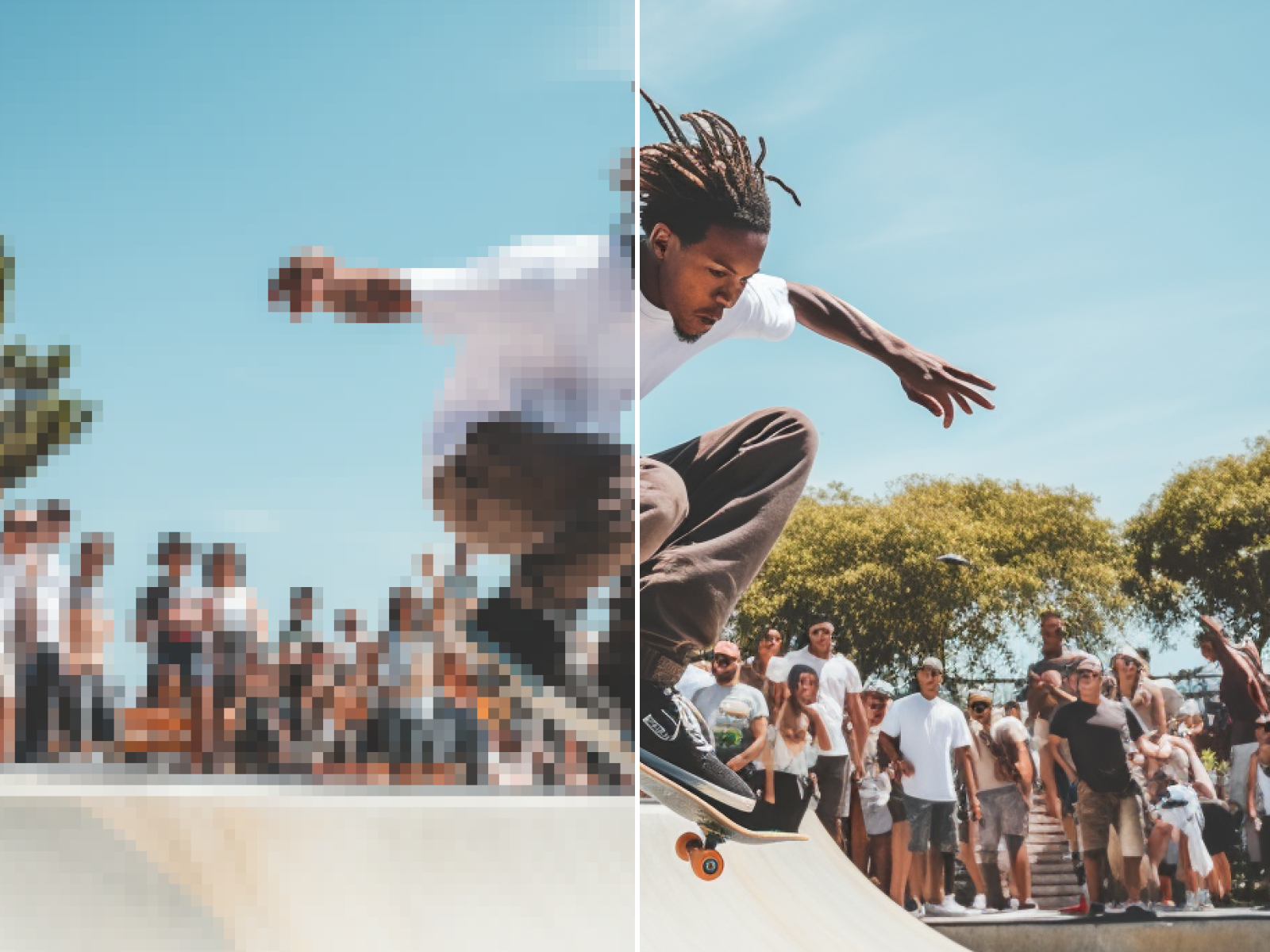
Image Enhancer
Improve photo quality, fix blurry images, and correct colors with one click.
Try It Now
Image Upscaler
Upscale low-resolution images to 4K without losing quality or adding noise.
Try It Now
Photo Restoration
Restore old, damaged, or scratched black and white photos to their former glory.
Try It NowFlexible Pricing Plans
Choose the perfect credit package for your needs. No hidden fees.