免费 Getty Images 水印去除工具
借助先进AI在线即时去除Getty Images水印。无需Photoshop技能。上传照片,几秒内获得无水印的干净图片。
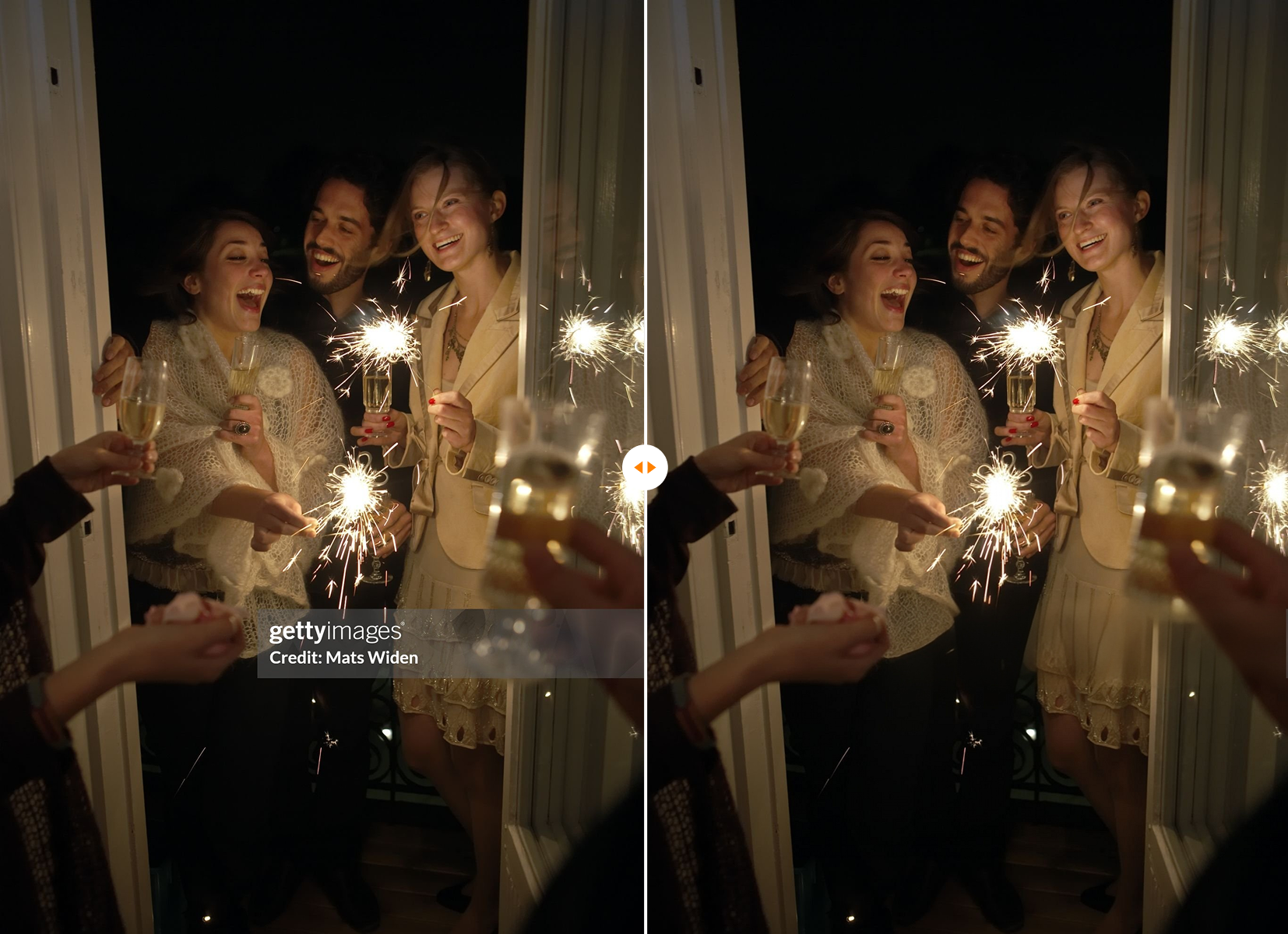
我们的AI即时检测并去除Getty水印,不留痕迹。
去除 水印 from Getty Images Here
支持 JPG、JPEG、PNG、WEBP 格式,每次最多上传 10 个文件,单个文件最大 20MB。
预计总费用
0 积分
处理结果
找到合适的 Getty 图片?用 AI 以更低成本创作相似图片
找到了主体、构图、光线或氛围都合适的 Getty Images 照片,但授权费用超出项目预算?将其作为视觉参考,让 AI 创作一张创意方向高度一致的新图片。
为广告、文章、演示文稿或社交帖子获得定制视觉素材,无需为考虑使用的每张图库图片支付授权费用。

 原图
原图
请生成一张无水印的相似图片
 生成图片
生成图片
成本对比
Getty Images 授权
价格因素材和使用权限而异
AI 生成图片
每次生成消耗 6–24 积分
每次生成约 $0.39–$1.19,具体取决于模型
AI 生成视频
30 积分起;Seedance 2.5 每秒仅需 10 积分起
每次生成约 $1.90 起
为什么选择我们的 Getty Images 标志去除工具?
AI 精准识别
智能分析像素以删除Getty Images水印,不留模糊或污迹。
100% Online & Fast
无需安装软件。直接在浏览器中在线去除Getty水印。
保持原始画质
以原始高分辨率获取清理后的图像。
如何通过3个步骤去除Getty Images水印
通过我们简单的3步流程快速去除Getty Images水印
第一步:上传
点击上传按钮将您的图像导入我们的水印去除工具(Getty Images)。
第2步:标记水印区域
上传完成后,编辑器会自动打开。涂抹您想要去除的文字、水印或字幕,并通过画笔控件微调您的蒙版。
第3步:下载
预览结果并将高质量、干净的图像保存到您的设备。
满足各种创意需求
无论您是创建模型的设计师、准备演示文稿的市场营销人员,还是需要干净视觉效果的博主,我们的工具都能帮助您轻松在线去除Getty Images水印,让您无干扰地展示创意。
面向设计师
使用干净的Getty Images创建出色的模型和客户演示,没有水印干扰。
面向营销人员
使用干净、无水印的图像准备专业演示文稿和营销材料。
面向博主
通过去除Getty Images水印,用干净的视觉效果增强您的博客文章。
最先进的Getty水印去除工具
Unlike traditional clone-stamp tools that require hours of manual work and leave ugly patches, AIAI uses generative AI to reconstruct the background perfectly. It's the smartest way to remove watermark from Getty images.
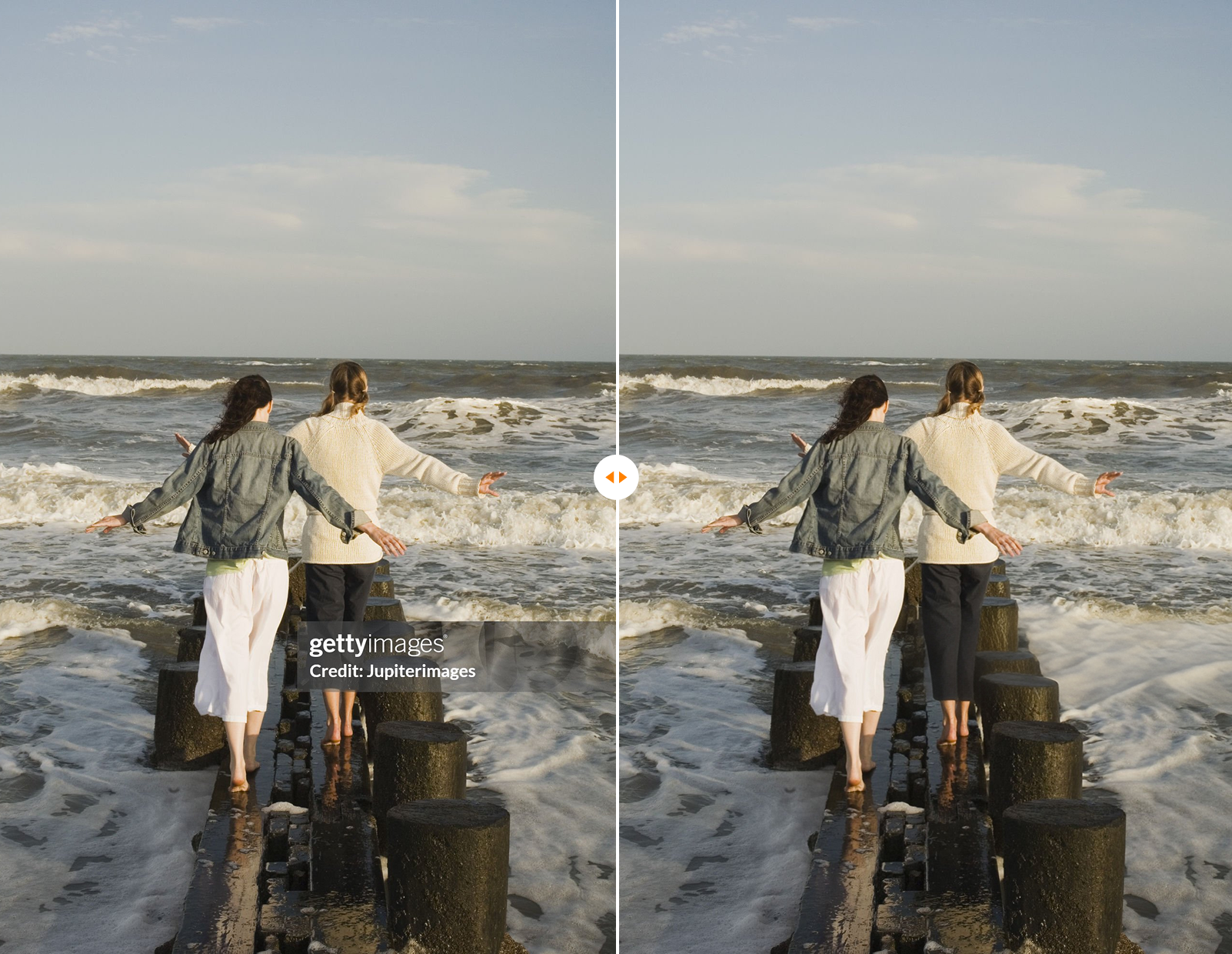
深受全球创作者喜爱
"I used to spend 20 minutes editing out logos. This Getty images watermark remover does it in 5 seconds. Magic!"
"The best tool to remove Getty watermark online. The image quality stays completely intact."
"As a wedding photographer, I constantly get Getty watermarked images from clients. This tool removes them flawlessly and saves me hours of retouching."
常见问题
准备好尝试最佳的Getty Images水印去除工具了吗?
别再让干扰性的标志破坏您的创作流程。立即体验获取干净图像的最快方式。
灵活的价格方案
选择最适合您的套餐,无任何隐藏费用。