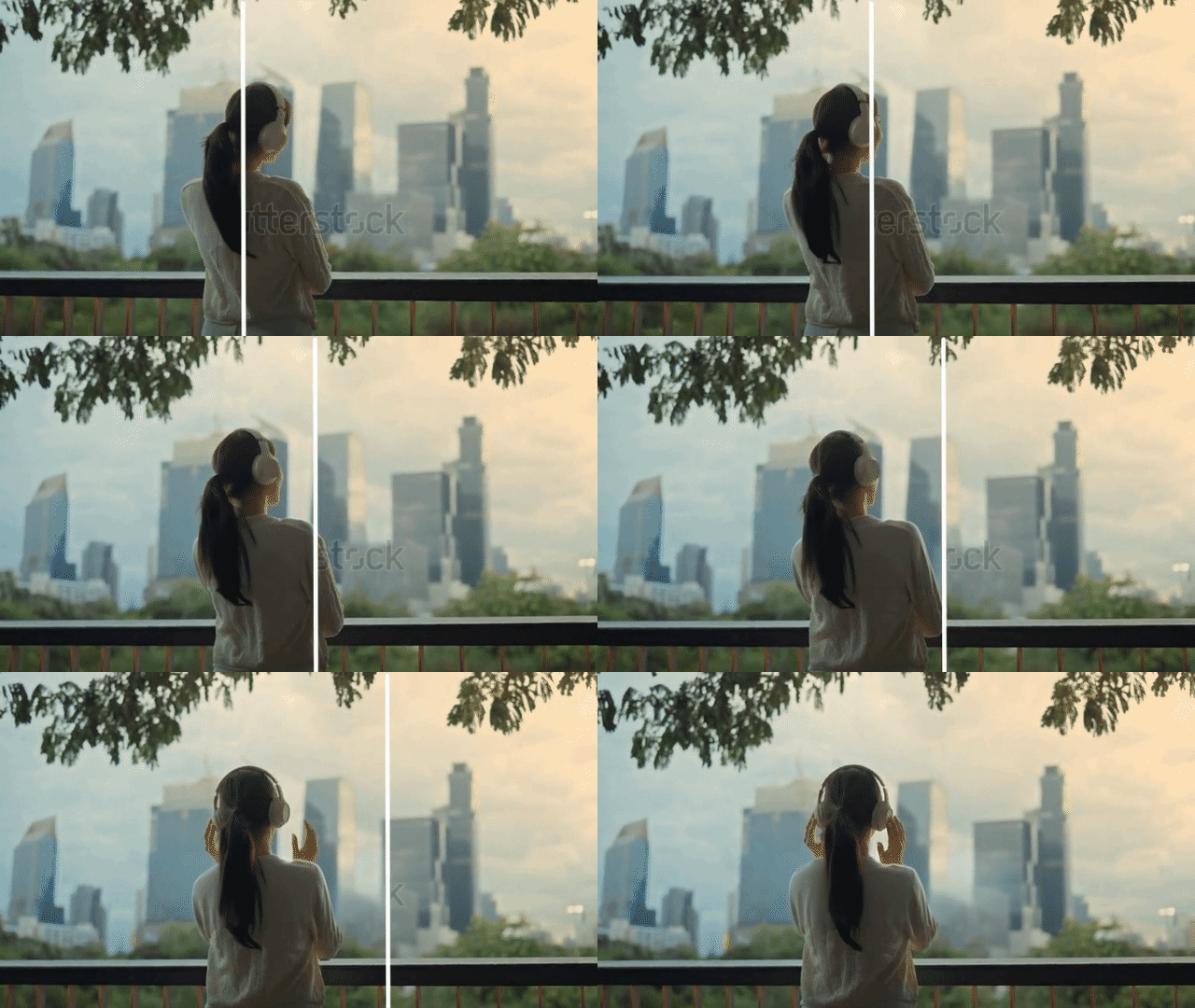
If you’ve ever downloaded or reused a YouTube video, you’ve probably run into this problem: a channel logo sits in the corner, subtitles are burned into the frame, and every “quick fix” you try makes the video look worse.
Most traditional tools solve this by blurring or masking the area. The problem? It destroys visual quality and makes the footage feel obviously edited.
A modern YouTube watermark remover works differently. Instead of covering the watermark, AI reconstructs the missing pixels so the background stays clean and natural-looking.
In this guide, you’ll learn what YouTube watermarks are, why they exist, and how AI tools like AIAI’s YouTube Watermark Remover help remove them without ruining video quality.
What is a YouTube watermark remover?
A YouTube watermark remover is an online or AI-powered tool that detects and removes unwanted overlays in YouTube videos—such as logos, text, or burned-in elements—while preserving the original background.
Unlike traditional editing methods (blur, crop, or mosaic), AI-based tools analyze surrounding frames and rebuild missing details using spatial-temporal reconstruction, resulting in a more seamless finish.
In simple terms:
It removes visual overlays from YouTube videos while keeping the background intact instead of blurring it.
What kinds of watermarks appear on YouTube videos?
Before choosing a removal method, it helps to understand what you’re dealing with. YouTube videos can contain several types of embedded overlays:
1. Channel branding logos
Small semi-transparent logos often placed in the corner of the video. These are used for branding consistency but can become distracting when repurposing content.
2. Intro / outro text overlays
These appear at the beginning or end of videos, usually showing channel names, slogans, or subscription prompts.
3. Hardcoded subtitles or timestamps
These are “burned into” the video itself, meaning they are part of the pixels and cannot be turned off like regular captions.
4. Subscribe buttons and CTAs
Some videos include animated or static call-to-action elements directly embedded into the footage.
Each type varies in difficulty. Logos are usually easier to remove, while hardcoded subtitles require advanced AI reconstruction.
Why do people need to remove YouTube watermarks? (Real use cases)
Watermark removal is not just about aesthetics—it’s often about workflow efficiency and platform compatibility.

1. Cross-platform content repurposing
Creators often repost YouTube Shorts on TikTok or Instagram Reels. A visible YouTube logo can make content feel “recycled” and reduce engagement.
2. Channel rebranding
When a creator updates their visual identity, older videos may still carry outdated branding. Removing watermarks helps unify the new look.
3. Video localization
Translation teams frequently remove hardcoded subtitles so they can replace them with new languages.
4. Business and educational use
Companies often reuse YouTube content in presentations, training materials, or product demos where clean visuals are required.
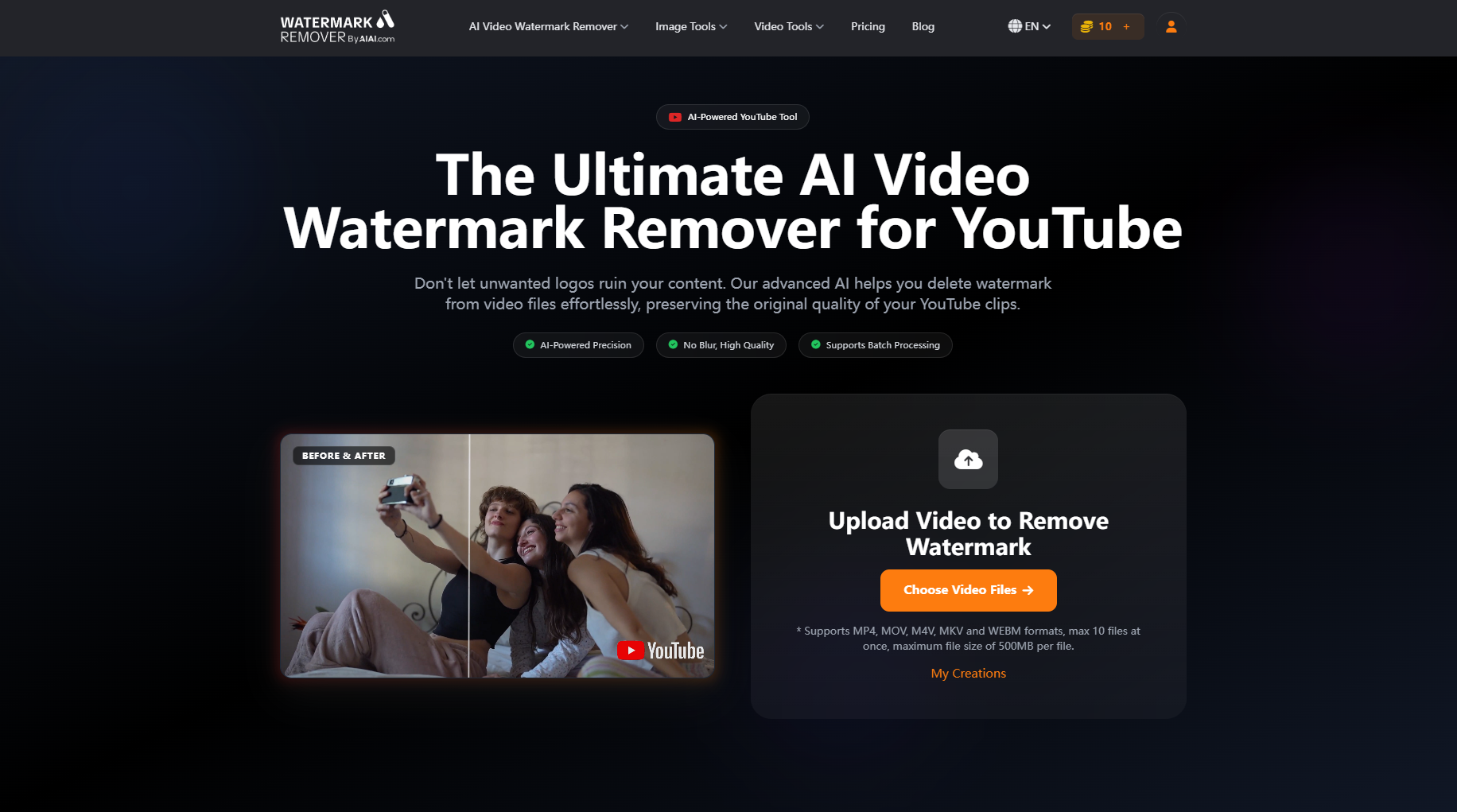
How to remove a YouTube watermark online: Step-by-step guide
The simplest way to remove watermarks today is using an online AI tool. One example is AIAI’s YouTube Watermark Remover, which is designed specifically for handling channel logos, text overlays, and burned-in elements.
Based on the interface shown above, the workflow is straightforward:
1. Upload your video
Click “Upload Video” or drag and drop your YouTube video file into the platform.
It supports common formats like MP4, MOV, and AVI.
2. Select the watermark area
Use the brush or bounding box tool to highlight the watermark—such as a YouTube logo, channel handle, or subscribe overlay directly on the video.
3. Process and download
Click “Remove Watermark” and let the AI process the video. Once finished, preview the result and download the clean version in original quality.
That’s it—no manual editing, no blurring, and no complex software required.
Other ways to remove YouTube watermarks (and when to use them)
Not every situation requires AI. Here are alternative methods:
1. Cropping
Best for corner logos. However, it reduces frame size and may cut important visual elements.
2. Blur or mosaic masking
Fast but visually noticeable. The result often looks worse than the original watermark.
3. Professional video editing software (content-aware fill)
Tools like advanced desktop editors can reconstruct frames, but require skill, time, and manual keyframing.
4. Re-exporting original project files
The cleanest method—but only possible if you have access to the original editing project.
For most users who want clean results without editing experience, AI-based tools are the most practical option.
Repurposing YouTube videos for TikTok and Instagram Reels
Content repurposing is one of the main reasons creators remove YouTube watermarks.
Platforms like TikTok and Instagram prioritize “native-looking” content. If a video visibly includes a YouTube logo, viewers may instantly recognize it as reposted content.
A clean workflow usually looks like this:
- Download YouTube video
- Remove watermark using AI tool
- Adjust aspect ratio (9:16 for Reels/Shorts)
- Add platform-specific captions
- Publish as native content
One important note: audio licensing matters. Not all YouTube audio can be reused across platforms.
Is it legal to remove YouTube watermarks?
This depends on how the content is used.
Generally acceptable cases:
- Your own uploaded videos
- Licensed or stock footage you are authorized to edit
- Internal brand or educational content
Risky or unauthorized cases:
- Downloading other creators’ videos without permission
- Removing watermarks and reposting for commercial gain
Always ensure you have rights to edit and reuse the content before processing.
FAQ: YouTube watermark removal questions answered
Can I remove a hardcoded watermark without blurring?
Yes. AI tools reconstruct surrounding pixels instead of applying blur, resulting in cleaner visuals.
Will removing a watermark reduce video quality?
Not necessarily. AI-based restoration preserves resolution and can maintain visual consistency when done correctly.
Can burned-in subtitles be removed?
Yes, advanced tools can detect and reconstruct areas where subtitles are embedded into the video frame.
How long does processing take?
It depends on video length, but short clips can be processed within minutes.
Is my video safe when uploading online?
Most AI tools automatically delete uploaded files after processing for privacy protection.
Can I remove watermarks from multiple videos at once?
Some tools support batch processing, allowing multiple files to be handled in one workflow.
Final thoughts
A YouTube watermark remover is no longer just a basic editing tool—it’s becoming an AI-powered workflow solution for creators, marketers, and editors who need clean, reusable video content.
If your goal is to repurpose videos, localize content, or clean up branding overlays, AI-based solutions like AIAI’s YouTube Watermark Remover offer a faster and more efficient alternative to manual editing.
The biggest advantage is simple:
You don’t blur the video—you rebuild it.