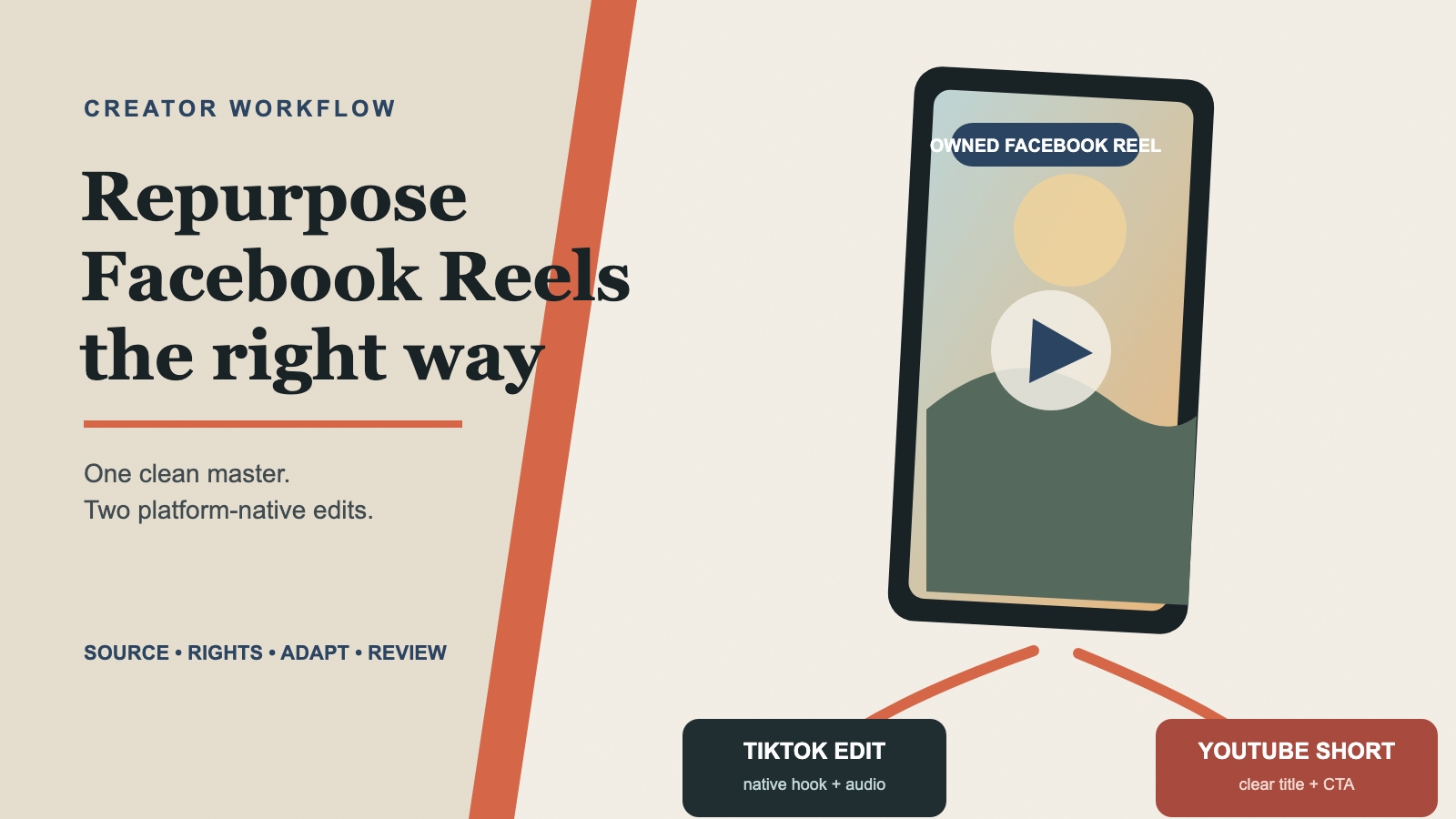
Start with the cleanest master file you own, confirm that you can reuse the video and audio, then create separate TikTok and YouTube Shorts versions instead of uploading the same Facebook export everywhere. Remove authorized platform-specific overlays only when the clean source is unavailable, and adapt the hook, captions, audio, metadata, and safe areas for each destination.
Repurposing is not simply reposting. A Facebook Reel may already be compressed, contain a Facebook-specific label, use music licensed only within one platform, or include a call to action that makes little sense on TikTok or YouTube. Sending that exact export through two more platforms can make the video look recycled and can introduce quality or rights problems.
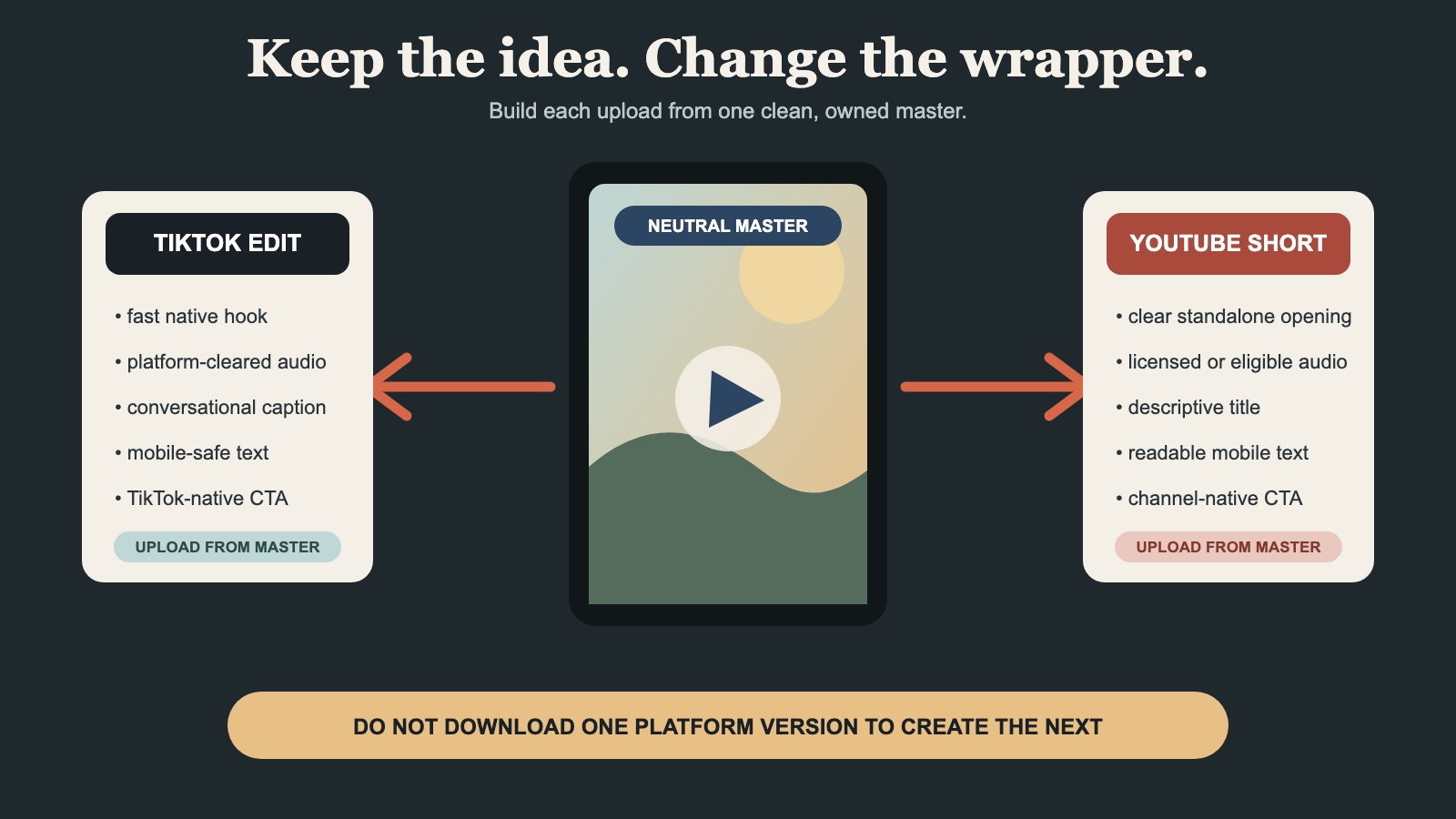
The better workflow is to create a neutral master and treat every platform version as a small, intentional edit. That takes slightly more preparation, but it gives you cleaner video, clearer attribution, and more control over how the same idea reaches different audiences.
Start With Content You Own or Are Allowed to Reuse
Only repurpose a Reel you created or have explicit permission and sufficient rights to edit and publish elsewhere. Downloading a video, crediting its creator, or changing the overlay does not automatically grant those rights.
Facebook’s copyright guidance recommends posting content you created yourself and explains that downloading, modifying, crediting, or adding a disclaimer does not by itself prevent infringement. TikTok’s copyright guidance similarly advises users to post original content or obtain permission before using somebody else’s work.
Before touching the file, confirm four things:
- Video ownership: You filmed or created the footage, or your agreement permits editing and cross-platform use.
- People and locations: You have any releases or permissions required for the intended publication.
- Graphics and stock assets: Fonts, templates, footage, and images are licensed for every destination.
- Music and audio: The track can legally travel outside Facebook, or you will replace it with platform-cleared audio.
Keep a record of licenses and creator approvals for brand, client, or paid campaign work. Removing a visible platform mark should never be used to hide the origin of content you do not own.
Choose the Cleanest Available Source
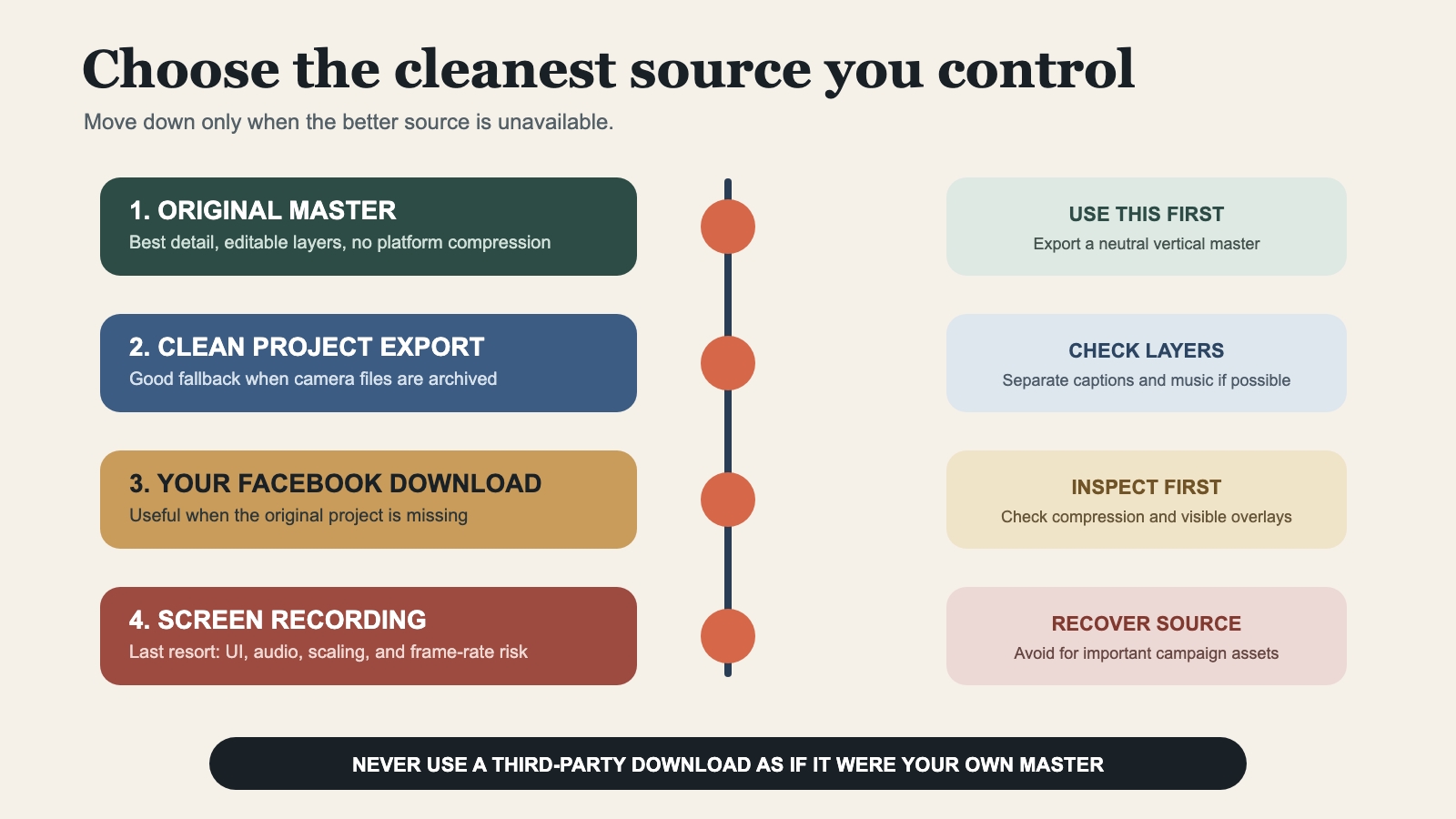
The source file has a bigger effect on final quality than almost any export setting. Use this order of preference:
1. Original Camera File or Clean Master
This is the best option. It has not been compressed by Facebook and should not contain platform-specific labels. Return to the editing project, remove any Facebook-only graphics, and export a neutral version.
2. Previous High-Quality Project Export
If the camera files are archived or unavailable, use the clean export that was originally uploaded to Facebook. Check whether captions and music were burned into the file or added inside Facebook.
3. A Download of Your Own Facebook Reel
Facebook provides a mobile option to download a Reel you shared. This is useful when the original project is missing, but the downloaded file may already carry compression or visible platform elements.
4. Screen Recording
Treat screen recording as a last resort. It may capture interface controls, notifications, playback scaling, lower-quality audio, and an inconsistent frame rate. If the content matters enough to publish on several channels, recovering the original file is usually worth the effort.
Separate the Video From Platform-Specific Elements
A useful neutral master contains the creative work but not unnecessary platform baggage. Review the Facebook copy for:
- Facebook logos, labels, usernames, or corner overlays
- Buttons or interface elements captured in a screen recording
- A spoken or visual call to action such as “follow us on Facebook”
- Music added inside Facebook rather than licensed for external use
- Auto-generated captions that cannot be edited cleanly
- Text positioned too close to the edge for another platform
If you still have the project, remove or replace those elements there. Source-level editing preserves more detail than repairing a compressed export.
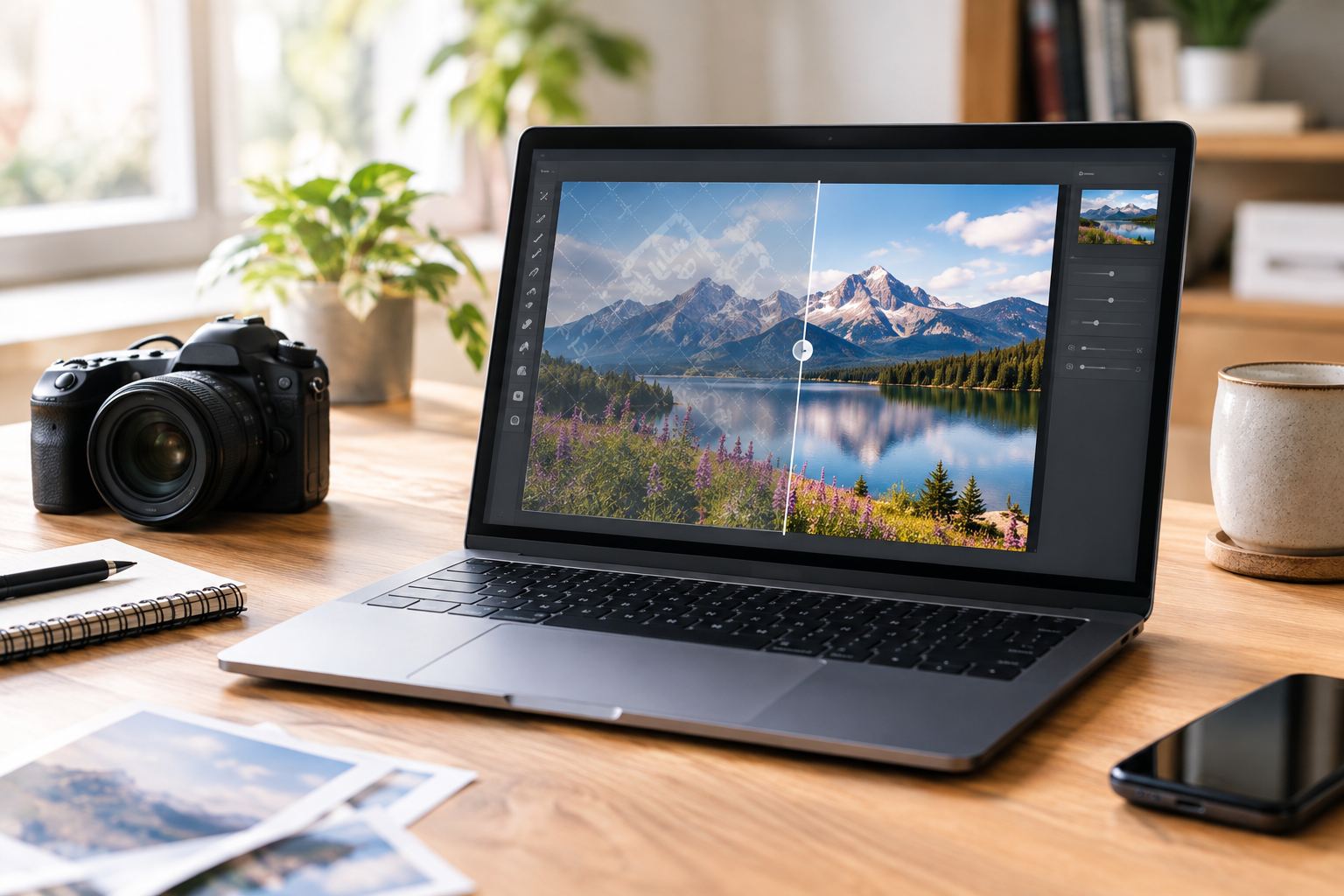
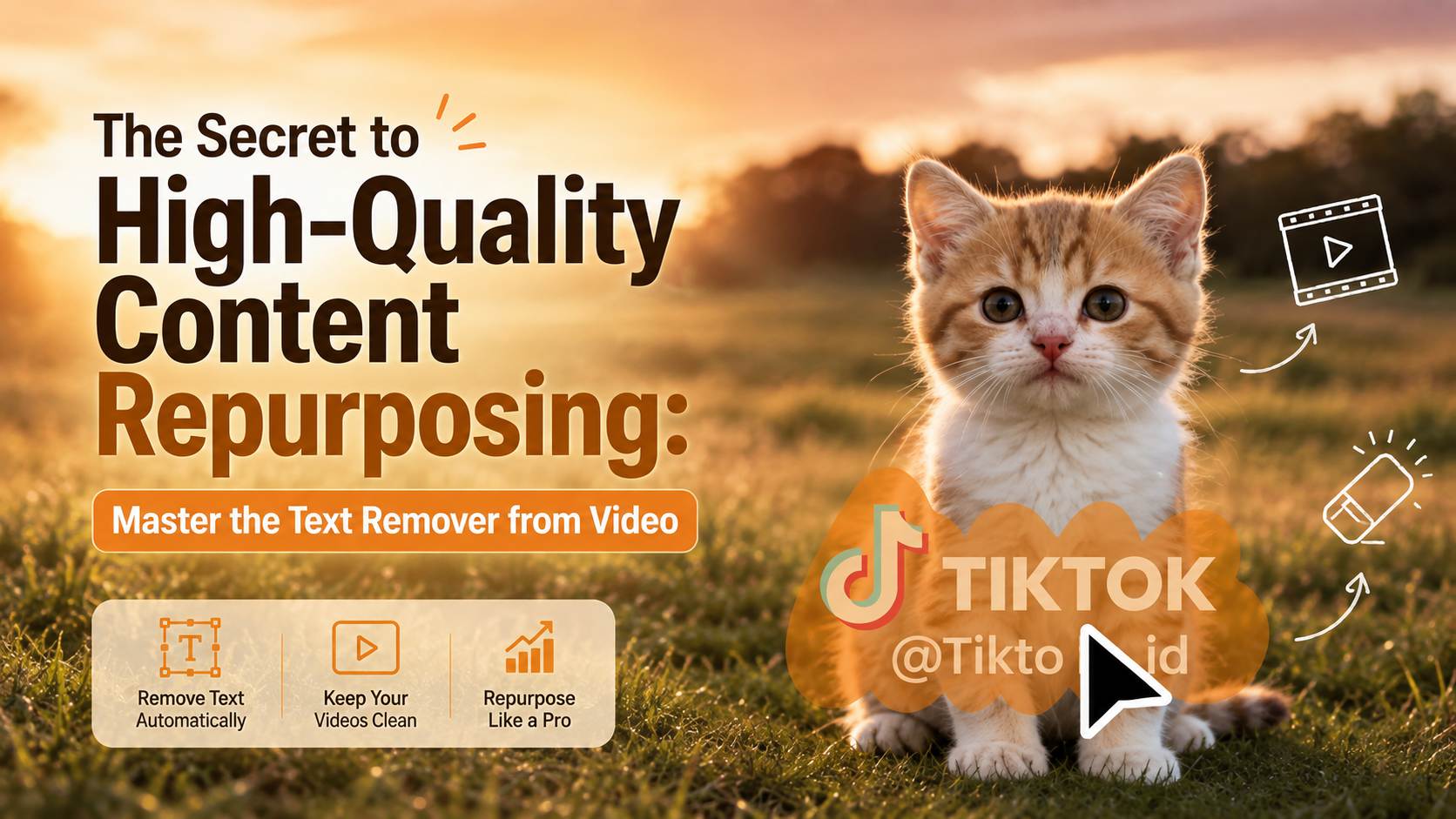
If the clean master is unavailable and your owned or authorized export contains a visible overlay, you can use AIAI.com’s facebook watermark remover tool to clean visible Facebook overlays. The page accepts MP4, MOV, M4V, MKV, and WEBM video files, supports up to 10 video files at once, and lists a maximum of 500 MB per video.
Use a short, difficult sample first. Include camera movement, scene changes, or a person crossing behind the marked area. A result that looks good on one static frame may still flicker during motion. Inspect the processed sequence at normal speed and frame by frame before committing the entire Reel.
Do not remove a username or attribution from third-party media simply because the software can erase it. The right to edit comes before the cleanup method.
Build a Neutral Vertical Master
Once the Facebook-specific elements are gone, create one high-quality working master. This is not necessarily the final upload for every channel. It is the clean source from which each platform version will be produced.
A strong neutral master usually has:
- A vertical 9:16 composition when the original concept was designed for short-form feeds
- No platform logo or platform-specific interface element
- No destination-specific username embedded into the video
- Editable captions or a caption-free version
- Dialogue, effects, and music separated when the project allows it
- Sufficient margin around faces, subtitles, products, and calls to action
- A clean opening and ending that can be shortened independently
Export the neutral master once at high quality. Then duplicate the project or create separate timelines for TikTok and YouTube Shorts. Repeatedly downloading and re-encoding one platform’s upload creates a compression chain that gradually damages fine detail, gradients, text edges, and motion.
Adapt the Reel Instead of Posting an Identical Copy
The story can stay the same while the packaging changes. A platform-native version adjusts the first seconds, text, audio, caption, and call to action to match what viewers expect in that feed.
| Element | TikTok version | YouTube Shorts version |
|---|---|---|
| Opening hook | Fast visual or spoken payoff; test concise on-screen text | Make the topic immediately understandable, including without prior channel context |
| Caption | Conversational context, relevant tags, and any required disclosure | Use a descriptive title that communicates the topic and viewer benefit |
| On-screen text | Keep inside comfortable mobile safe areas and away from interface controls | Keep the core message readable on mobile and out of likely interface zones |
| Audio | Use original audio you own or music licensed for the intended TikTok use | Use owned audio, properly licensed music, or eligible YouTube audio |
| Call to action | Ask for a TikTok-native response, follow, or comment | Point to a related Short, playlist, channel, or longer video when appropriate |
| Ending | Avoid a Facebook-specific end card | Leave enough time for the final idea without carrying an irrelevant Facebook prompt |
| Cover and metadata | Choose a representative cover and native description | Write a clear title and review visibility, audience, and monetization settings |
Handle Music Before You Upload
Music is one of the easiest details to overlook because a track that works on Facebook may not be cleared for the same use on TikTok or YouTube.
For brand, product, or service content, TikTok recommends music from its Commercial Music Library, which is pre-cleared for commercial use. TikTok notes that its licenses for music outside that library do not cover commercial use in branded content. If you use music from elsewhere, you need the necessary rights.
YouTube currently categorizes square or vertical uploads of up to three minutes as Shorts for standard channels, subject to its applicable rules. Its official guidance also states that a Short longer than one minute with an active Content ID claim will be blocked globally. Review the current YouTube guidance for three-minute Shorts before relying on a track carried over from another platform.
The safest reusable audio options are:
- Original voice, sound design, or music you own
- Music licensed for all planned platforms and commercial uses
- A silent or dialogue-only neutral master with music added inside each destination platform
- Separate licensed tracks chosen specifically for TikTok and YouTube
Do not assume that selecting a track inside one social app gives you a portable license to embed it in a downloaded file and publish it elsewhere.
A Practical Facebook-to-TikTok Workflow
Use this sequence for the TikTok version:
- Open the clean vertical master rather than the compressed Facebook upload whenever possible.
- Shorten pauses and move the most useful visual or statement into the opening seconds.
- Replace Facebook-specific captions, usernames, end cards, and spoken prompts.
- Keep important text away from screen edges and interactive interface areas.
- Add owned or TikTok-cleared audio appropriate to the account and content type.
- Write a caption that adds context instead of repeating every word shown in the video.
- Add required commercial-content or sponsorship disclosure.
- Preview the complete post on a phone before publishing.
TikTok supports video uploads from the app and from a web browser, although its official posting guidance notes that trimming an uploaded video is handled in the app. Choose the route that gives you the editing and review controls you need.
A Practical Facebook-to-YouTube Shorts Workflow
Use a separate export for YouTube Shorts:
- Start from the same neutral master, not the TikTok download.
- Confirm that the opening explains the subject to somebody who has never seen your Facebook page.
- Adjust the ending so it supports a channel, playlist, related Short, or longer YouTube video.
- Remove or replace any music that may trigger a claim or is not licensed for YouTube.
- Export a square or vertical file appropriate for the Short.
- Write a descriptive title rather than copying a Facebook caption verbatim.
- Upload as private or unlisted first when you need to review processing, captions, and claims.
- Check the processed mobile version before making it public.
YouTube’s Shorts upload tips recommend a test upload when learning the workflow. That is especially useful when a repurposed video contains licensed music, fine text, or detailed motion that could change after processing.
Prevent Quality Loss Across Platforms
Each social platform processes uploaded video. You cannot prevent all recompression, but you can avoid making it worse.
Avoid the Download-Upload Chain
Do not upload to Facebook, download that copy, upload it to TikTok, download again, and then upload to YouTube. Every stage can introduce another encoding pass. Return to the neutral master for every destination.
Keep Text and Graphics Crisp
Small captions and thin lines reveal compression quickly. Use readable type, sufficient contrast, and sensible margins. If a watermark cleanup touched text or a straight edge, inspect the area at full resolution before export.
Check Motion, Not Just a Thumbnail
A repaired corner may look perfect while paused but shimmer when the camera moves. Watch the affected section at full speed, half speed, and frame by frame. Look for ghost outlines, sliding texture, pulsing blur, or a rectangular patch.
Preserve the Intended Frame
Cropping can remove a corner overlay, but it may also enlarge the remaining pixels and cut off visual context. Compare crop, cover, source re-export, and repair options before deciding which produces the most natural result.
Verify Audio After Every Export
Check sync, loudness, clipping, and the first spoken word. Replacing a track or trimming the opening can shift timing. Listen on phone speakers as well as headphones.
Pre-Publish Checklist
- You own the video or have written permission for cross-platform editing and publication.
- Music, stock media, fonts, and graphics are licensed for the destination and use type.
- You used the original or cleanest available source.
- Facebook-specific marks and prompts were removed only when authorized.
- The hook was reviewed separately for TikTok and YouTube Shorts.
- Captions and calls to action match the destination.
- Important text stays inside comfortable mobile safe areas.
- The video was exported from the neutral master, not another platform’s downloaded copy.
- The complete file was checked for blur, flicker, ghosting, audio sync, and compression.
- Sponsorship, AI, affiliate, or commercial disclosures remain visible where required.
- A private, draft, or unlisted upload was used when extra review was needed.
When You Should Not Remove the Facebook Overlay
Keep the visible mark or obtain a clean source from the owner when:
- The video belongs to another creator and you lack permission.
- The username is required attribution under your agreement.
- Removing the mark could make viewers believe you created third-party footage.
- The overlay contains a disclosure that must remain.
- Repair would alter evidence, reporting context, or a factual record.
- The selected area covers details that cannot be reconstructed accurately.
Sometimes the correct repurposing decision is not to clean the file. You may instead embed the original post, request creator assets, license the footage, or create a new version from your own material.
Frequently Asked Questions
Can I post the same Facebook Reel on TikTok and YouTube Shorts?
Yes, if you own the content and all included elements are cleared for those platforms. Create separate destination versions from a clean master so you can adapt the audio, text, metadata, and calls to action.
Should I download my Facebook Reel or use the original file?
Use the original file or clean project export whenever possible. A Facebook download is a useful fallback for a Reel you shared, but it may already be compressed or contain platform-specific elements.
Can I use the same music on all three platforms?
Not automatically. Music access or licensing inside one platform may not cover an exported video posted elsewhere. Use music you own, a license covering every destination, or add separately cleared music inside each platform.
Will YouTube treat my repurposed vertical video as a Short?
YouTube currently treats eligible square or vertical uploads up to three minutes as Shorts for standard channels. Check current YouTube guidance before publishing because classification and music rules can change.
Is removing a Facebook watermark enough to make a video platform-native?
No. A clean frame is only one step. The strongest version also adjusts the opening, captions, audio, safe areas, metadata, and call to action for its destination.
How do I stop the cleaned area from flickering?
Begin with the highest-quality source, keep the selected repair area precise, and test a segment containing movement. If the background or overlay moves, use a video-aware workflow and inspect the result across the full sequence rather than one frame.
One Idea, Three Intentional Versions
The most efficient cross-platform system is not a chain of reposts. It is a clean source feeding several purposeful outputs.
Keep the original master, separate platform-specific audio and graphics, and make the smallest edits that improve each destination. If your only surviving copy is an owned Facebook export, clean authorized visible overlays carefully, inspect the repaired motion, and turn that result into a neutral master before creating the TikTok and YouTube Shorts versions.
That process protects quality, reduces rights surprises, and helps the same creative idea feel native wherever viewers discover it.