I’ve been spending a lot of time testing ByteDance’s Dreamina platform (dreamina.capcut.com) lately, specifically playing around with its Seedance video model. I have to say, the results are genuinely impressive—the camera motion, lighting consistency, and character physics look far better than most AI generators I’ve tried.
Everything was going smoothly until last week, when I finished rendering a vertical 9:16 clip for a client’s Instagram Reels campaign. The animation looked crisp and the overall vibe was right on target. But the moment I downloaded the final file, I hit a massive roadblock: a small platform logo was stamped right into the bottom corner.
If you’ve ever handed off a finished project to a paying client or tried to build a brand on TikTok, you know how frustrating that is. Delivering a draft with another company’s logo makes your work look unpolished, and social media algorithms are infamous for throttling reach on videos that carry obvious AI tags. I needed a reliable dreamina video watermark remover that could clean up my footage without cutting off my subject or degrading the original quality.
Here’s what I learned while trying to fix my clip, why my usual editing tricks failed, and how I finally got a clean export in a matter of seconds.
The Dreamina Watermark Problem: Why Exports Show Logos (Even on Paid Plans)
If you’ve been dealing with unwanted logos on your Dreamina or CapCut downloads, you’re definitely not alone.
While looking for a fix, I came across a thread on Reddit’s r/generativeAI community where another creator described the exact same headache. They had upgraded to a paid subscription on dreamina.capcut.com specifically to test Seedance 2.0, expecting clean exports. While the web editor showed a watermark-free preview, clicking the download button baked a visible platform logo directly into the final video.
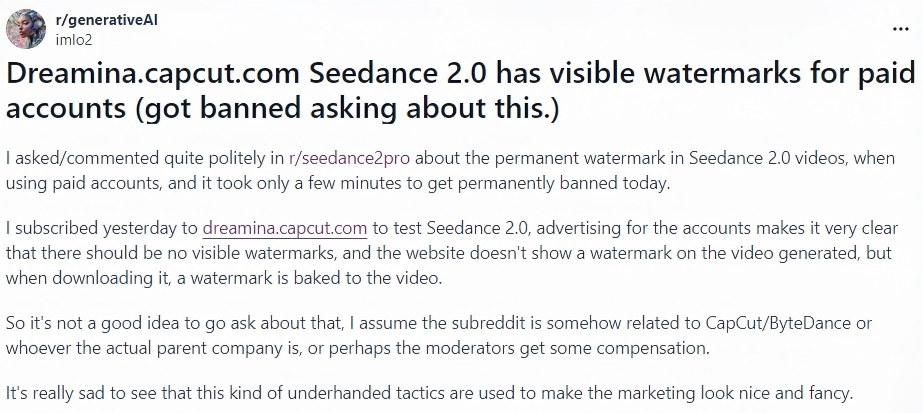
When you export clips from the ByteDance ecosystem, it helps to know what’s actually happening to your file:
- Visible Watermarks & AI Badges: These are the visual logos, CapCut stamps, or “AI Generated” labels stamped onto your video frames. This is the visual clutter that ruins an otherwise clean asset.
- Invisible Metadata / C2PA Credentials: This is background header data stored inside the file itself to track AI provenance.
When creators look for a dreamina capcut watermark remover or a dreamina ai watermark remover, they’re almost always trying to solve the first issue: getting rid of the visible logo so their video looks clean and professional.
Cropping vs. Blurring vs. AI Removal: Why Traditional Methods Fail
Like most video editors, my first instinct was to handle this in my regular editing software. But old-school editing hacks usually end up ruining the video:
- Cropping the Frame (Ruin Your Framing): On vertical 9:16 videos, cutting off 10% from the bottom or side destroys your carefully designed composition. Suddenly, your character’s chin gets cut off or your subtitles get chopped in half.
- Blurring / Cover-Up Masks (The Grey Patch): Putting a blur box or mosaic patch over a moving background leaves an ugly grey smudge. It instantly signals that you tried to cover something up and looks worse than the watermark itself.
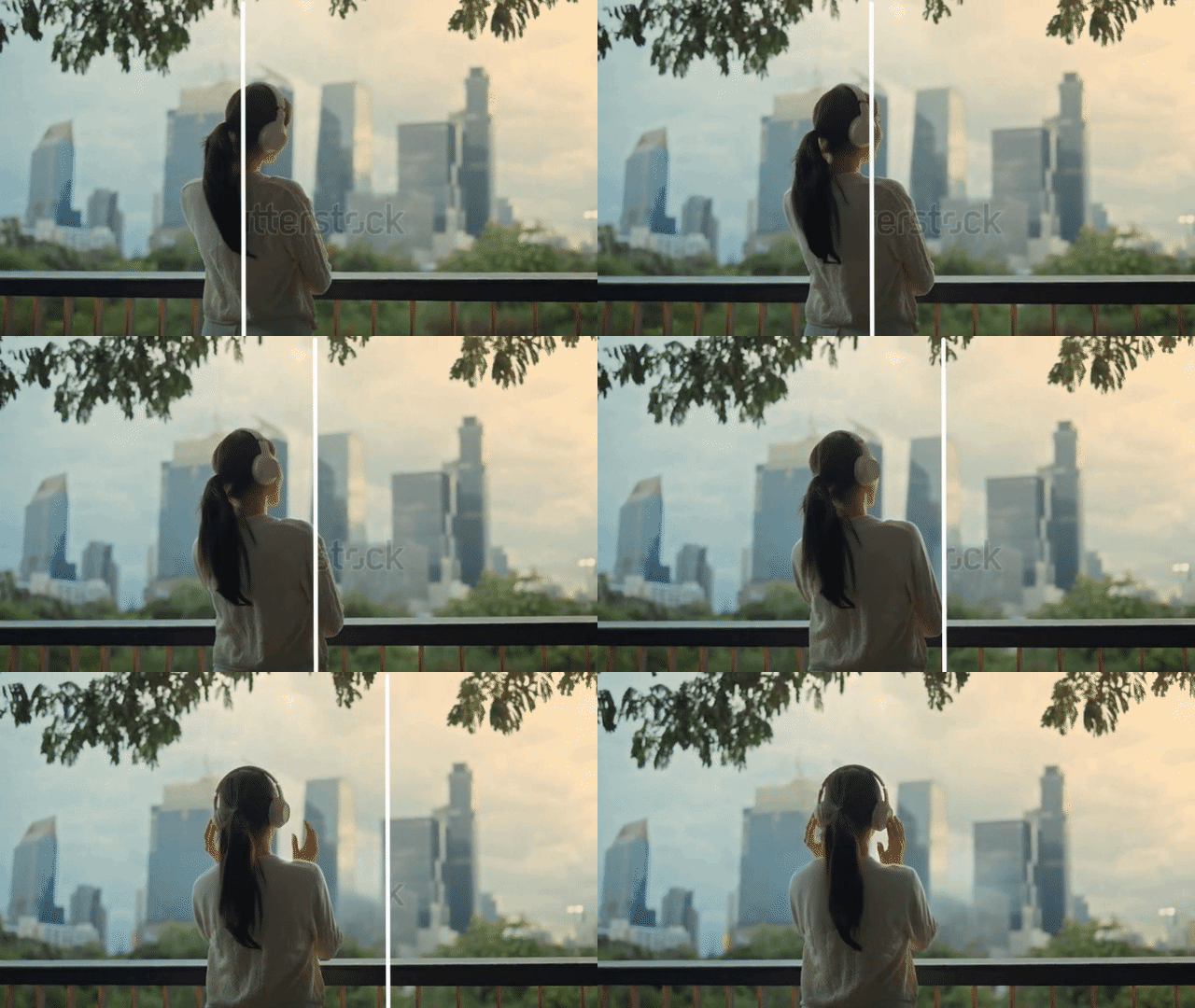
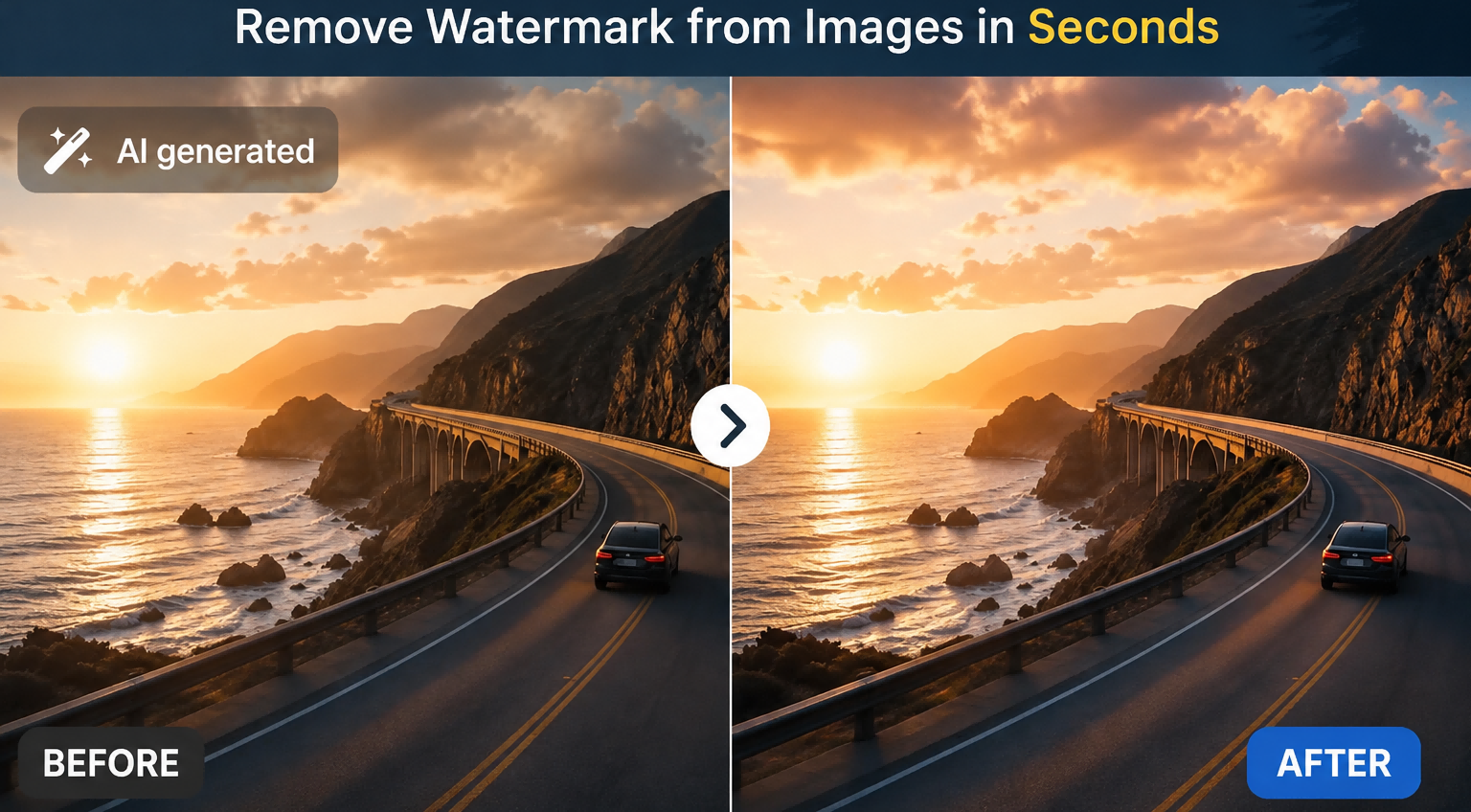
- AI Pixel Reconstruction (The Clean Fix): Instead of chopping the video or painting a blurry patch over it, modern AI reads the surrounding pixels across neighboring frames and rebuilds what should be behind the logo. You end up with a clean clip that keeps your original framing intact.
How to Remove Dreamina Watermark Online Free: A 3-Step Guide
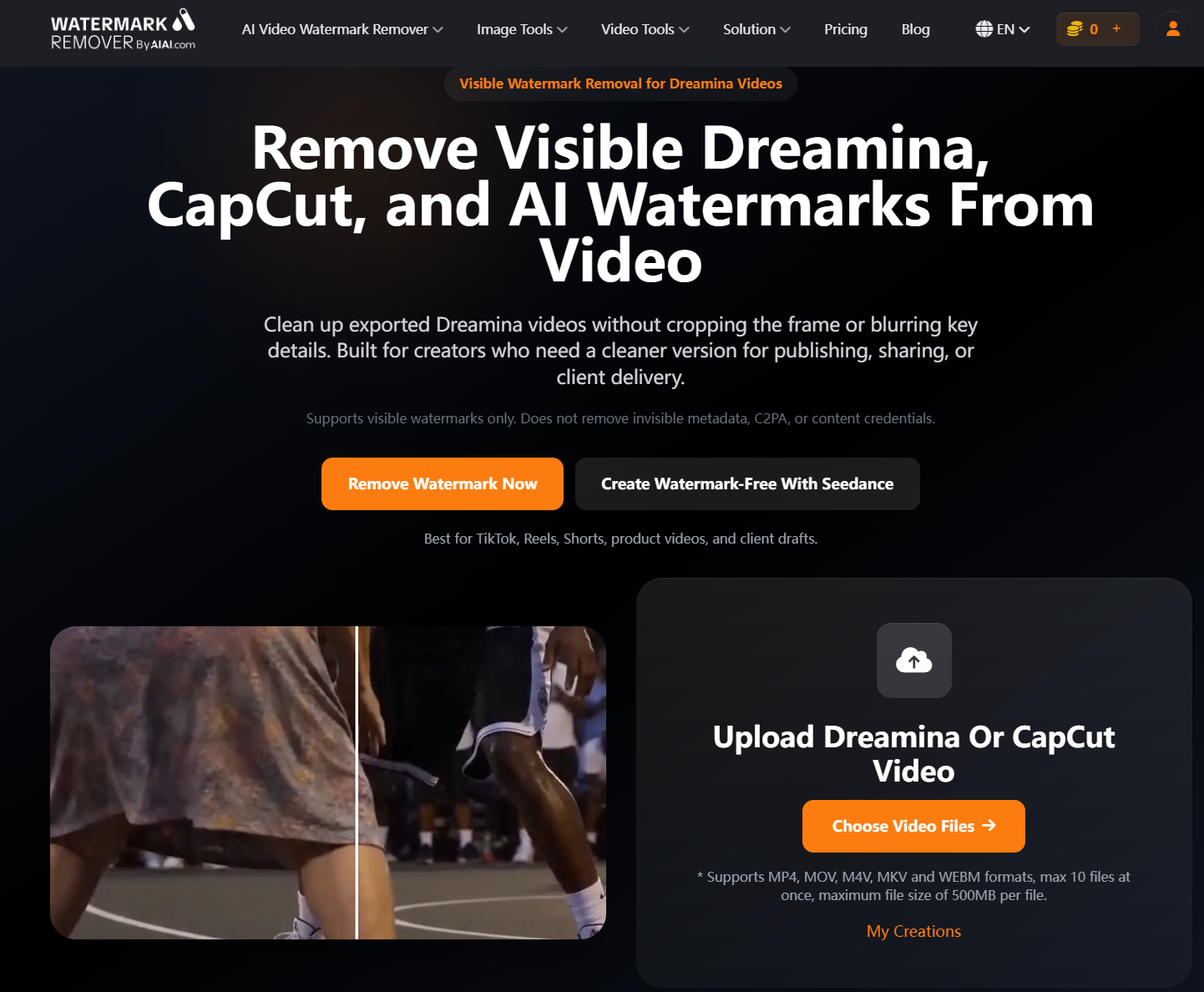
After testing half a dozen online tools, the simplest solution I found is the dedicated Dreamina Watermark Remover on AIAI.com.
If you’re wondering how to remove dreamina watermark overlays without diving into complex timeline tracking, here is the 3-step routine I use:
Step 1: Drop In Your Video
Head to the AIAI.com tool page and upload your MP4, MOV, or WEBM file. It handles files up to 500MB, and you can upload a batch if you have multiple clips to process.
Step 2: Let the AI Find the Overlay
You don’t need to manually draw tracking masks over every frame. The AI automatically scans your clip, pinpoints the visible Dreamina or CapCut logo, and locks onto the affected area.
Step 3: Preview and Export
Use the side-by-side preview slider to double-check the result. Once you confirm the logo is gone and the background looks completely natural, hit download. The file exports without dropping your resolution or destroying video bitrates.
(Quick tip: If you also generate still images using Dreamina’s Seedream model, this exact page doubles as a dreamina image watermark remover as well.)
AIAI.com Pricing: 20 Free Credits & No Subscription Traps
What I appreciate about AIAI.com is that you can test everything out before putting any money down. If you’re looking for a dreamina watermark remover online free tool to clean a quick draft, here is how their pricing works:
- 20 Free Credits (Forever Free): You get 20 credits the moment you sign up. That’s enough to process about 10 seconds of video—ideal for fixing an urgent clip right away.
- One-Time Credit Packs (No Subscription Traps): Most tools try to force you into a recurring monthly bill. AIAI.com offers one-time credit top-ups—like $8.00 for 160 credits. That’s literally the price of a fancy latte at Starbucks, and your credits don’t expire at the end of the month.
- Monthly Subscriptions (For High-Volume Creators): If you run a social agency or publish AI shorts daily, the Pro plan drops down to $7.99/month for 300 credits, lowering your cost per video cleanup down to a few cents.

Is AIAI.com Dreamina Watermark Remover Worth It?
Here is how the numbers break down when I look at my own client work:
If you try to clone out a moving watermark frame-by-frame in After Effects, you’re looking at 30 to 45 minutes of tedious work for a single 5-second clip. Even if you value your creator time conservatively at $25 an hour, you’re throwing away $15 to $20 worth of your time just to clean up one export.
Using the Dreamina Watermark Remover on AIAI.com takes about 5 seconds and costs a tiny fraction of a dollar per clip. Spending $8 for 160 credits means you can clean an entire batch of videos for less than the cost of a morning coffee.
Delivering a clean video means client invoices get approved without awkward revision requests, while posting clean 9:16 clips on TikTok gives your content a much better shot at picking up organic algorithm push.
A Smarter Creator Workflow: Fix Today’s Clips or Skip Watermarks Next Time
As you build out your AI video production routine, I recommend using a simple two-track approach:
- For Your Existing Clips: Use the AIAI.com watermark remover tool to fix the videos you’ve already exported from Dreamina or CapCut.
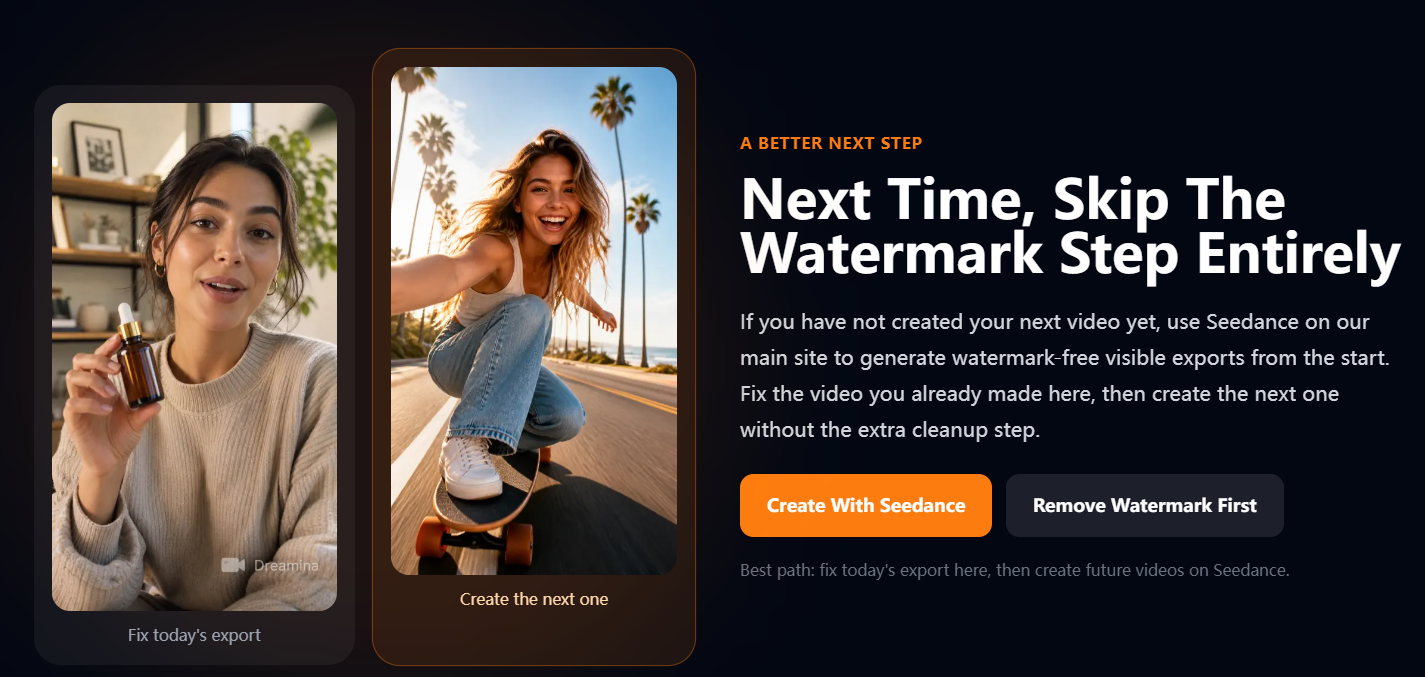
- For Future Projects: If you want to bypass the cleanup step entirely on your next campaign, you can generate your videos directly through the Seedance model on AIAI.com’s main site, which exports clean, watermark-free video right out of the gate.
Who Is AIAI.com Built For? (Key Scenarios & Use Cases)
Having a clean, unbranded video isn’t just about making things look nice—it directly affects your business and your reach. AIAI.com is tailor-made for creators working in these everyday situations:
Freelancers & Agencies
Handing off clean AI video drafts to paying clients without platform logos, ensuring fast client sign-offs and smooth payments.
Social Media Creators
Publishing clean 9:16 vertical videos straight to TikTok, Instagram Reels, and YouTube Shorts without getting hit by algorithm reach penalties.
E-Commerce Brands & Advertisers
Building clean Amazon product demos, Shopify video ads, and social creatives where viewers stay focused on the product rather than corner logos.
AI Content Creators & Filmmakers
Assembling clean portfolios and pitch decks that showcase studio-ready visuals.
Frequently Asked Questions
Why do my paid Dreamina exports still have a visible label?
As many creators have pointed out in community forums, export behavior depends on your tier, location, and specific generation settings. Certain models (like Seedance 2.0) bake visible labels directly into downloaded files regardless of account status.
Does this tool remove invisible C2PA metadata?
No. This tool focuses strictly on visible visual overlay removal—wiping away the logos and badges stamped onto your video frames so your footage looks clean. It does not alter hidden cryptographic C2PA header data inside the file.
Will removing the watermark leave a blurry patch on my video?
No. Unlike basic blur tools that paint a fuzzy grey box over your content, AIAI.com uses AI to reconstruct the missing pixels based on surrounding frames. The rest of your footage remains completely untouched.
Clean Up Your Dreamina Export Today
A small platform logo shouldn’t stand between your AI creation and a clean final publish. Whether you need to deliver a draft to a client or post a Reel that actually gets views, keeping your footage clean is worth the quick extra step.
You can test out the Dreamina Watermark Remover right now with 20 free credits over at AIAI.com and fix your first export in under a minute.