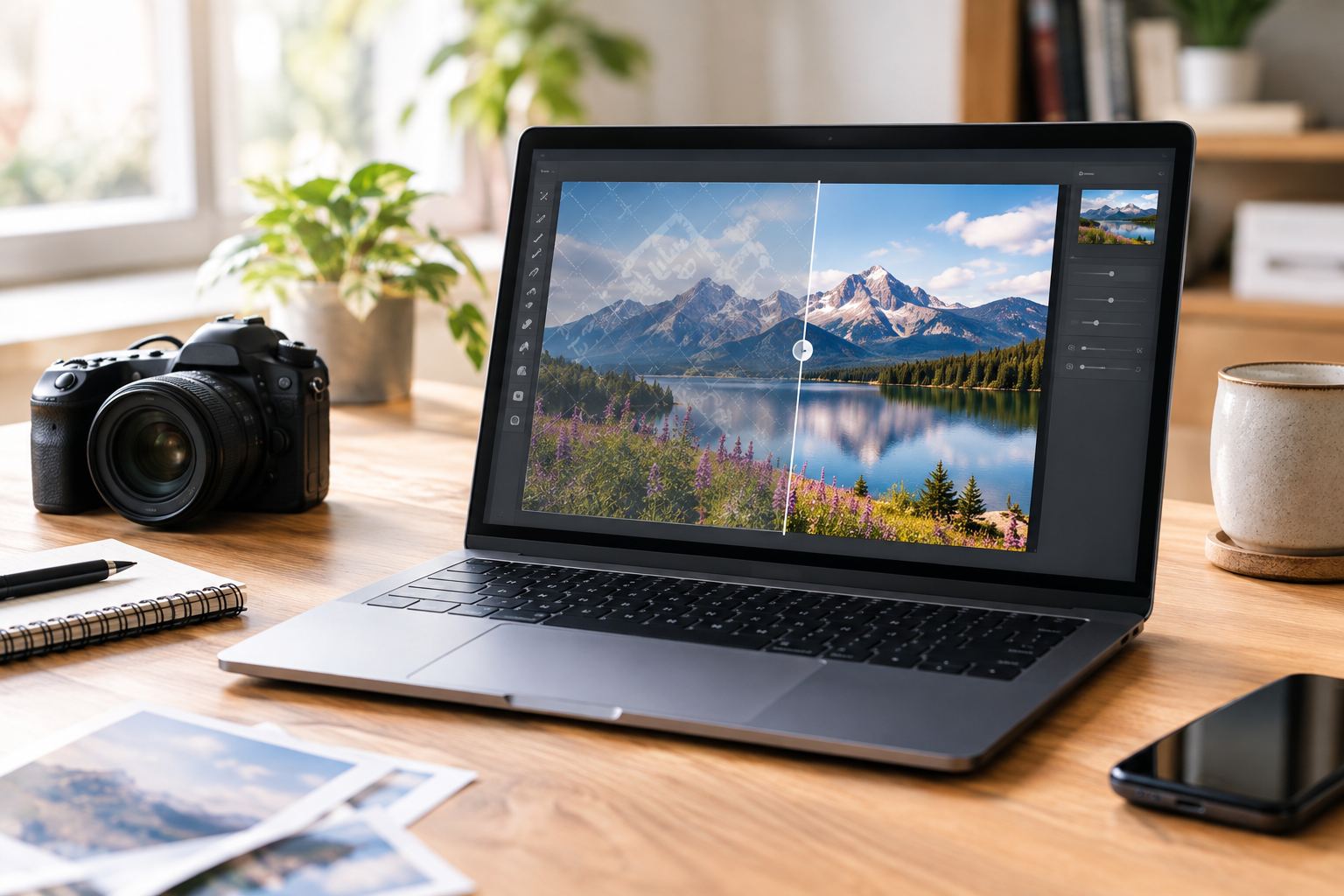
Last week, I was setting up a custom dataset to train a brand-new FLUX.1 LoRA model. Anyone who has played around with AI image generation knows that your model is only as good as your training data.
I managed to scrape over 300 high-resolution portraits, but when I opened the folder, my heart sank. Almost every single image was plastered with semi-transparent, highly distracting watermarks across the center.
For machine learning tasks like LoRA training, watermarks are a disaster. The neural network will literally learn the watermark patterns as a core feature, generating distorted logos on your final outputs. It is the exact same nightmare for e-commerce dropshippers: suppliers send you hundreds of product photos, but they are all covered in ugly factory watermarks and camera timestamps.
Manually editing 300+ images in Photoshop, one by one, is an absolute joke. In this era of AI-driven automation, finding a genuinely reliable Batch Watermark Remover without ruining your image details is a major bottleneck. How do you clean up a massive folder of images without spending hours or turning your pictures into a blurry mess?
The Reddit Dilemma: Can You Clean 300+ Images Without Damaging the Details?
If you spend any time browsing machine learning or photography communities, you’ve probably stumbled upon this popular batch watermark remover reddit thread:
“I have about 220 to 420 images that I need to process to train a LoRA. I have no idea how to remove the watermarks in batch without destroying the fine details. Please don’t recommend those commercial tools that charge a forced $45/month subscription—I cannot afford that. Help!”
Underneath the post, a highly upvoted comment pointed out a harsh reality:
“Unless you have the original files, it is impossible to ‘undo’ a watermark. Most batch tools don’t actually recover pixels; they just smear a blurry patch over the area, which looks even more distracting than the watermark itself.”
This skepticism is completely justified. With legacy image editors, batch watermark removal was a technically impossible task. Older algorithms simply stretched and blended the surrounding pixels over the watermark, leaving behind an ugly, smudged patch of gray or skin tone.
Beyond Blurring: How Modern AI Actually “Sees” What’s Behind the Watermark
This is where the concept of a free ai batch watermark remover changes everything. Modern generative AI does not just smear pixels; it performs context-aware neural reconstruction.
Imagine a watermark stretching across a model’s shoulder and a red brick wall in the background.
Instead of smudging the boundary line between the shoulder and the wall, a generative AI model actually understands the semantic meaning of the image. It knows where the human shoulder ends and where the brick texture begins. By studying millions of high-res images, the neural network calculates the most realistic texture, lighting, and depth, essentially “repainting” the missing pixels with natural skin pores and realistic brick mortar lines.
Coding, Downloading, or Cloud? Finding the Best Tool for Your Workflow
When you have a massive batch of images to clean, there are three main paths you can take. Let’s look at how they stack up in real-world scenarios:
Option A: The Developer’s Route – batch watermark remover github Projects
- The Recommended Tool: Lama Cleaner (now updated and maintained under IOPaint on GitHub) [1, 2].
- The Real Experience: If you know how to write a bit of terminal code and own a high-end local GPU (like an RTX 4080 or 4090), this is the gold standard for privacy and offline control. It is completely free and locally run. However, if you don’t want to deal with Python environments, CUDA drive errors, or terminal commands, setting this up is a massive headache.
Option B: The Offline Powerhouse – batch watermark remover software
- The Recommended Tool: Adobe Photoshop (using automated “Action” scripts combined with Content-Aware Fill) or HitPaw Watermark Remover.
- The Real Experience: Desktop applications are fantastic if you are working offline with gigabytes of raw files. However, running a batch script on 300+ files locally will make your laptop’s fans scream, chew up all your RAM, and potentially freeze your system if your hardware isn’t up to par. Additionally, professional licenses are quite expensive.
Option C: The Instant Access – batch watermark remover free online SaaS Platforms
- The Recommended Tool: Basic cloud editors like Fotor or WatermarkRemover.io.
- The Real Experience: Zero installation, runs instantly on any browser, and offloads all the heavy lifting to cloud servers. However, many basic online platforms have a major catch: to save on expensive cloud bandwidth and GPU processing, they heavily compress your images upon upload or download, leaving you with degraded resolutions and blurry artifacts.
Why AIAI.com is the Smart Shortcut for High-Quality Batch Removal
If you want the convenience of a browser-based tool but refuse to sacrifice image quality, AIAI.com’s cloud-based Batch Watermark Remover caught my attention. It bridges the gap between local power and cloud convenience by addressing the exact flaws of standard online tools:
- Lossless Inpainting: AIAI.com is different from standard SaaS tools. It only processes the pixels under your watermark mask. Other tools compress your whole file. The original resolution, color profile (ICC Profile), and metadata remain untouched.
- Dynamic Multi-Mask Management: Standard batch tools apply a static watermark mask across all files. If your watermarks move a bit or your images have different sizes, like some 1:1 and others 16:9, AIAI.com allows you to create custom bounding boxes for each image in the same processing queue.
- Parallel Cloud Processing: Since rendering occurs on their cloud servers, you can process many images at once. This won’t slow down your computer.
- 24-Hour Auto-Delete: If you handle proprietary or client work, files are deleted from secure servers within 24 hours.
Who Gains the Most from Batch Processing?
If you need a reliable free batch image watermark remover, choose a lossless, high-quality Batch Watermark Remover. It helps you save your most valuable asset: time.
In my creative circles, these four groups benefit the most from automated batch cleaning:
- AI Model Builders (LoRA Datasets): Keeping your dataset immaculate is mandatory. Clear, watermark-free images help your AI models train faster. They also prevent distorted branding artifacts.
- E-Commerce & Dropshipping Sellers: Quickly clean up product catalogs from suppliers. Remove camera watermarks, timestamps, and competitor logos in just seconds.
- Social Media & Marketing Agencies: Repurposing cross-platform content daily requires rapid cleaning. (Bonus: AIAI.com also supports batch video watermark removal, which is a massive time-saver for TikTok and Reels).
- Real Estate Agents & Photographers: Batch clean agent watermarks, timestamp metadata, or lens glares from property listing folders.
No Subscription Traps: How to Clean 400 Images Without a Forced Subscription
Let’s address the budget pain point mentioned by the Reddit user. Most platforms trick you into recurring monthly fees, but AIAI.com keeps its pricing model incredibly flexible:
- Forever Free Plan: Get 20 free credits upon registration (perfect for testing the actual export quality on up to 10 images).
- Pay-As-You-Go Packages (One-Time Purchase): Perfect for one-off projects like training a specific LoRA. You buy exactly what you need with zero recurring monthly subscription pressure (1 image = 2 credits):
- 300 Credits Pack = $13.50 (processes 150 images)
- 500 Credits Pack = $22.50 (processes 250 images) -> Our sweet-spot recommendation
- 1000 Credits Pack = $40.00 (processes 500 images)
- Flexible Subscriptions (Pro/Ultimate): For ongoing business needs, their Pro plan starts at just $7.99/mo (includes 300 credits).

Is It Worth It? Evaluating the Real ROI (And the Coffee Math)
Is spending $22.50 to clean 250 images actually worth it? Let’s break down the math in a highly practical way:
☕ 4 Cups of Coffee vs. 10 Hours of Tedious Work
- The Coffee Cost: A premium latte at Starbucks is about $5.50. Buying the 500 credit pack ($22.50) costs roughly the equivalent of 4 cups of coffee.
- The Time Cost: Manually masking, cleaning, and exporting 250 images in Photoshop takes at least 2.5 minutes per image if you are fast. That is 10 hours of mind-numbing manual clicking.
- The Outsourcing Cost: Hiring a cheap freelancer on Fiverr at $0.50 per image for a 250-image batch will set you back $125, plus you have to deal with the time spent communicating back-and-forth and waiting for delivery.
The math is incredibly simple: Are you willing to sacrifice 10 hours of your life doing tedious work, or would you rather skip 4 cups of coffee, save your day, and get flawless results in under 2 minutes?
Zero Learning Curve: How to Batch Clean Your Images in 3 Simple Steps
The workflow is designed to be completely foolproof with zero learning curve:
- Drag & Drop: Toss your folder of images directly into the browser interface (supports JPG, JPEG, PNG, WEBP up to 20MB per file).
- Define Your Masks: Highlight the watermark area on the first image. Click “Apply Mask to All” to sync across the batch, and easily adjust individual frames if the watermarks shift.
- Download Your Clean ZIP: Hit Process. The cloud servers handle the rendering in parallel. In seconds, download your clean, high-resolution ZIP archive.

Got Questions? Quick Answers on Privacy, Quality, and Credits
I’ve gathered the most common questions about our Batch Watermark Remover from my inbox to help clear up any technical doubts:
- Q: Will the online batch process compress my raw training datasets?
- A: No. AIAI.com utilizes localized inpainting. It isolates and rebuilds only the pixels covered by the watermark. The rest of the image canvas, metadata, resolution, and color profiles are completely unaltered.
- Q: Is it safe to upload proprietary client assets to your server?
- A: Security is a top priority. All uploads are encrypted via end-to-end SSL. Files are processed on secure cloud servers and permanently destroyed within 24 hours of completion.
- Q: Can I batch clean images where the watermarks are in completely different positions?
- A: Yes. While the “Apply Mask to All” button is great for static layouts, you can manually adjust, shift, or resize individual bounding boxes for specific images within the same queue before running the batch.
The Bottom Line: Reclaim Your Time and Stop Manual Editing
At the end of the day, batch cleaning watermarks shouldn’t be a roadblock in your creative process, whether you are preparing datasets or launching an e-commerce storefront.
While local GitHub code and heavy desktop programs certainly have their place, cloud-based tools offer the ultimate balance of convenience, speed, and cost-efficiency without forcing you to buy high-end local GPUs.
You don’t have to take my word for it. Head over to AIAI.com, claim your 20 free credits, and run a test batch yourself. Use the actual output quality to choose the best Batch Watermark Remover for your workflow. Skip the 10-hour manual grind, buy back your day, and focus on what you act